Weekend Drop -













If you've spent enough time in College Football 26, chances are you've run into one of the most frustrating roster issues in the game: the position change glitch. This problem has confused players all year, caused countless roster mistakes, and left many users wondering why certain players suddenly become "stuck" at a position with no way to move them back.
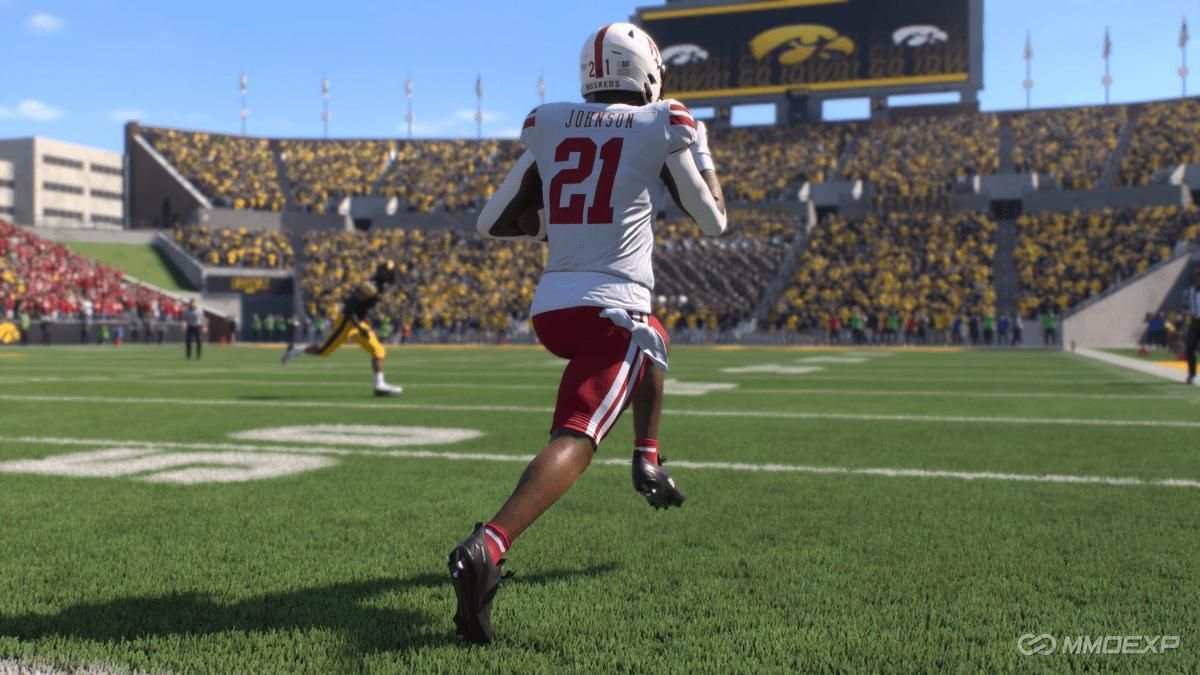
In this guide, we'll break down exactly why the position change glitch happens, how to fix it safely, and, most importantly, how to avoid the common traps that can permanently mess up your roster.
What Is the Position Change Glitch
The position change glitch occurs when the game locks you out of moving players because a position's minimum roster requirement is not being met. On the surface, this makes no sense to many players, especially when the roster screen clearly shows you have enough players at a given position.
However, the key detail most players miss is this:
Only returning players from last season count toward position minimums.
Freshmen and transfer players do not count.
This single rule is the root cause of nearly every position change issue in College Football 26.
Why Players Get Locked Out
Let's say your team technically has four quarterbacks. You might assume you're well above the minimum requirement of two. But if only one of those quarterbacks is a returning player from last season, and the others are freshmen or transfers, the game will register your roster as one of two.
Once you drop below the minimum, the game freezes all position changes at that position. At that point, you can't move players in or out, even if your roster visually appears full.
This is why players often panic, thinking the game is broken.
The Most Common Mistake
The most frequent scenario looks like this:
A user moves a freshman or transfer into a new position (often quarterback or wide receiver).
They decide they don't like the change and attempt to move the player back.
The game refuses, locking the player in place.
From there, many users make the problem worse by repeatedly moving additional players into the same position, trapping multiple athletes and damaging their attributes in the process.
How to Fix the Position Change Glitch
Fortunately, the fix is straightforward once you understand the rules.
Step 1: Identify the Position Minimum
Go to the roster screen and check the minimum requirement for the position that's locked. Quarterback, for example, usually requires two returning players. Wide receiver can require five.
Step 2: Find a Returning Player
You must move a returning player from last season into the locked position. This player must not be a freshman or a transfer.
Step 3: Use a "Burner" Player
Do not move a star player. Instead, filter by overall rating and choose one of the lowest-rated returning players on your roster. This "burner" player will temporarily fill the minimum requirement.
Step 4: Unlock and Fix the Roster
Once the minimum is met, the game will allow you to move players freely again. You can then move trapped players back to their original positions.
Just remember: the burner player will remain stuck until you replace them with another returning player.
Why You Should Never Panic-Move Players
One of the biggest pitfalls is panic. Players often try to brute-force the system by stacking extra athletes into the same position. This causes several issues:
Attribute degradation (awareness, catching, route running, etc.)
Long-term stat damage
Multiple players becoming permanently trapped
This is especially dangerous at positions with high minimums, such as wide receiver or cornerback.
The Wide Receiver Trap
Wide receiver is the most dangerous position for this glitch.
If you enter a season with:
No returning wide receivers
Only freshmen and transfers
The game will show something like 0 of 5 minimum, even if you technically have six or seven receivers. Moving even one tight end or athlete into wide receiver can permanently lock them there.
Fixing this scenario may require sacrificing multiple returning players, which can severely damage your roster long-term.
Recruiting Cycles Make This Worse
This issue becomes even more common if you:
Take a break from your dynasty
Fail to recruit a position for several seasons
Rely heavily on transfers
If your roster lacks returning depth, position changes become far riskier. This is why smart roster management is just as important as stacking recruits or saving College Football 26 Coins for upgrades.
Best Practices to Avoid the Glitch
To stay safe:
Always check position minimums before moving players
Never move freshmen or transfers first
Use low-rated returning players as placeholders
Be especially careful with QB, WR, and CB
Avoid experimenting during high-turnover seasons
Planning ahead will save you far more time than trying to fix a broken roster later.
Why This Matters Long-Term
A broken roster doesn't just hurt immersion, it impacts:
Player development
Attribute growth
Game simulation outcomes
Recruiting balance
Careless position changes can quietly ruin an otherwise great dynasty.
Final Thoughts
The position change glitch in College Football 26 isn't random, and it isn't truly a bug, it's a poorly explained system tied to returning-player minimums. Once you understand how it works, you can fix it quickly and avoid ever running into it again.
Roster management in CFB26 has grown more complex than ever, and mastering these mechanics separates average dynasties from dominant ones. Take your time, use burner players wisely, and always think one season ahead.
Play smart, manage carefully, and keep your roster, and your College Football 26 Coins, working for you, not against you.
MMOexp College Football 26 Team