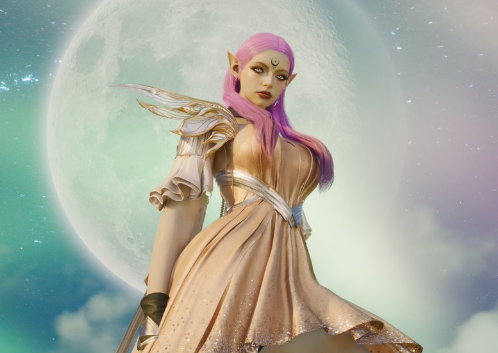

Summary: NCSoft's highly anticipated Unreal Engine 5 MMORPG, Aion 2, is officially marching toward its Global Early Access launch on September 30, 2026. With the developers recently winning back the community by retroactively adding 30 days of free subscription membership to all Founders Packs ahead of Gamescom, the player base is fully shifting its attention to day-one launch efficiency.
Because the Western global client has completely stripped out mobile auto-play elements to deliver a pure, hardcore, third-person PC MMORPG experience, picking the correct class and optimizing your PC's hardware stability is mandatory for dominating early PvPvE zones. This definitive guide breaks down the best starter classes, essential launch-day checklists, and critical PC optimization settings to eliminate stuttering in massive 100v100 Abyss battles.

1. Aion 2 Best Starter Classes for PvE & PvP
At launch, Aion 2 features 8 distinct classes. Unlike the original game, global version skill trees have been overhauled for reactive action-combat. If you want a smooth leveling experience that transitions seamlessly into the 10-man Ladra Raid and faction-based open-world Abyss PvP, these are the top meta choices.
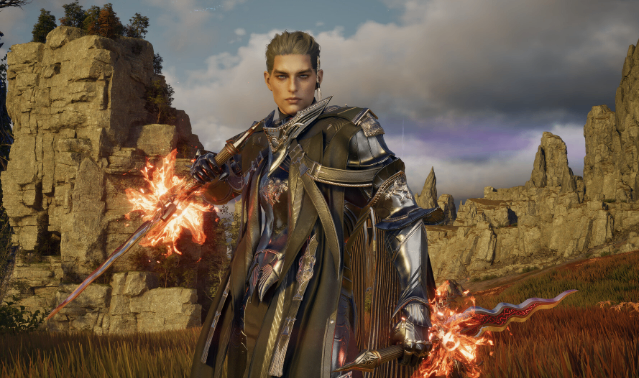
The Templar (S-Tier Group Leader / Tank)
Role: Main Tank / Crowd Control
Why Play It: Absolute mandatory class for the game's challenging 5-man Overlord dungeons and the Ladra Raid. Their Shield Wall+ skill absorbs massive boss mechanics, and their grappling chains are deadly for pulling enemy players out of formation during Abyss sieges.
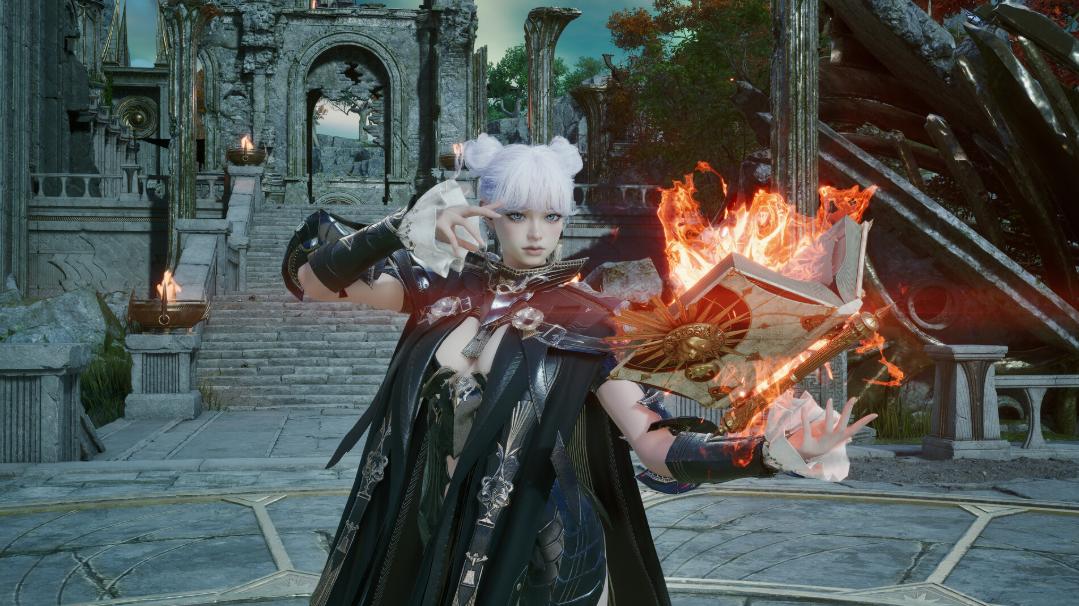
The Sorcerer (S-Tier Ranged DPS / Speed Leveler)
Role: Area-of-Effect (AoE) Magic Damage
Why Play It: The absolute fastest class for clearing early-game story acts and farming open-world Kinah (currency). Their crowd-control spells (Sleep and Root) allow them to manage large groups of monsters solo, though they are highly fragile if an Assassin ambushes them.
The Cleric (God-Tier Support / Ultimate In-Demand)
Role: Dedicated Healer / Buffer
Why Play It: If you want instant group invites, play Cleric. Aion 2's global PvE content features aggressive spike-damage mechanics that cannot be bypassed with health potions. A skilled Cleric who rotates dispels and area heals is the backbone of any successful guild.
2. Launch Day Strategy: Early-Game Preparation
To maximize your progression velocity during the September 30 launch window, your leveling path must be carefully optimized around two core gates: Inventory management and Raid attunement.
Prioritize the Golden Path: Do not get distracted by gathering and side quests in the starter zones. Rush the Main Story Campaign to unlock your high-tier wings, aerial glide paths, and the daily dungeon reward tiers.
The Kinah Inventory Trap: In the early game, inventory clutter will bottleneck your efficiency. Dedicate your first 50,000 Kinah entirely to expanding your cube inventory spaces rather than purchasing low-tier green gear from vendors.
Abyss Commendations: Participate in the hourly open-world rift events from day one. The commendation points earned here are required to unlock the endgame PvP Abyss armor sets, which carry high PvP Defense stats essential for survival.
Players who want to prepare additional currency resources for launch progression can also check Aion 2 Kinah.
3. PC System Requirements & Optimization Guide
Aion 2 is built on Unreal Engine 5, leveraging heavily taxing technologies like Lumen global illumination and Nanite virtualized geometry. To prevent massive frame-rate drops during large-scale aerial faction wars, your PC configuration must be fully optimized.
Official System Requirements
Minimum Requirements (1080p / 30 FPS)
OS: Windows 10/11 (64-bit strictly)
CPU: Intel Core i5-8400 / AMD Ryzen 5 2600
RAM: 16 GB
GPU: NVIDIA GTX 1070 / AMD RX 5600 XT
DirectX: Version 12
Storage: 100 GB Available (SSD Mandatory)
Recommended Specs (1440p / 60+ FPS)
OS: Windows 11 (64-bit)
CPU: Intel Core i7-12700K / AMD Ryzen 7 5800X3D
RAM: 32 GB (Highly recommended for 100v100 PvP)
GPU: NVIDIA RTX 3080 / AMD RX 6800 XT
DirectX: Version 12
Storage: 100 GB NVMe M.2 SSD
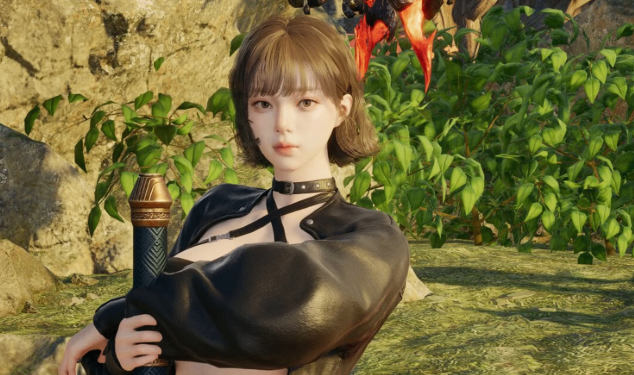
High-Performance Optimization Settings
If you experience micro-stuttering or frame drops in highly populated city hubs or active raid instances, change these settings immediately in the options menu:
Global Illumination: Change from High/Epic to Medium. This scales down the real-time UE5 Lumen calculation pass, instantly recovering 15–20% of your GPU overhead without ruining the art direction.
Shadow Quality: Set to Low. In large-scale MMORPGs, individual character shadows heavily throttle the CPU thread. Lowering this guarantees smooth camera panning during combat.
Upscaling Technology: Enable DLSS (NVIDIA) or FSR (AMD) and set the profile to Quality. If your frame rate drops below 50 in faction fights, drop the slider to Balanced.
Character Display Limit: Drop this slider to Medium (30 Players). This restricts your client from rendering the exact armor textures of players outside your immediate group circle, saving massive VRAM capacity.