
Madden 27 introduces revamped passing, timing-based catching, expanded defensive adjustments, and customizable macro commands. The default configuration isn't necessarily ideal for competitive play, and a few changes can make your controls feel dramatically more responsive. The right settings can improve accuracy, reduce defensive mistakes, and give you more control before the ball is even snapped.If you want to build a roster around these schemes faster, MMOexp can provide Madden 27 coins and buy Mut 27 coins to help maximize your team's potential.
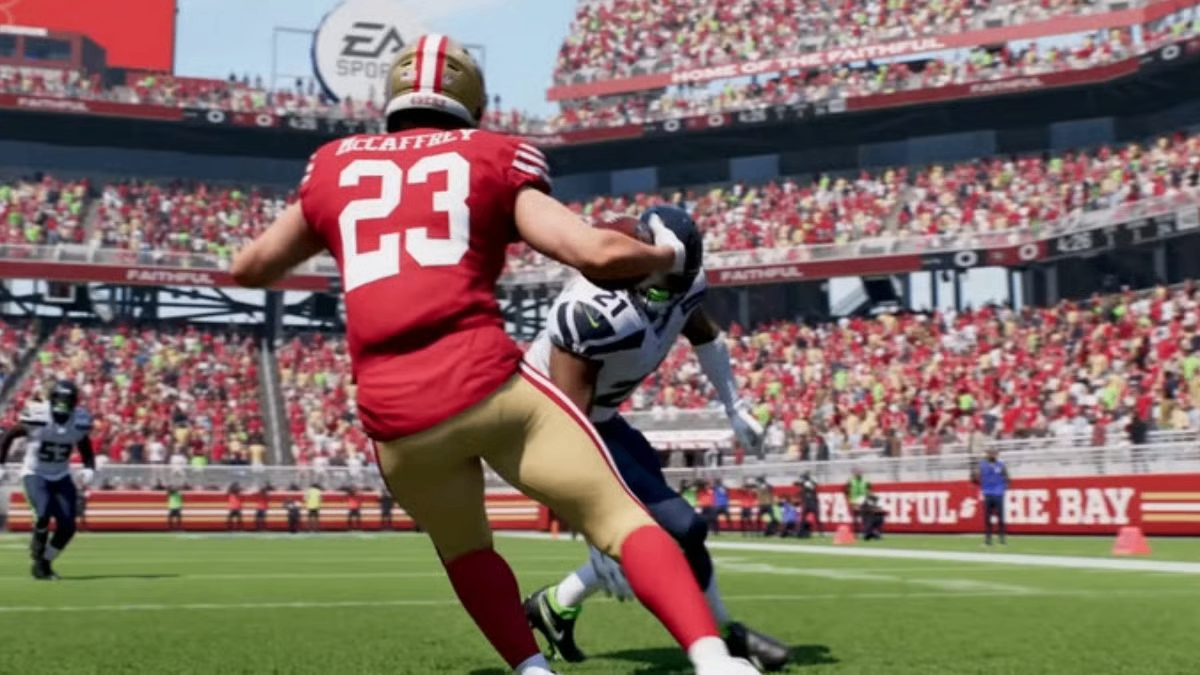
Passing Settings: Start Here
The biggest gameplay decision is choosing your Passing Type.
Revamped Passing is the default option and the easiest choice for beginners. You still control trajectory and power, but quarterback ratings have more influence over accuracy, giving you greater forgiveness.
For experienced players, Placement & Accuracy is the recommended competitive option. Your timing and stick control have a much larger impact, meaning a perfectly executed throw can overcome some limitations in your quarterback's ratings.
Classic Passing uses the traditional system and relies more heavily on game calculations, making it less attractive for competitive online play.
Other useful settings include:
Pass Lead Increase: Small — Keeps directional passing more controlled.
Reticle Speed: 7 — A comfortable starting point for moving the passing reticle.
Timing-Based Catching: 5 yards on offense and 10 yards on defense.
Key takeaway: If you're serious about competitive Madden, Placement & Accuracy is worth learning, while Revamped Passing remains the safer choice for casual players.
Fix These Defensive Controls Immediately
Some defensive assists are designed to help you, but they can actually get in the way when you're manually controlling defenders.
Turn Defensive Ball Hawk: On so defenders aggressively attack contested balls.
Set Defensive Heat Seeker: Off to preserve manual tackling control instead of allowing assistance to interfere with your inputs.
Keep Switch Stick Delay: Slight to reduce accidental player switches, and turn Defensive Switch Assist: Off so the AI doesn't unnecessarily reposition your controlled defender.
Finally, enable Controlled Player Art: On to display the controlled defender's assignment before the snap.
Key takeaway: Competitive defense requires manual control, so disable assists that can override your decisions.
Coaching Adjustments Are Your Hidden Advantage
Madden 27's expanded Coaching Adjustments system gives you significantly more control over how your team behaves.
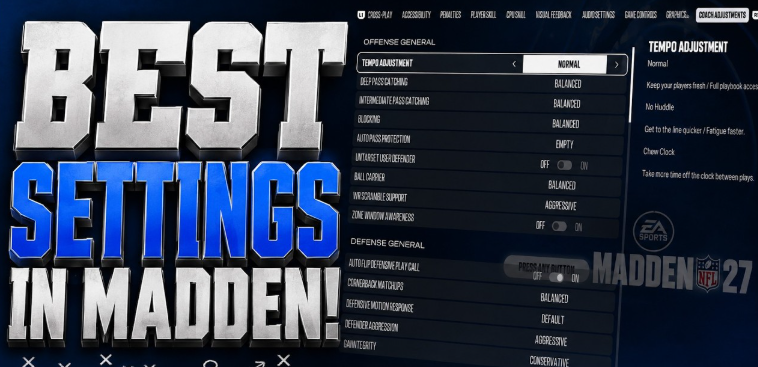
A strong starting configuration includes Auto Pass Protection: Base, Untarget User Defender: Off, and Ball Carrier: Conservative to reduce unnecessary mistakes.
For more aggressive play, set WR Scramble Support and Defender Aggression to Aggressive. The tradeoff is that aggressive defensive behavior can consume more stamina.
Against option-heavy offenses, set Option Read Key, Option Pitch Key, and RPO Read Key to Aggressive. This encourages defenders to prioritize forcing the quarterback to keep the ball.
Meanwhile, RPO Pass Key: Conservative helps prioritize passing threats, while Cornerback Matchups: Balanced provides a safer overall approach.
Key takeaway: Coaching Adjustments let you build a defensive identity before the snap, rather than reacting after every play.
Plaster Settings Can Stop Scramble Chaos
Plaster: Conservative is a useful starting point if you don't want defenders constantly abandoning their assignments.
Set Plaster Trigger: Out of Pocket so the logic activates primarily when the quarterback escapes the pocket.
This is particularly useful against mobile quarterbacks who turn broken plays into backyard-football situations.
Key takeaway: Conservative Plaster keeps your coverage structure intact while still giving you a response to scrambling quarterbacks.
Turn Custom Adjustments Into Macros
This is where Madden 27's new system gets really interesting.
You can save up to 10 defensive adjustment presets through the Custom Adjustments menu and use macro commands to combine multiple adjustments into a single activation.
For example, you could make your defense appear to show Cover 6 before the snap while actually switching into Cover 2 Man. The goal isn't simply to run complicated defenses—it's to make your pre-snap presentation less predictable.
Key takeaway: Macros can turn multiple pre-snap adjustments into one quick command, making disguise much easier.
PC & Console Graphics: Don't Sacrifice Frames
On PC, Madden 27 allows you to separate gameplay frame rates from cutscene performance.
For gameplay, 120 FPS or Uncapped is the preferred option if your hardware can handle it. Higher frame rates can make controls and animations feel more responsive.
You can lower Cutscene FPS to 60 or even 30 FPS to save performance without sacrificing the quality of actual gameplay.
On consoles, especially PS5 Pro, players can choose between Visual Pro and Performance Pro. Visual Pro prioritizes graphical quality, while Performance Pro targets a smoother experience of around 100 FPS.
Key takeaway: For competitive play, smooth gameplay should usually take priority over cinematic visuals.
Dynasty Mode: Consider Turning Off Wear and Tear
Playing Dynasty Mode and tired of constantly managing player fatigue and injuries?
You can disable Wear and Tear through Settings → Game Options → Wear and Tear.
With it disabled, accumulated fatigue becomes much less important, creating an experience closer to a classic Madden setup.
Keep in mind that this option may need to be adjusted separately through League Rules, rather than simply changing your global settings.
Key takeaway: Turning off Wear and Tear creates a simpler Dynasty experience if you prefer focusing on football rather than player-management systems.
Build Your Perfect Madden 27 Setup
Don't assume there's one magical configuration that makes everyone better. These settings are a competitive baseline, not a permanent rulebook.
Start with Placement & Accuracy if you're comfortable practicing your passing. Disable unnecessary defensive assists, experiment with Coaching Adjustments, and build a few Custom Adjustment macros. Then spend 20–30 minutes in Practice Mode until your new controls become muscle memory.
Most importantly, remember that Madden 27's systems may change after launch through patches and community discoveries. Use these settings as your starting point, then fine-tune them around your own playstyle.