Still pausing to memorize attachments from pro build videos? Still endlessly trial and error trying to adjust recoil parameters? This article thoroughly explains all aspects of using gear codes in Black Ops 7, from generation and sharing to directly copying builds in matches. Reading this will save you half an hour of wasting time. Purchase CoD Black Ops 7 Bot Lobbies from MMOExp to level up your game and unlock all attachments early to master all builds.
What are Gear Codes? This feature is a godsend for lazy players!
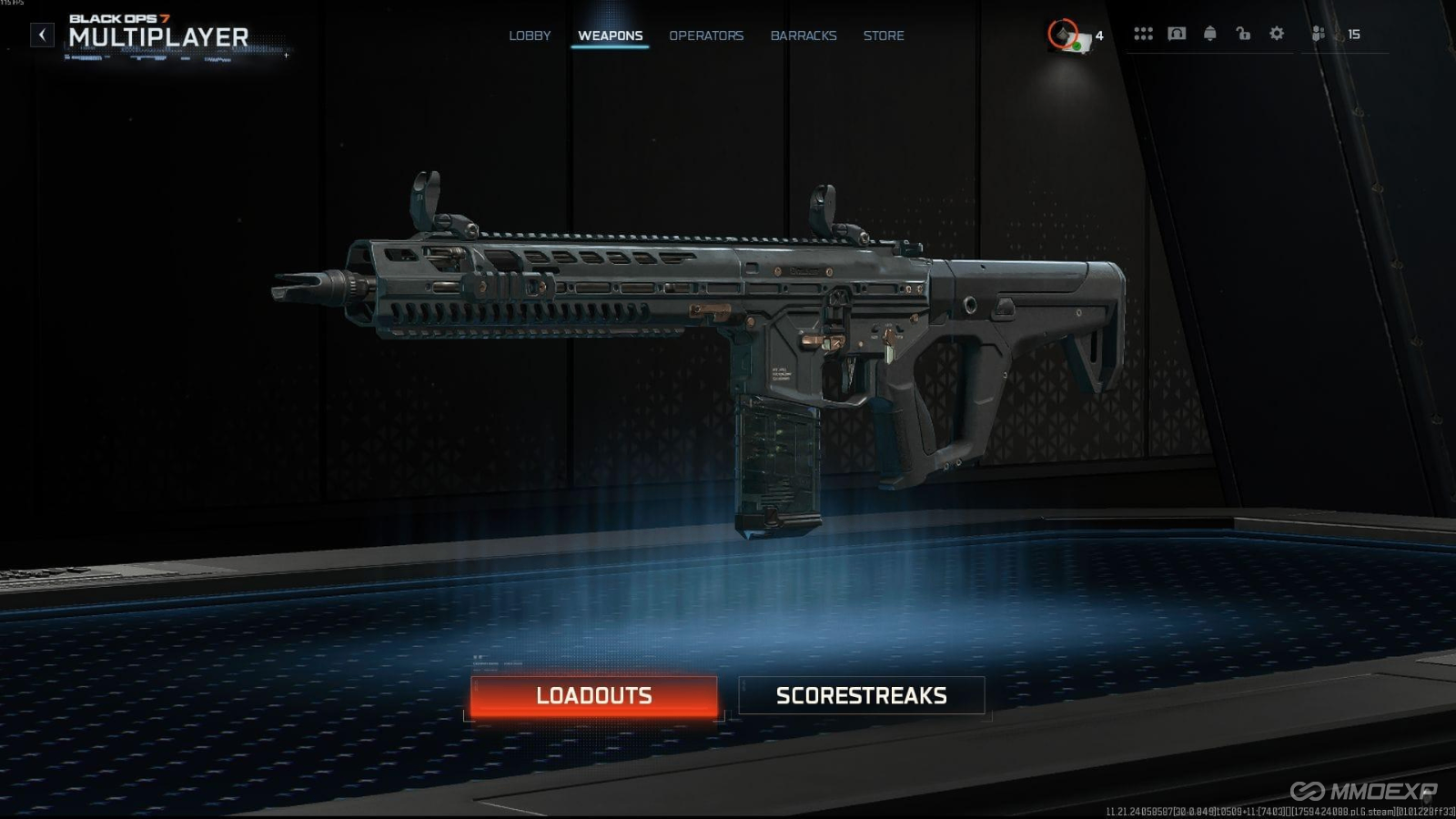
Gear codes are 14-character unique strings automatically generated by the game, binding only to all weapon attachment selections. They do not include skills, equipment, or other personalized content. You can use them directly after unlocking custom configurations at level 4.
This section is suitable for new players and casual players who find adjusting attachments tedious.
It will help you quickly understand the basic rules of this core function, avoiding the pitfalls of beginners figuring it out.
One-click generation and one-click sharing: Sharing gear setups is easier than sending emojis!
After adjusting the attachments, the Gunsmith interface will automatically generate the code. Simply click to copy and send it to friends. You can also directly select "Share Weapon Configuration" in the equipment menu to send batches to online friends; they'll receive a notification as soon as they log in.
This section is suitable for players in fixed teams who frequently play together, and gun enthusiasts who enjoy researching unique gear setups.
It helps you quickly synchronize optimal gear with your teammates, eliminating the need to waste time taking screenshots and reporting attachments individually.
Import pro gear in 3 seconds; even beginners can use the latest version's answer.
Open the equipment menu, select "Import Weapon Configuration," paste the 14-digit code, and you can instantly replicate a complete set of attachments. The game will automatically prompt you to adjust any unlocked attachments, so you don't have to worry about them not working after importing.
This section is suitable for players who want to quickly master the current meta weapons and those new to the game who haven't fully grasped the attachments.
It helps you directly reuse T0-level gear setups that have been verified across the entire internet, skipping dozens of hours of trial and error.
Copy the gear setup of the person who crushed you in a match and get your revenge instantly!
While watching kill replays or play-of-the-game footage, simply press the default keyboard key 3 to directly copy the opponent's weapon setup. The system automatically saves it to your gear library, so you can pull out the same weapon and counter-attack the next game.
This section is suitable for casual players who are bewildered by a skilled stranger, and competitive players who want to quickly study their opponents' playstyles.
It helps you instantly replicate the gear setup of the opponent who defeated you, eliminating the need to search through records and find attachment combinations after the match.
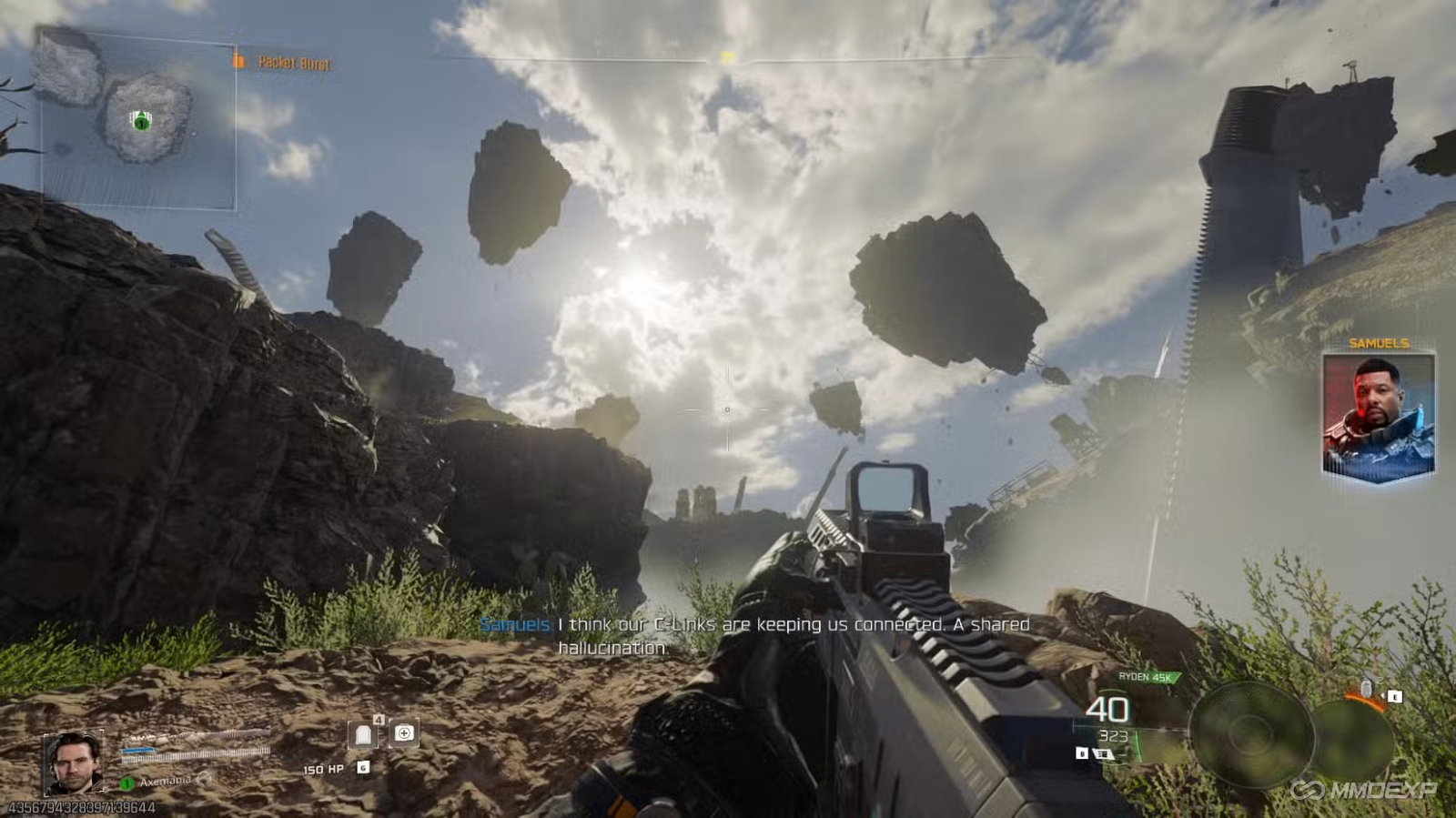
This small feature completely enhances the gaming experience.
No need to pause the video to memorize attachments, no need to manually click through every option in a guide. Gear codes allow you to focus all your energy on gunfights, saving you time in the menus. Purchase buy CoD BO7 Bot Lobbies at MMOexp to increase your game level and unlock all attachments early to master all gear setups.
This section is suitable for all types of Black Ops 7 players.
It helps you understand the core advantages of this feature and completely eliminate the frustration caused by gear setups.
Useful Tips
After importing your gear, you can test the guns in the bot lobby first. You can get a feel for the guns without entering a real game. If something doesn't suit you, you can fine-tune one or two attachments to create a custom configuration that perfectly suits your preferences.