

Always getting screwed over in crucial games by the system's random starting quarterback substitutions in Madden NFL 26? The default settings hide a bunch of pitfalls, with passing assists and defensive responses all off-target. Even with a dominant lineup, you keep inexplicably losing? This comprehensive god-tier settings guide fills in all the hidden pitfalls, allowing you to say goodbye to easy wins and consistently dominate online ranked matches. Want to quickly unlock the full lineup and god-tier settings for a one-shot victory? Purchase Madden 26 coins at MMOexp to instantly max out your core players' abilities without the long development process.
I. Default Settings are an Official Trap! They're Sneaking You Down the Wall
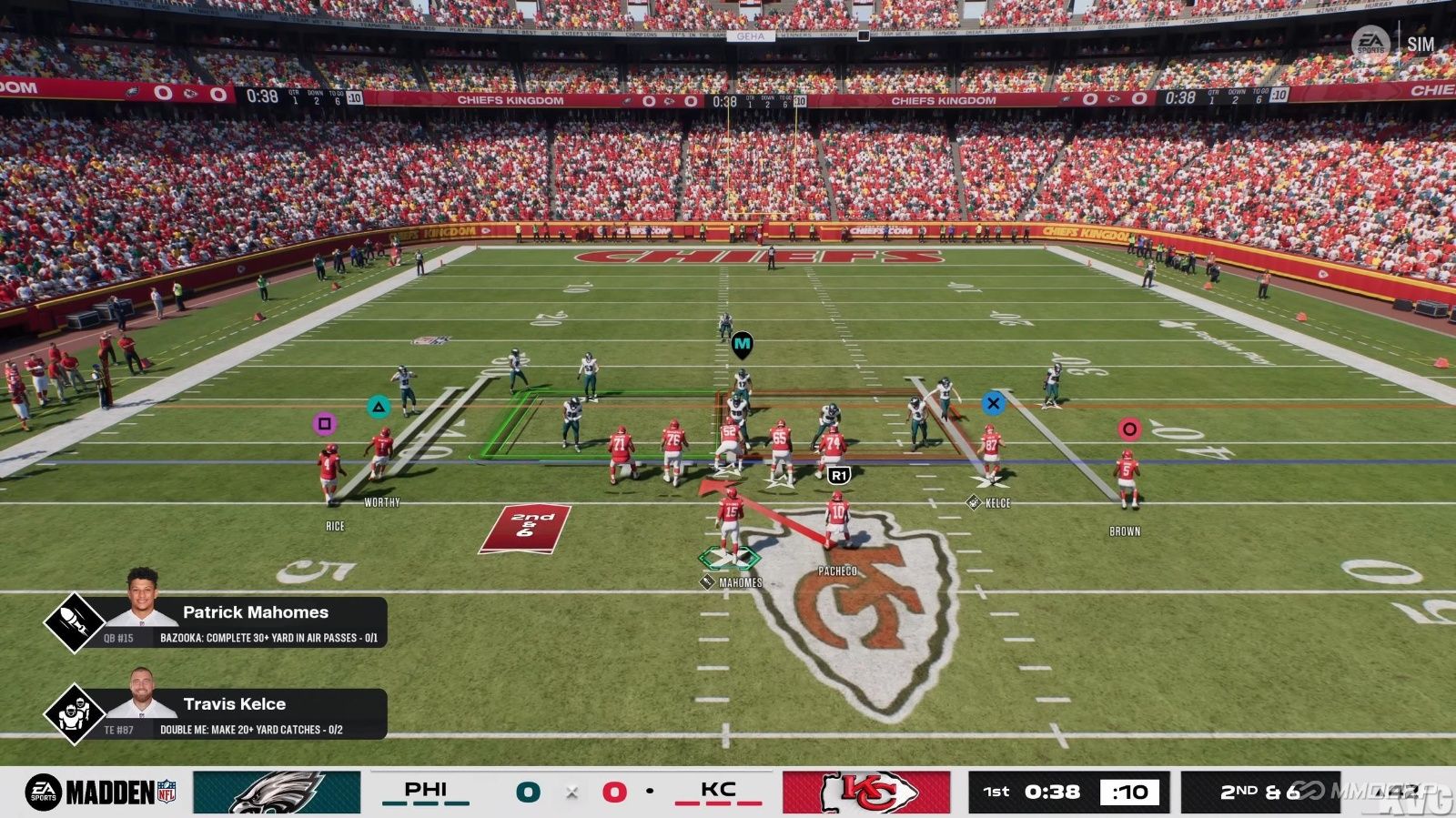
Exposing the fatal pitfalls of the default settings: This year's new automatic substitution system forcibly removes star players during crucial offensive possessions. The updated coach adjustment logic is completely out of sync with the real-time game pace. Many key parameters hidden deep in the menus, if not properly adjusted, will directly cause you to miss touchdown opportunities and allow opponents to exploit long passes to breach your defense.
Suitable for: Completely new players who are still using default settings throughout the game.
II. Don't blindly max out the graphics! Smooth frame rate is 100 times more important than "eye-catching" visuals.
We provide the optimal graphics settings, verified through hundreds of online matches. Locking texture and shadow quality at "High" is sufficient. "Ultra-High" graphics offers almost no visual improvement but will significantly reduce frame rate and increase lag. In online matches, every millisecond difference in reaction time can determine whether a touchdown or interception occurs.
Suitable for: Competitive players who always feel their actions are a beat slower and experience occasional frame drops and stuttering during online matches.
III. Lock the character switching logic! No more absurd substitutions by quarterbacks!
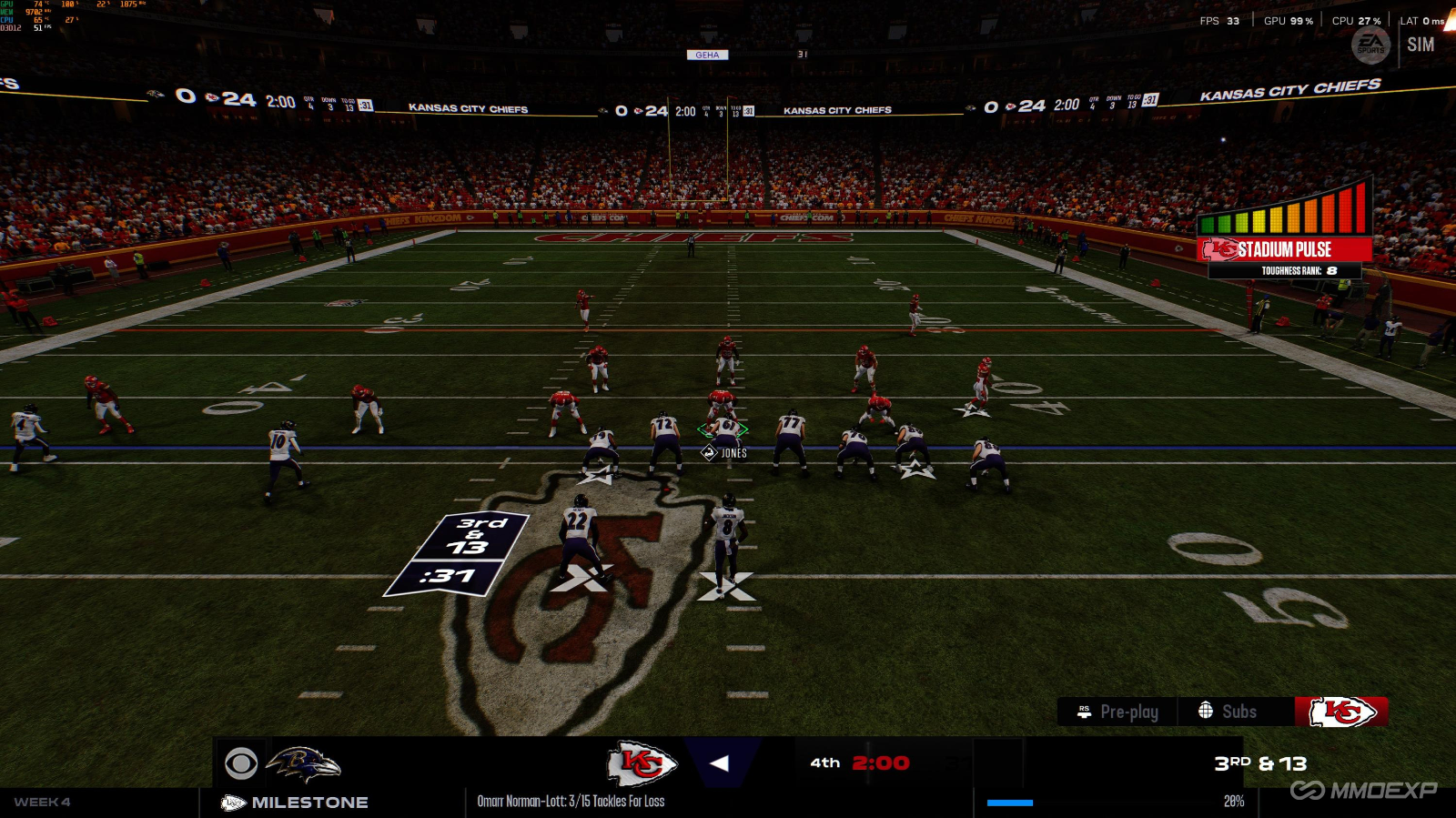
Deconstructing optimal substitution strategies for different positions: Offensive forwards and starting quarterbacks are locked into "Always Ready to Fight," ensuring they remain on the field unless injured, completely eliminating the risk of backup quarterbacks faltering in crucial moments; Skill positions are set to "Give It Your All," eliminating the need to conserve energy to withstand the opponent's pass rush pressure; Skill positions are flexibly adjusted based on roster depth: rosters with multiple receivers can use "Maintain Energy" to maintain a speed advantage, while single-star core rosters can be maxed out with "All Out."
Suitable for: Advanced players who frequently lose Super Bowl games due to automatic substitutions.
IV. Maxing Out Hidden Offensive and Defensive Parameters: Completely Welding Offense's Long Pass Routes Offense
Highlighting core hidden settings that most players miss: Setting the pass assist rate to 65% maintains assist accuracy without the system forcibly locking down passing routes; Maxing out the RPO defensive key option for response speed ensures immediate help defense on both fast short passes and deep long passes, fundamentally limiting the opponent's offensive rhythm.
Suitable for: High-ranking players who consistently struggle to defend against opponent RPO attacks and whose passes are frequently intercepted by the system in ranked matches.
Want to practice the controls under the new settings without pressure? Warm up in the cheap Madden nfl 26 coins battle room on MMOexp. Don't worry about losing points; quickly develop muscle memory for optimal controls.
Useful Tips
Before online ranked matches, be sure to manually turn off V-Sync. This can reduce input lag by about 15%, significantly improving reaction speed for passing and defensive tracking.
Enable the "Never Rotate" lock specifically for the starting quarterback. Don't let the system's automatic substitution logic have any chance to exploit this, preventing crucial substitutions from costing the game.
After adjusting all settings, play 3 single-player challenges to get used to the controls before playing online ranked matches. This will prevent basic mistakes due to unfamiliarity with the new settings.