






Summary
Zone coverage in College Football 27 requires more than just calling a stock defense and hoping for the best. The best defensive players use macros to adjust their zone drops on the fly, giving them the ability to shut down specific route combinations that opponents love to spam. This guide will teach you how to set up and use zone drop macros to transform your defense from predictable to unstoppable. Mastering these adjustments saves you College Football 27 Coins on expensive DBs. For those who prefer to skip the grind, MMOEXP is a great place to buy coins and players.
Understanding the Mabel Coverage Concept
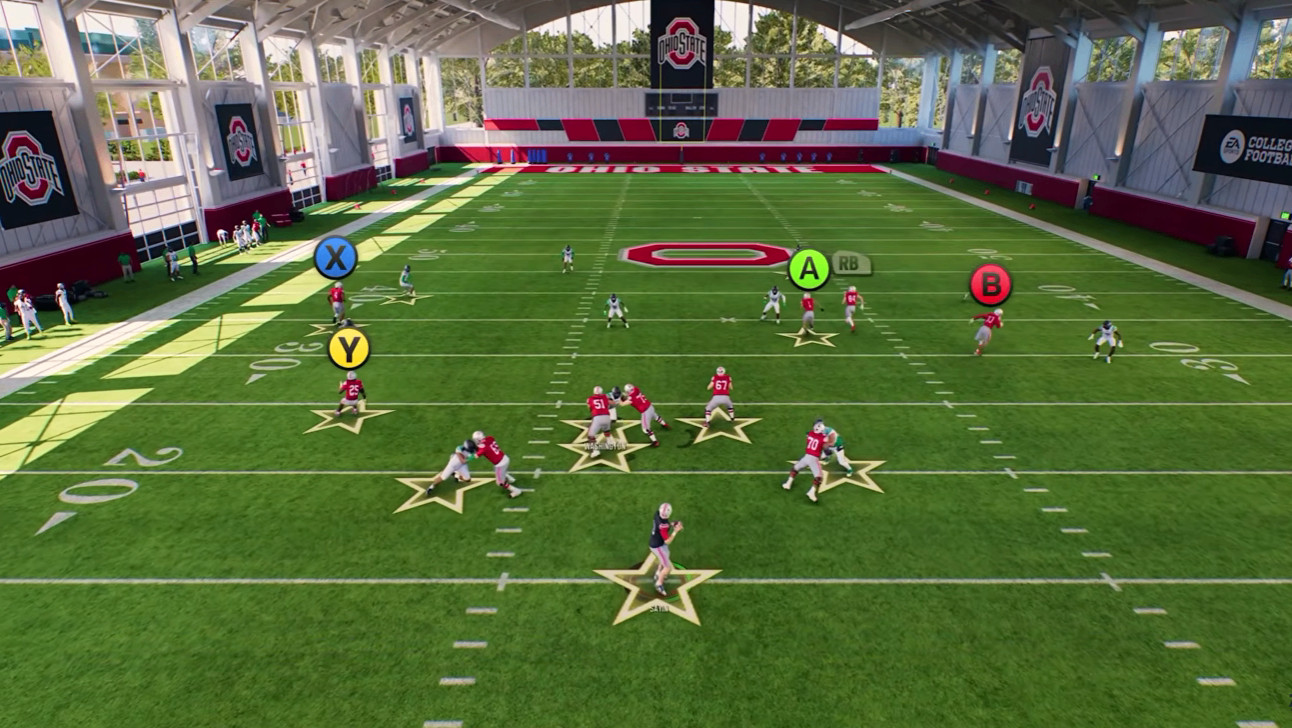
The term "Mabel" refers to a coverage structure that combines multiple zone depths. You have short zones covering the flats, intermediate zones defending the sideline areas, and deep zones providing over-the-top protection. The goal is to funnel all throws into the middle of the field where your user-controlled defender can make plays.
Many opponents love to flood the sidelines with routes like stem-down corners and deep outs. Mabel coverage is specifically designed to take away those throws, forcing them to attack the middle where you have the advantage.
Setting Up Your Zone Drop Macro
The first step is creating a zone drop profile that you can activate with a single button press. Go to your defensive adjustments menu and scroll down until you find the zone drops section.
You will see three different types of zone drops. The first type is your flat zones, known as hard flats, cloud flats, and soft squats. For Mabel coverage, stick primarily to hard flats and cloud flats. Matching zones can cause unpredictability on the back end, so keep it simple.
Set your flat zones to an intermediate depth. This guards the area between the sideline and the deep zone, defending crossing routes and sideline attacks. The recommended setting is either 20, 25, or 30 yards. For most situations, 25 yards provides the best balance.
The second type is your curl zones, which are your purple zones. Historically, players have set these to five yards in Mabel coverage. You can push it to 10 if needed, but five yards is the standard for defending quick throws like table routes, flat routes, and out routes.
Once you have these settings configured, save the profile. Name it something simple like "ZD" so you can identify it quickly during games.
Creating a Full Mabel Macro
While the zone drop profile is useful, you can go further by creating a complete macro that changes assignments for your entire defense. This allows you to transform any defensive play into a Mabel coverage with a single button click.
Start by understanding your defensive personnel. If you are working out of a 3-2 defense, identify your sub linebackers, slot corners, and outside corners.
Set your sub linebackers to hook curl assignments so they defend the short middle area. Set your slot corners to curl flats at five yards. Set your outside corners to cloud flat assignments, which creates that intermediate sideline coverage.
For your safeties over the top, you have options. You can set them to inside quarters, deep halves, or deep thirds depending on what you expect from the offense. If you notice opponents throwing over the top of those 25-yard zones, deep halves may be the better choice.
Save this as a complete macro with a clear name like "3-2 Double Mabel" or simply "Mabel Coverage."
Activating Your Macros In-Game
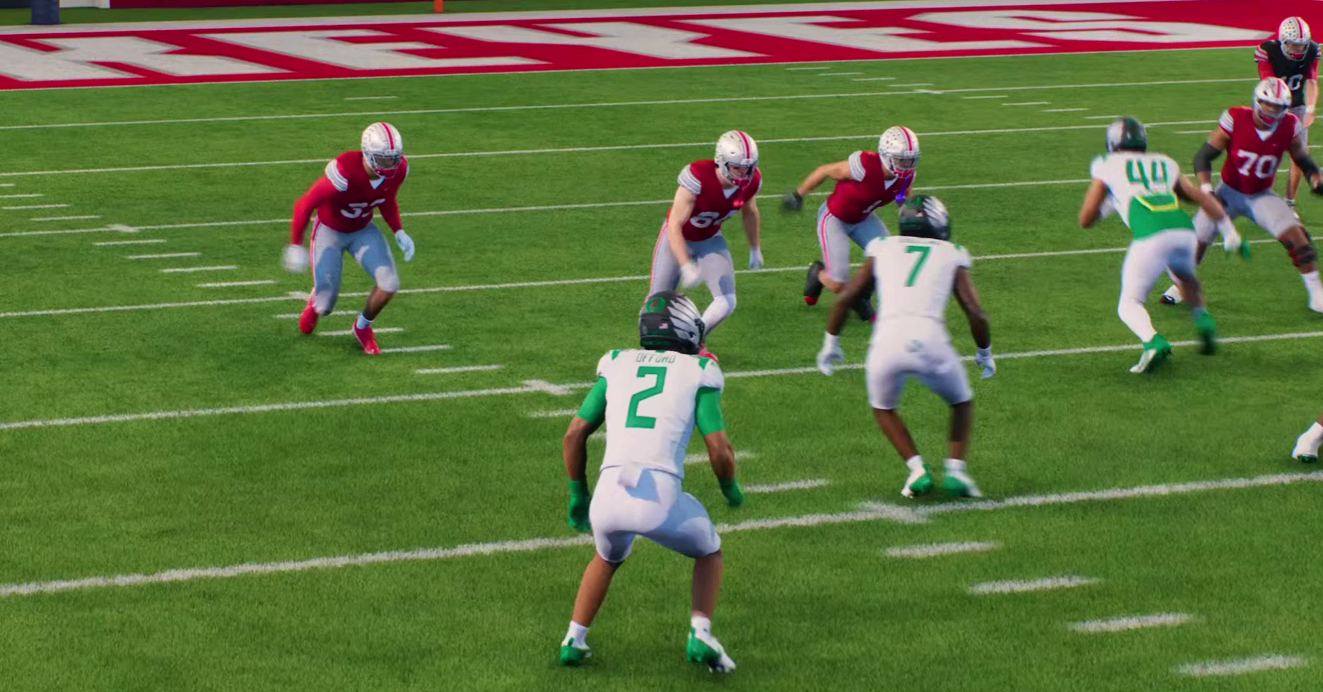
Once your macro is set, activating it is simple. Press the left bumper to bring up your macro menu. Select your saved zone drop profile. This immediately changes the depths for all relevant zones on the field.
From there, you can make individual adjustments as needed. For example, if you want to focus on defending a specific sideline, you can change a corner into a cloud flat assignment. The play art will reflect their new position dropping deeper into coverage.
If you are concerned about deep throws over the top, you can take a safety and put them into a deep half. This ensures that if the opponent tries a deep sideline throw, you have coverage over the top.
Beyond the Basic Setup
For more advanced users, you can create multiple macros for different situations. You might have one macro for Mabel to the left side with a cloud rotation to the right, and another macro that does the opposite. This gives you flexibility to attack your opponent's tendencies without spending precious pre-snap time making individual adjustments.
You could also create macros for specific match coverage checks or zone pressure packages. The possibilities are vast once you understand how the macro system works.
Why Zone Drops Matter
Stock zone coverage is vulnerable to players who understand route combos and passing concepts. Without adjustments, your defenders will drop to predictable depths that can be exploited. Opponents will spam sideline floods, corner routes, and deep outs knowing your flats and curls will be out of position.
By having a zone drop macro available, you can adjust your coverage depth to match what your opponent is doing. If they are throwing quick to the flats, you bring your drops down. If they are attacking intermediate sideline areas, you push your drops deeper.
Recommended Practice Steps
Start by going to practice mode and setting up your zone drop profile. Run through different defensive plays and see how the adjustments affect coverage. Use the right analog stick for switch sticking to take control of defenders in key positions.
Practice activating your macro quickly at the line of scrimmage. The faster you can make these adjustments, the more effective your defense will be against experienced opponents.
Conclusion
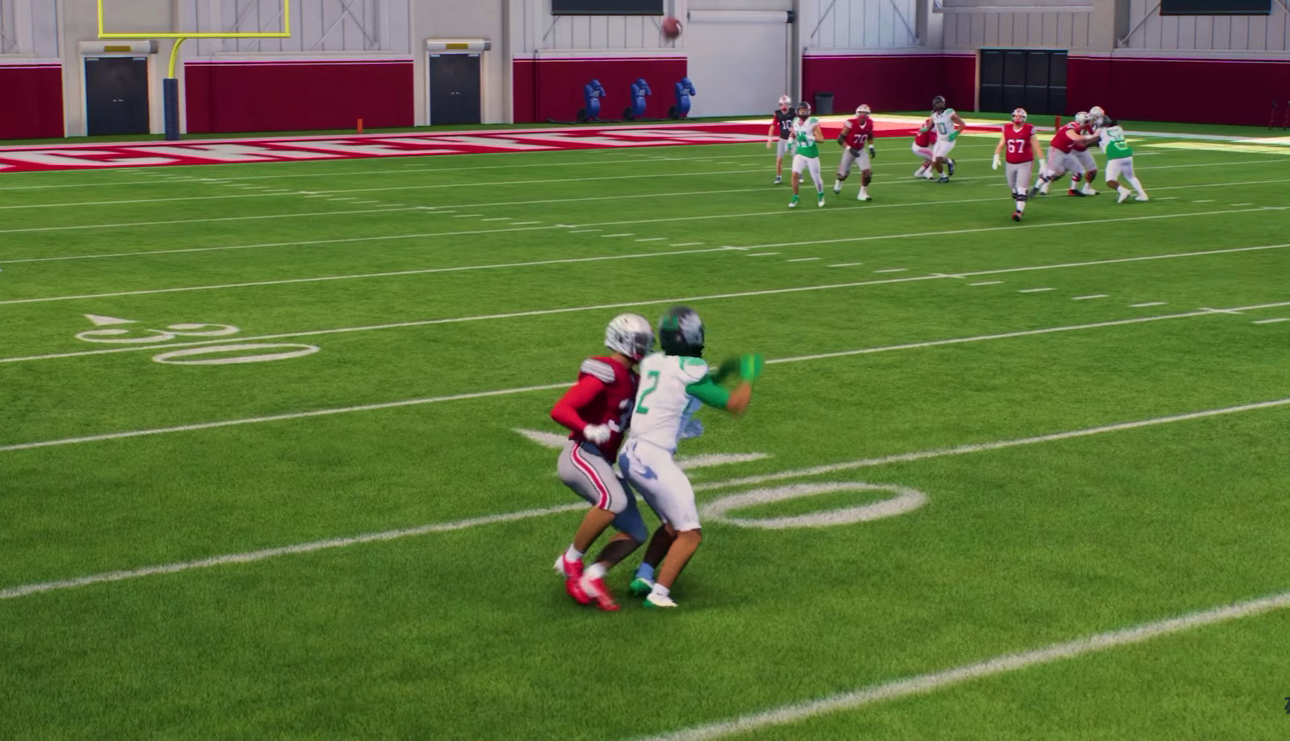
Zone drop macros are an essential tool for any serious College Football 27 defender. Even if you primarily play man coverage or match coverage, having the ability to adjust zone depths will close the knowledge gap against opponents who know the game's route combinations. Start with the basic zone drop profile, expand to full Mabel macros, and watch your defense improve dramatically.