









Summary
A powerful new method has emerged for farming Nightmare Dungeons in Diablo 4. This technique lets you "fish" for specific dungeon affixes without actually running the dungeon, allowing you to reset affixes until you get exactly what you want. This is especially valuable for farming rare affixes like Dark Omen, which lets you infinitely farm the Butcher—and the loot you collect can be sold or traded for Diablo 4 Gold, making this one of the most efficient ways to build wealth this season.
What Is Nightmare Dungeon Fishing?
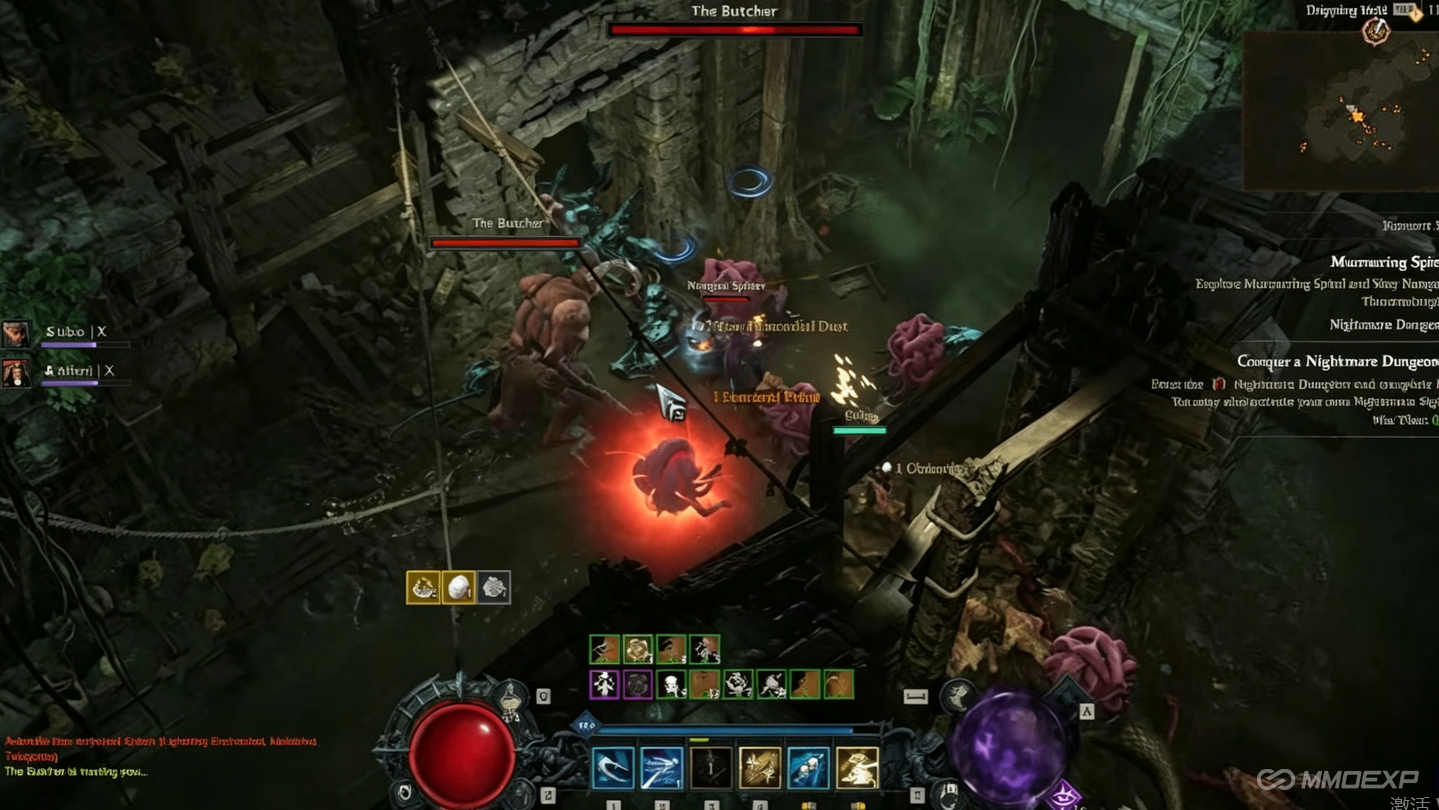
Normally, when you select a War Plan that starts with a Nightmare Dungeon, you're locked into whatever affixes that dungeon has. You have to run it to see what you get, and if the affixes are bad, you've wasted your time.
This method bypasses that entirely. By canceling the teleport at the right moment, you can preview the dungeon's affixes from your map. If you don't like what you see, you can reset the War Plan and try again—all without stepping foot inside the dungeon.
This lets you fish for specific affixes much faster than normal.
Step 1: Find the Right War Plan
Your first step is to look for a War Plan that begins with a Nightmare Dungeon activity. This is incredibly important—the first activity must be the Nightmare Dungeon for the trick to work.
If you don't get one, you can either:
Reset your War Plans
Run through War Plans until you find one that starts with a Nightmare Dungeon
Step 2: Set Up Your Activities
Once you have a War Plan starting with a Nightmare Dungeon:
Select the options and activities inside your War Plan
The first activity should be the Nightmare Dungeon
The other activities do not matter
Confirm your selection
Step 3: Cancel the Teleport
This is where the trick happens.
Open your map and select the teleport button that takes you to the next War Plan activity
This will begin a teleport toward your Nightmare Dungeon (the first activity)
Cancel the teleport by moving your character a little bit
You will not be teleported to the Nightmare Dungeon
Step 4: Preview the Affixes
Open your map again. If you've done everything correctly, your map should open directly on the Nightmare Dungeon you were about to teleport into.
Hover over the Nightmare Dungeon icon on the map. You can now see exactly which affixes this dungeon has.
Decide: Are these affixes good for what you want? If yes, run the dungeon normally. If no, continue to the reset step.
Step 5: Reset the Affixes
If you don't like the affixes:
Open the journal page with the quests on the right side of the map
Find the quest for the Nightmare Dungeon
Abandon the quest (on PC, right-click the quest to abandon it)
Press escape and log out with your character
This resets the War Plan you selected at the beginning. It also resets the affixes on the Nightmare Dungeon.
Step 6: Repeat the Process
When you log back in:
Move to the War Plans
Select your War Plan again (the one starting with the Nightmare Dungeon)
Begin the teleport toward the Nightmare Dungeon
Stop the teleport by moving your character
Open your map and hover over the Nightmare Dungeon
You will now see a different pair of affixes compared to the previous one. You've successfully reset the affixes without running the dungeon.
Repeat steps 3-6 as many times as needed until you get the affixes you want.
Why This Is Beneficial
Faster Affix Farming – Instead of running through entire dungeons just to check affixes, you can preview and reset in seconds.
Target Specific Affixes – You can fish for rare or desirable affixes that you wouldn't normally see. For example, you might want to run only dungeons with:
Increased experience gain
High-density mob layouts
Specific boss encounters
Gold find or magic find bonuses
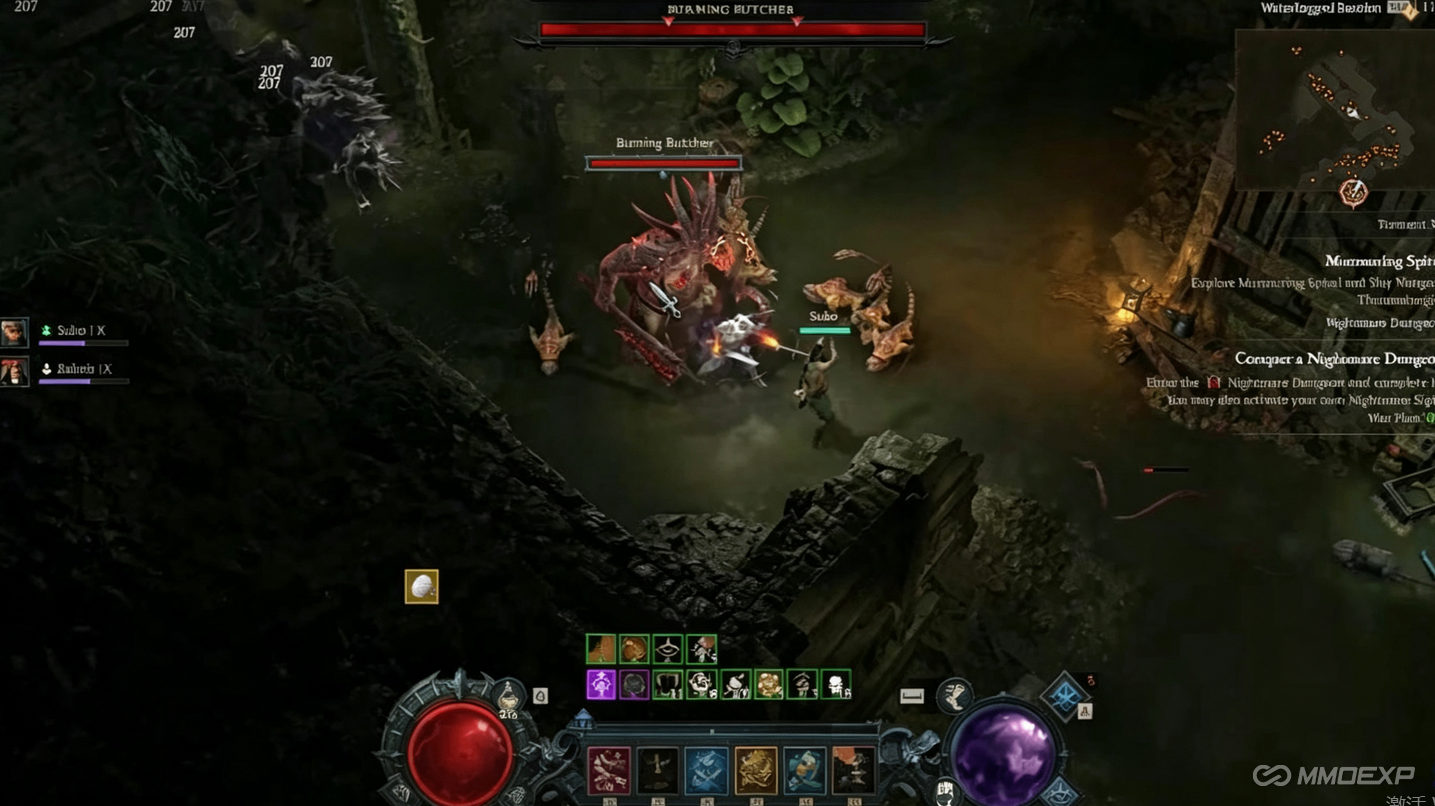
Farm the Butcher Infinitely – This is the biggest use case. If you manage to find a Nightmare Dungeon with the Dark Omen affix, you can farm the Butcher (or another boss) infinitely.
Infinite Butcher Farm (Dark Omen Method)
Here's how the Dark Omen affix works:
When you teleport to a Nightmare Dungeon with Dark Omen affixes, you are attacked by the Butcher or another dungeon boss
Kill the boss and loot it
Leave the dungeon
Reset the dungeon
Teleport back to the dungeon—it will still have the Dark Omen affixes, but it has reset
You'll be ambushed by the boss again
Kill, loot, leave, reset, repeat
This creates an infinite farming loop. You can kill the Butcher over and over without needing new sigils or keys. Every kill gives you loot, and the dungeon never runs out.
Tips for Efficient Fishing
Use Resets Wisely – You have a limited number of War Plan resets. If you're running low, you can run War Plans until you get a Nightmare Dungeon start rather than burning resets.
Stay Patient – Fishing for specific affixes can take time. Dark Omen doesn't appear every time. Be prepared to repeat the process many times.
Log Out, Not Just Leave – You must log out (not just return to character select) for the reset to work properly. The abandonment of the quest combined with a full logout ensures the War Plan resets.
Don't Skip the Teleport Cancel – The teleport cancel is the critical step. If you skip it, the map won't open on the dungeon and you won't be able to preview the affixes.
Conclusion
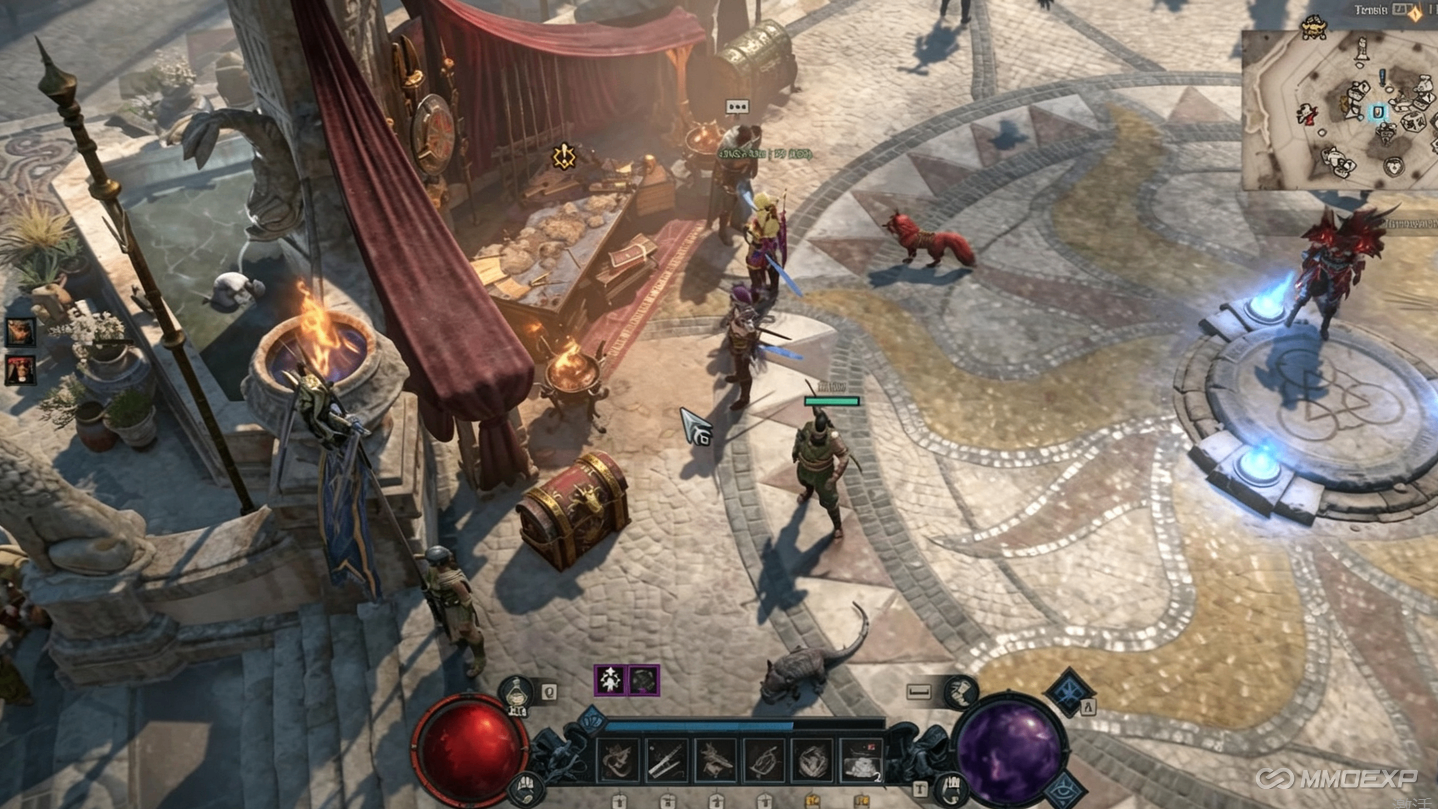
This method saves enormous amounts of time and lets you target exactly the content you want to run. Whether you're grinding for specific drops, farming the Butcher, or just optimizing your XP per hour, Nightmare Dungeon fishing is a game-changer. And if you ever need a quick boost to your resources, you can find cheap Diablo 4 Gold from MMOEXP to supplement your farming—though with this strategy, you'll likely be stacking wealth on your own in no time.