Weekend Drop -













Summary
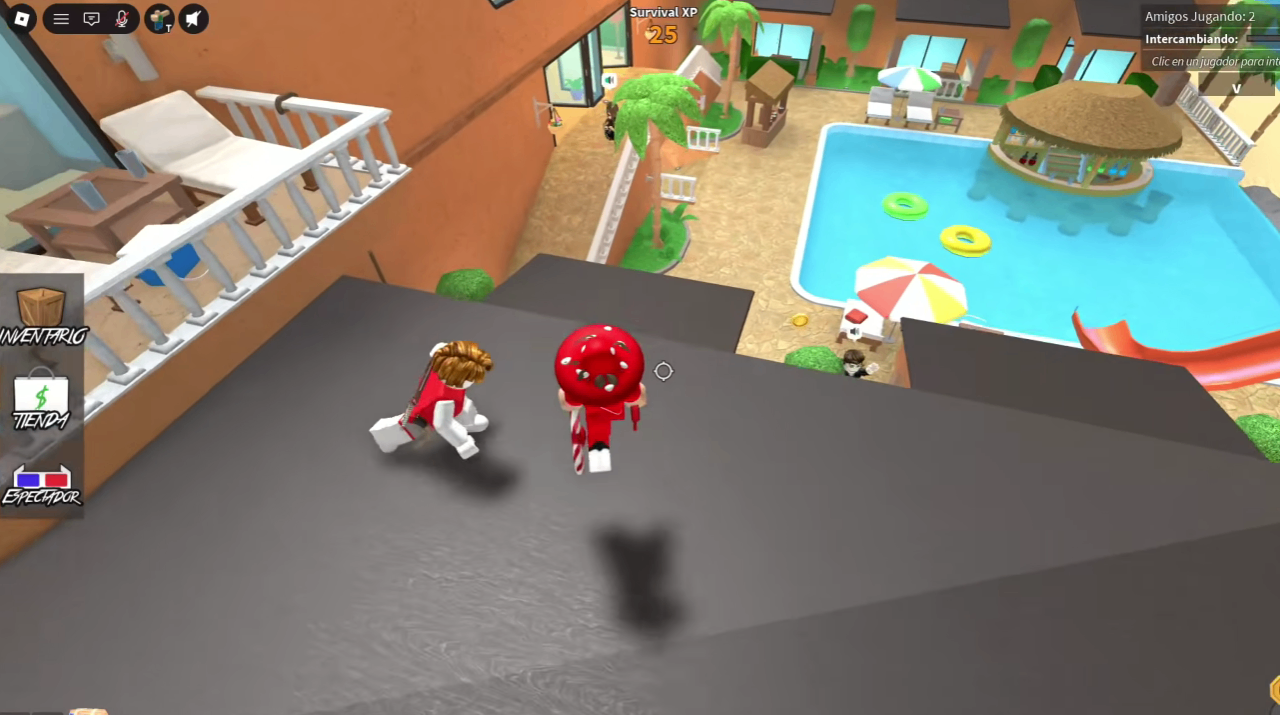
Have you ever encountered strange players in Murder Mystery 2 who behave oddly? They might not be real people—they could be bots trying to steal your account and valuable items. In the popular Roblox game Murder Mystery 2, bot infestations have become a serious security concern. These automated programs aren't just filling up servers—they're actively sending friend requests and direct messages to trick players into clicking phishing links that steal accounts and Godly items. If you're tempted to buy MM2 Items from third-party sites, be extremely cautious—many of these so-called "shops" are actually bot-run phishing operations designed to steal your credentials instead of delivering your purchase. We conducted a real-world test to see exactly how these bots operate and how they try to target players.
Quick Answer: How to Protect Yourself from MM2 Bots
If you encounter... | You should... |
Suspicious friend requests | Do not accept—ignore or decline immediately |
Accounts with "Check my profile" in their name | Do not click any links—block the user |
Suspicious links in DMs | Never open them—this is a phishing tactic |
Servers full of odd-behaving players | Leave the server and find a normal one |
Requests for your password or verification | This is a scam—officials never ask for this |
What Are Murder Mystery 2 Bots and Why Are They Dangerous?
Recently, Murder Mystery 2 showed over 1.3 million active players online—but the reality is that most servers are overrun with bots. These bots share several telltale characteristics:
Unnatural behavior: Moving strangely, teleporting, or glitching through floors
Patterned usernames: Often featuring "Check my profile" or similar phrases
Similar levels: Most bots share the same level range
Automatic friend requests: You'll receive numerous requests the moment you join a server
The most concerning part? These bots aren't just wasting server space. Their goal is to lure players into clicking malicious links that steal account credentials and Godly items.
Our Test: Interacting with Bots Firsthand
We used a brand-new alternate account to test exactly how these bots operate. Here's what we discovered:
Step 1: Entering a Bot-Infested Server
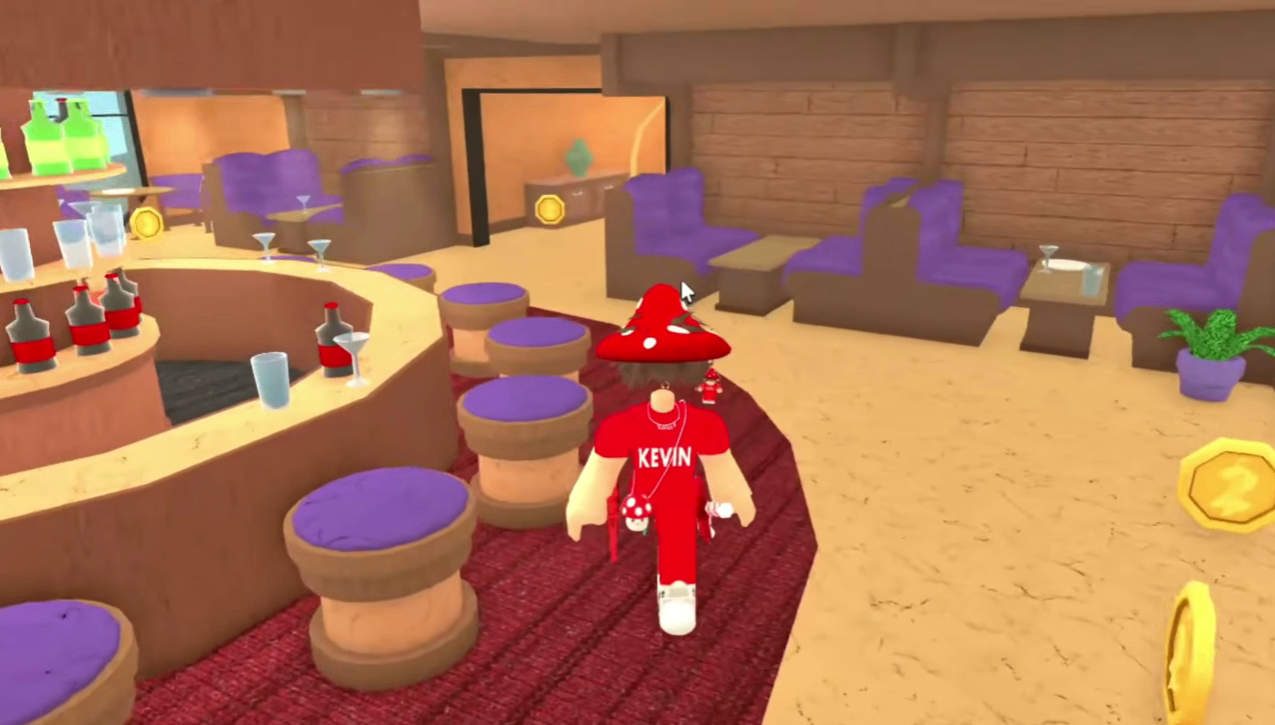
When searching for servers, we found that almost all servers were filled with bots. Upon joining, we saw large numbers of players behaving abnormally—moving unnaturally, some even glitching through the floor.
Step 2: Receiving Massive Friend Requests
After only a short time in a bot server, our test account received 8–9 friend requests. Every single request came from accounts with "Check my profile" in their display name.
Step 3: Bots Sending Phishing Links
When we accepted one of the bot's friend requests, it immediately sent a message: "Check my profile." In reality, these "profiles" are phishing websites disguised as weapon trading platforms, designed to steal your login credentials.
Step 4: Further Enticement
Even after replying in a different language, the bot automatically translated its response and continued sending links. This proves these bots are sophisticated automated phishing programs, not random spam.
What Do These Bots Want? How Do They Execute the Scam?
Their Goals:
Steal your Godly items — These valuable weapons have real-world trading value
Take over your Roblox account — Which may contain payment info and virtual assets
Expand their bot network — Using stolen accounts to send more phishing messages
Scam Tactics:
Step | Method |
1. Lure | Send friend requests, pretending to be normal players |
2. Contact | DM you with "Check my profile" messages |
3. Entice | Offer seemingly legitimate weapon deals or discount links |
4. Steal | When you enter your credentials, they're recorded and stolen |
Official Response and Current Status
Game developers have not yet issued a substantial response to this large-scale bot invasion. Based on our observations, these bots appear in almost every public server, making normal gameplay extremely difficult.
Even more concerning, these bots seem to detect real players and immediately send them friend requests—indicating some level of target recognition capability.
How to Identify MM2 Bots: Safety Guide
Key Red Flags:
Username contains "Check my profile"
Level is between 60–90
Behaves oddly (teleporting, clipping through walls, repetitive actions)
Rarely speaks, or only sends preset messages in chat
Appears in large numbers within the same server
Safety Measures:
Do not accept friend requests from strangers — especially those with suspicious names
Never click links sent in DMs — even if they appear to be legitimate "profiles"
Leave suspicious servers — if most players seem like bots, exit immediately
Enable two-factor authentication — your last line of defense against account theft
Never enter account info on unofficial pages — Roblox and MM2 never ask you to log in through third-party sites
What to Do If You Already Clicked a Link
Change your password immediately — if you entered any info on a suspicious page
Enable two-factor authentication — secure your account
Check your friend list — remove anyone you don't recognize
Review account activity logs — look for suspicious login attempts
Contact Roblox Support — if your account has already been compromised
Final Verdict: The Bot Threat Is Real
After our complete testing, we can confirm:
✅ Bots do exist in MM2 — this is not a rumor or exaggeration
✅ They do send malicious links — our test account received multiple messages
✅ Those links lead to phishing sites — designed to steal account information
✅ They actively target real players — requests arrive immediately upon joining
The most important takeaway: never click or trust any links sent by these bots. If you don't want to risk losing your account, the best strategy is to ignore, block, and leave. If you're genuinely looking for MM2 Items for sale, only use well-known platforms like MMOEXP—they're a trusted source in the community and offer a much safer alternative than risking your account on suspicious bot links.
FAQ
Q1: Are all "Check my profile" accounts bots?
A: The vast majority are. To stay safe, avoid accepting friend requests from these accounts.
Q2: Is it dangerous if I just see bots in-game?
A: Simply observing them is fine. The risk begins when you accept friend requests or click on links.
Q3: When will the developers fix this?
A: There's no confirmed timeline yet. Players should take their own protective measures until an official patch is released.
Q4: My items were stolen—can I get them back?
A: If your account was compromised, contact Roblox Support immediately. However, items may not be recoverable.