NBA 2K27 Shooting Setting Overview
NBA 2K27 shooting inconsistency has frustrated players since launch, with random shot speed ups, slow downs, and unreliable timing despite perfect button inputs. Contrary to common belief, the irregular shooting feel is not caused by RNG dice rolls. Official developer confirmations and lab testing verify NBA 2K27 features a pure, fixed green window for every jump shot.
Most shooting errors stem from misaligned visual cues and variable pre-shot movement loads. Small tweaks to core shooting settings and controller animations eliminate most inconsistencies. This optimized setup unlocks consistent green shots and reliable muscle memory for casual and competitive players alike, while NBA 2K27 VC can help players accelerate MyPlayer progression and optimize their builds.
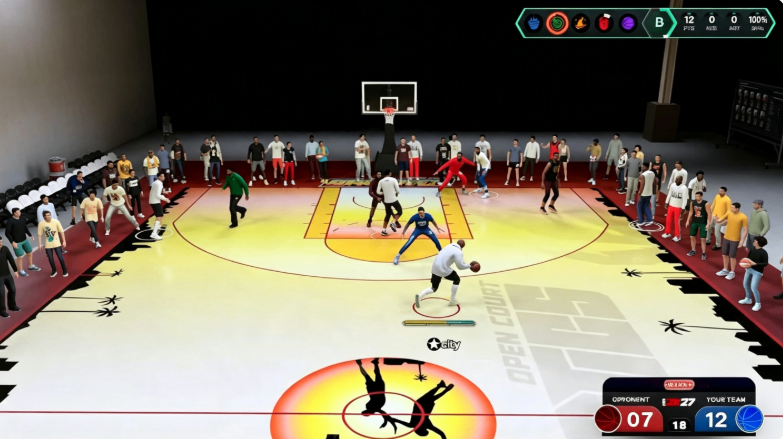
Fixed Release Cue Alignment (Game-Changing Tweak)
The biggest secret to flawless shooting in NBA 2K27 is correcting broken shot timing visual cue alignment. Default cue positions do not match on-screen shooting animations, throwing off even experienced players’ timing.
Years of meta gameplay have pushed players to use the maxed Release cue setting. However, shifting to a pre-adjusted Set Point setup delivers far more natural results. The optimal tweak is simple: set your visual cue four full ticks prior to your preferred timing marker.
For Set Point users, moving the cue four ticks early eliminates delayed button holds. Players switching from Release will notice instant rhythm improvements. This adjustment reduces the window of time the game uses to calculate variable pre-shot factors like gathering, movement, and stamina.
With less variable calculation time, every jump shot follows a repeatable catch-load-release rhythm. This removes the inconsistent shot speeds that make timing feel unpredictable match after match.
Maximize Green Window Consistency
NBA 2K27’s green window is fixed and consistent when pre-shot variables are controlled. Shot inconsistency arises from dynamic load-up changes, including defender closeouts, player movement, stamina levels, and standing vs. moving shots.
The adjusted early cue setup stabilizes green window reliability by prioritizing muscle memory over visual overthinking. Most players miss shots by over-analyzing animation frames mid-release. Early cue alignment lets players lock into a repeatable timing rhythm instead of reacting to variable in-game animations.
This method streamlines shooting mechanics, letting players execute identical release timing on every attempt. Consistent muscle memory directly increases green shot frequency and overall field goal percentage across all game modes.
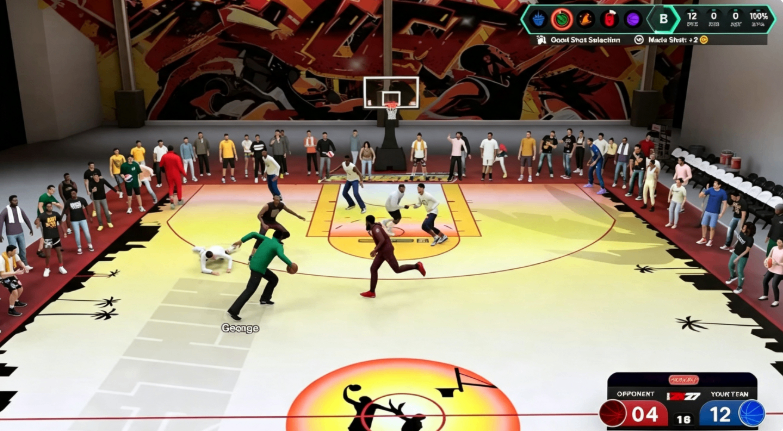
Meta Controller Animation for Zero Shot Variance
Pairing corrected cue settings with the Jimmy Butler lateral hesitation animation eliminates pre-shot speed fluctuations entirely. This underrated dribble animation requires only an 80 ball handle rating and works for all player builds between 5’9 and 6’9.
Activated by tapping the right stick while moving left or right, this hesitation delivers ultra-consistent quick stops. Unlike other quick stop animations, it avoids random speed boosts or slowdowns during shot gathering.
This setup fixes shooting variance from two angles. The animation stabilizes pre-shot movement and gathering, while the early visual cue locks in consistent release timing. Combined, they remove nearly all randomness from jump shot execution.
Complete Optimized Controller & HUD Setup
Build the perfect shooting foundation with this tournament-ready setting bundle. Adjust these options in your controller and HUD menus for maximum accuracy.
Set Shot Timing Visual Cue to four ticks before Set Point for muscle-memory friendly timing. Keep Shot Timing enabled for all shots, dunks, and free throws to maintain unified rhythm. Use standard Pro Stick orientation for consistent manual releases.
Avoid over-reliance on the default shot meter. While optional, focusing on animation timing rather than meter watching improves long-term green window consistency. Disable unnecessary vibration feedback to eliminate timing distractions during critical shots.
Pro Player Recommendations & Best Practices
Players new to this setup should practice in 2K27’s practice lab first. The early cue adjustment feels faster initially, requiring short muscle memory adaptation. Avoid abandoning the tweak after a few missed early shots.
Remember that settings alone cannot fix poor base builds, low shooting ratings, or missing key badges. This setup amplifies existing jump shot quality and builds consistency on top of solid player creation choices.
Stick to one visual cue position long-term to build permanent muscle memory. Constant setting switching disrupts rhythm and negates the consistency benefits of this optimized setup.
Final Verdict
These NBA 2K27 shooting setting adjustments resolve the game’s most notorious shooting flaws without exploiting bugs or broken mechanics. Fixed cue alignment, stabilized green window timing, and meta hesitation animations combine to create the most consistent shooting setup currently available.
Whether you are a casual park player or competitive MyPlayer grinder, this controller and visual cue setup eliminates random shot variance, boosts green shot rates, and makes every jump shot feel predictable and repeatable in every game mode. For players looking to further improve their MyPlayer progression and overall build, buy NBA 2K27 VC can also provide additional resources to optimize attributes and upgrades faster.