Summary
Tempo Shooting works differently in NBA 2K27, and players who relied on last year's method will need to adjust their timing. While button shooting remains a strong option, Tempo Shooting can still be effective if you understand the new flick timing and use the right jump shot setup.
The key change is that simply moving the right stick up and down no longer works reliably. Instead, you need to hold the stick down first and then flick it upward when your player's wrist moves forward. With the right release animation and controller settings, this method can make Tempo Shooting much more consistent. To unlock the best release animations for this method, buy NBA 2K27 VC and secure the resources you need.
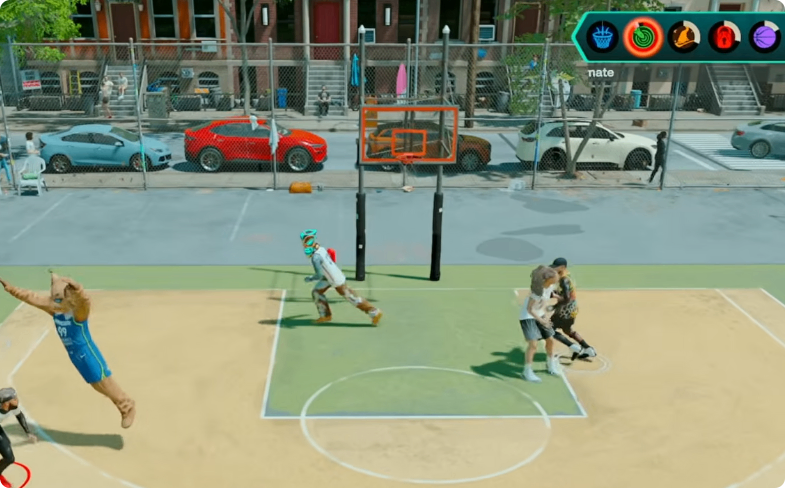
How Tempo Shooting Works in NBA 2K27
The biggest adjustment for returning Tempo Shooting players is the timing of the stick movement.
Use the New Down-Then-Up Method
In previous versions, players could use a simple up-and-down motion with the right stick. That approach does not work the same way in NBA 2K27.
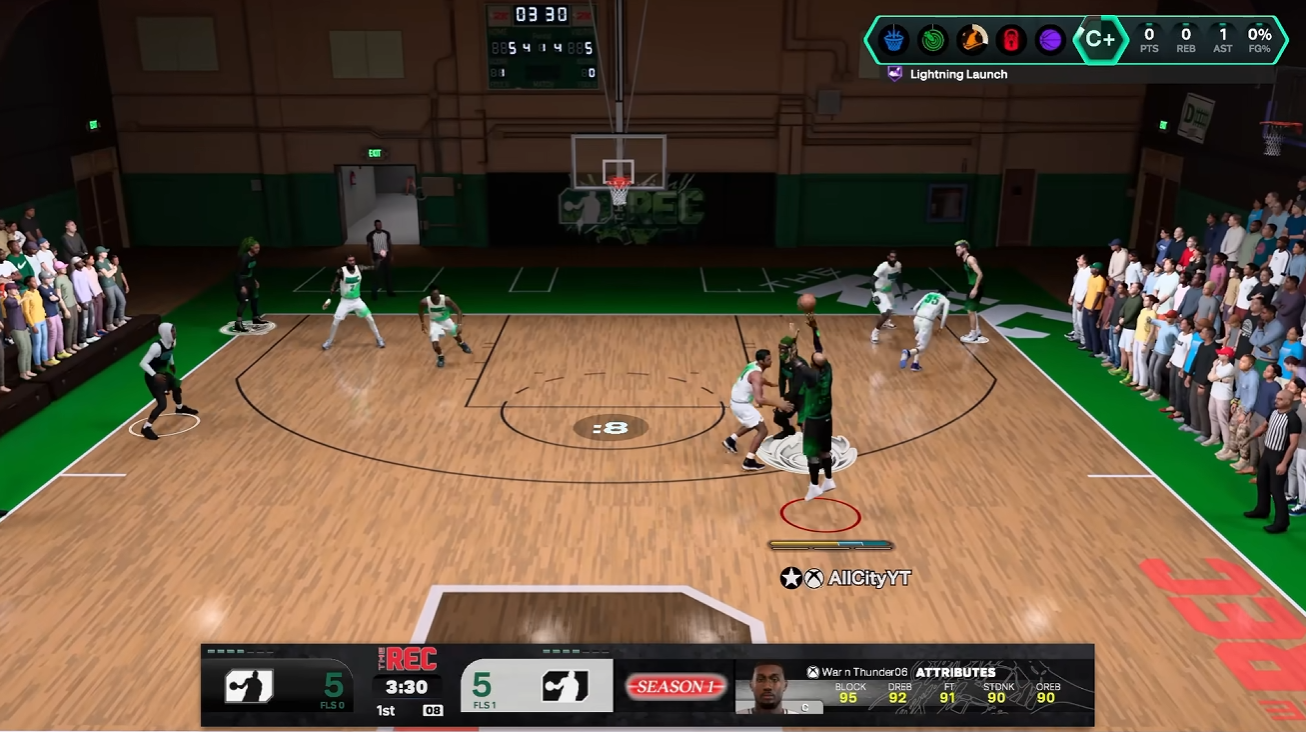
Instead, start by holding the right stick down. Watch your player's shooting animation closely. When the player's hand begins to flick forward, quickly flick the right stick upward.
This is the timing cue you need to learn.
The important part is not simply moving the stick from down to up as quickly as possible. You need to hold the stick down until the shooting animation reaches the correct point, then make the upward flick when the wrist moves forward.
This change makes Tempo Shooting more skill-based, so practicing the visual cue is essential.
Best Jump Shot Settings for Tempo Shooting
Your jump shot animation also plays an important role in making the timing easier to recognize.
Use Baluba as the Secondary Release
The source recommends using Baluba as your secondary release because its wrist flick provides an easier visual cue for Tempo Shooting.
The recommendation is to have the secondary release at least 30% toward Baluba, rather than using a completely different release animation.
Baluba's wrist movement gives you a clearer indication of when to perform the upward flick, making it easier to repeat the same timing.
Adjust Your Jump Shot Speed
The featured setup uses a jump shot at 44 speed, which provides a fast release for players who like to take quick shots.
However, you do not have to use the maximum speed. If 44 speed feels too fast, you can lower the speed to around 3/4 while keeping the strong shooting attributes mentioned in the source.
Your player's wingspan can also affect how the jump shot feels, so you may need to make a small speed adjustment to match your build.
Controller Settings for Tempo Shooting
A major part of the featured method comes from using adjustable stick tension and rear paddles.
The creator uses a controller with adjustable tension rings and programmable rear paddles. These features are used to make the required stick movements more repeatable.
Find the Right Stick Tension
The tension rings let you make the analog sticks tighter or looser.
If you want a faster flick and quicker stick movement, lowering the tension can make the stick easier to move. If you want more resistance and a more controlled movement, increase the tension.
The featured setup uses the left stick at approximately four ticks away from maximum tension and the right stick at approximately 4.5 ticks away from maximum.
These exact settings are not necessarily required for every player, but they provide a starting point for reproducing the demonstrated setup.
The goal is to find a tension level that lets you perform the same down-and-up motion consistently.
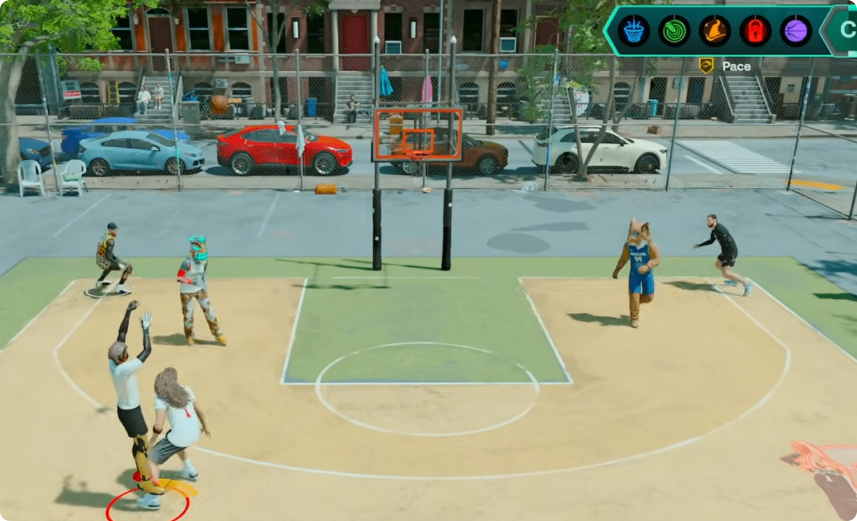
How to Use Paddles for Tempo Shooting
Rear paddles provide another way to make the new Tempo Shooting technique easier.
However, the recommended method is not fully paddle-based. Instead, the technique combines the analog stick with a rear paddle.
Use a Hybrid Paddle Setup
The featured configuration maps an input that allows the player to maintain the required movement while using the rear paddle to complete the Tempo Shooting action.
The basic idea is simple:
1. Hold the right stick down.
2. Watch the player's shooting animation.
3. Wait for the wrist to flick forward.
4. Tap the mapped rear paddle at that moment.
5. Release the shot through the resulting Tempo input.
This hybrid approach can be particularly useful for quick shots and shots taken immediately after a dribble move.
The source specifically recommends not relying entirely on paddles. Keeping part of the movement on the analog stick preserves the timing cue while using the paddle to make the final input easier.
How to Tempo Shoot Off the Dribble
Tempo Shooting is not limited to stationary catch-and-shoot situations.
The demonstrated setup can also be used after a quick stop or other dribble movement. The advantage of the hybrid method is that the final Tempo input can be performed quickly without requiring a large traditional stick movement.
Practice the Wrist Cue
When shooting off the dribble, the most important thing is still the wrist animation.
Do not rush the flick simply because your player has stopped moving. Keep the stick held down and wait for the visual cue. Once the hand begins moving forward, perform the upward flick or paddle input.
This is particularly important on faster jump shots because the window between the visual cue and release is smaller.
Tips for More Consistent Tempo Shooting
Tempo Shooting takes more skill in NBA 2K27 than it did previously, so consistency comes from repeating the same motion rather than trying to force the shot.
Use One Visual Cue
Baluba is recommended because its wrist flick provides a recognizable timing point. Once you identify that movement, focus on it instead of trying to react to multiple parts of the jump shot animation.
Keep Your Inputs Consistent
Whether you use the regular stick method or the hybrid paddle method, the sequence should remain the same.
For the standard method, hold down, wait for the wrist flick, then flick upward.
For the paddle method, hold down with the stick and use the mapped paddle when the wrist reaches the same cue.
The goal is to make the input feel automatic through repetition.
Practice Before Competitive Games
Because the timing has changed, players who used Tempo Shooting in previous versions should not assume their old muscle memory will work.
Practice the new down-then-up motion until the wrist cue becomes familiar. The source demonstrates the technique on ranked difficulty, showing that the method can work under more demanding shooting conditions.
Should You Use Tempo Shooting in NBA 2K27?
Button shooting remains a strong option, but Tempo Shooting can still be useful for players who prefer stick-based shooting or want another option when shot timing becomes inconsistent.
The biggest adjustment is accepting that the old simple up-and-down motion is no longer the recommended method. Instead, NBA 2K27 Tempo Shooting requires you to hold the right stick down, wait for the wrist flick, and then move up at the correct visual cue.
Using Baluba as the secondary release can make that cue easier to recognize, while adjustable stick tension and a hybrid paddle setup can help make the movement more consistent.
Once you learn the new timing and build reliable muscle memory, Tempo Shooting can become a viable shooting method in NBA 2K27 rather than a mechanic that returning players simply abandon. To accelerate your practice, NBA 2K27 VC can help you unlock the release animations.