Weekend Drop -













Prepare for Modern Warfare 4 DMZ Early Access with a first-deployment checklist, free loadout, extraction tips, Medium Backpack recipe, loot priorities, and FOB upgrades for new players.
For your first CoD MW4 DMZ deployment, take the Free Loadout, choose one manageable DMZ Order, and extract once you have useful progress to bring home.
At DMZ Player Level 2, check the 3D Printer and work toward a Medium Backpack: its Secure Slots help protect selected items when a later run goes wrong. DMZ Player Level is separate from your regular multiplayer progression, so you must earn DMZ XP to unlock the printer.
DMZ Early Access begins October 20, 2026, for eligible digital pre-orders of the Standard or Vault Edition. The full Call of Duty: Modern Warfare 4 launch follows on October 23. This opening plan uses the announced systems; efficient loot routes and the safest extraction approaches still need testing after access opens.
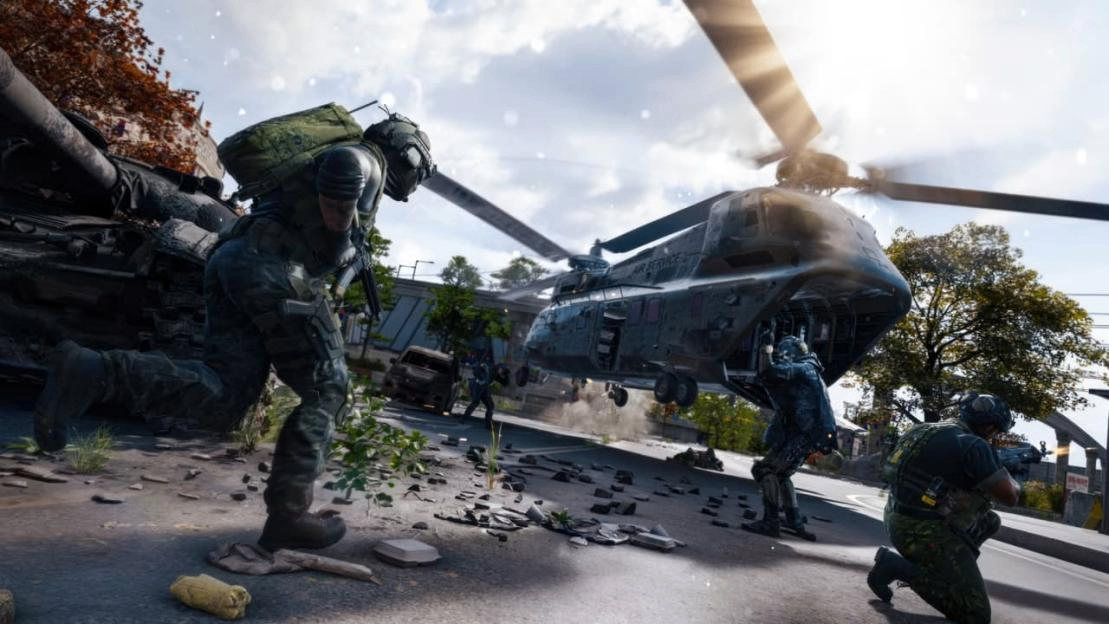
Prepare Your First Deployment
At the Forward Operating Base, or FOB, use this preparation order:
1. Open Operators (Active Duty). Recruit an Operator into an available slot if needed, then select one for deployment.
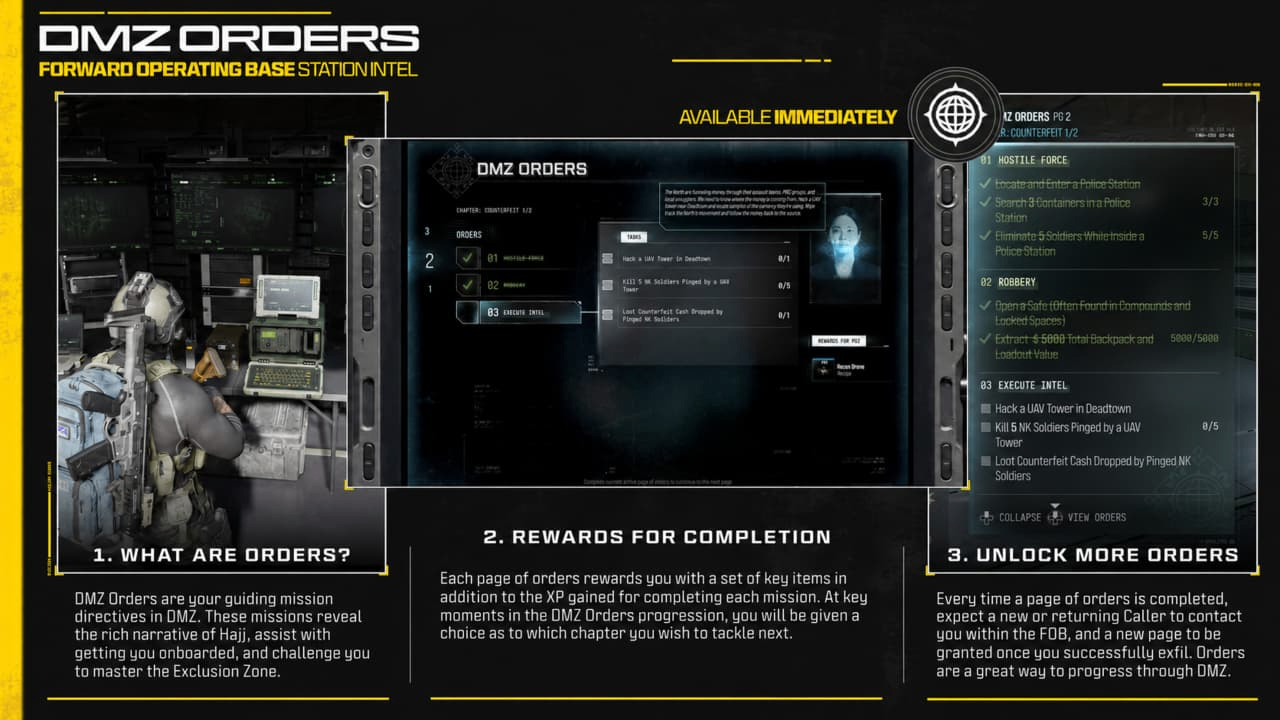
2. Open DMZ Orders, your mission directives. Read the current task and check whether it requires extraction.
3. Check Survival Kits for any packs you own. Opening one sends its contents to your Stash, the equipment storage you keep between runs. Unopened kits can stay here until needed.
4. Open Deploy. Choose Story Missions for a briefed task that fits your Order, or Free Roam for an ingredient-focused run. Dynamic Operations offer multi-step jobs. Ground is the free entry option for Dynamic Operations and Free Roam; it is not a separate required step for Story Missions.
5. At Ready Up, select Equip Free Loadout if you need basic gear, then inspect and edit what you will carry. If using kit rewards, equip them from your Stash and check the final loadout.
For a low-commitment first run, start with Free Roam unless your current DMZ Order directs you to a specific Story Mission. Keep reserves at the FOB.
Free gear reduces the equipment you risk, although your Operator can still go MIA, or Missing in Action, if eliminated. For your first solo run, choose a task you can abandon and skip optional bosses or prolonged fights over loot.
If you are considering CoD Modern Warfare 4 Bot Lobbies for multiplayer practice after launch, keep that separate from your DMZ preparation. Familiarity with aiming and movement may help, but DMZ requires you to manage persistent equipment, extraction risks, and an Operator who can go MIA.
Follow a Short First-Run Loop
Build your first DMZ route around your actual starting position in Hajin. If nearby, consider the Low Threat Deadtown Exterior, Cheongun Village, or Imjin Farmland Exterior for learning to loot.
Cheongun's Heavenly Luck Casino is High Threat, and Imjin's open fields offer limited cover. These are published AI threat ratings, not tested safe routes or guaranteed ingredient locations.
1. Open the map and locate your objective and an available exfil. Identify another exit option if one is available, so a fight at the first site does not leave you without a plan.
2. Read the area's Threat indicator. Low Threat describes the expected AI danger; other players can still be present. If the objective takes you into a much harder area, gather useful supplies elsewhere and return better equipped.
3. Complete the selected task and collect materials along that route. Before opening a loot inventory, check nearby approaches. In a squad, have someone watch while another player searches.
4. Start leaving when the objective is complete or you find an ingredient needed for your next upgrade. Leave earlier if supplies run low, fighting escalates, or the radiation timer makes another detour too risky.
Watch Time Remaining on the HUD, your on-screen status display: it indicates when the radiation storm intensifies. Check the Tac-Map, your tactical map, for spreading radiation and leave time for travel, a contested site, and the helicopter call. Do not wait for a full backpack if conditions are worsening.
Hostiles Kill Count is a separate meter for enemy combatants eliminated during this deployment. Filling it dispatches an enemy Hunt Squad and makes you Marked for Death. Avoid clearing every patrol after finishing your task.
If the meter is close to full, stop optional fights and work toward extraction; if a Hunt Squad is dispatched, abandon extra looting. Breaking contact and taking cover can lower the area's Threat Level, but do not assume that also resets the kill meter.
Unlike the repeated eliminations players may seek through CoD Modern Warfare 4 Bot Lobbies, your priority in DMZ is keeping the progress you can extract. Fighting another squad is rarely worth it if you have already completed your Order or collected an important crafting ingredient.
If a firefight stalls, stop spending supplies on it once you have a chance to disengage. Move toward your planned exit instead of chasing a retreating player into unfamiliar buildings. Solo players should allow more room for this decision because nobody else is covering their withdrawal.
Work Toward a Medium Backpack
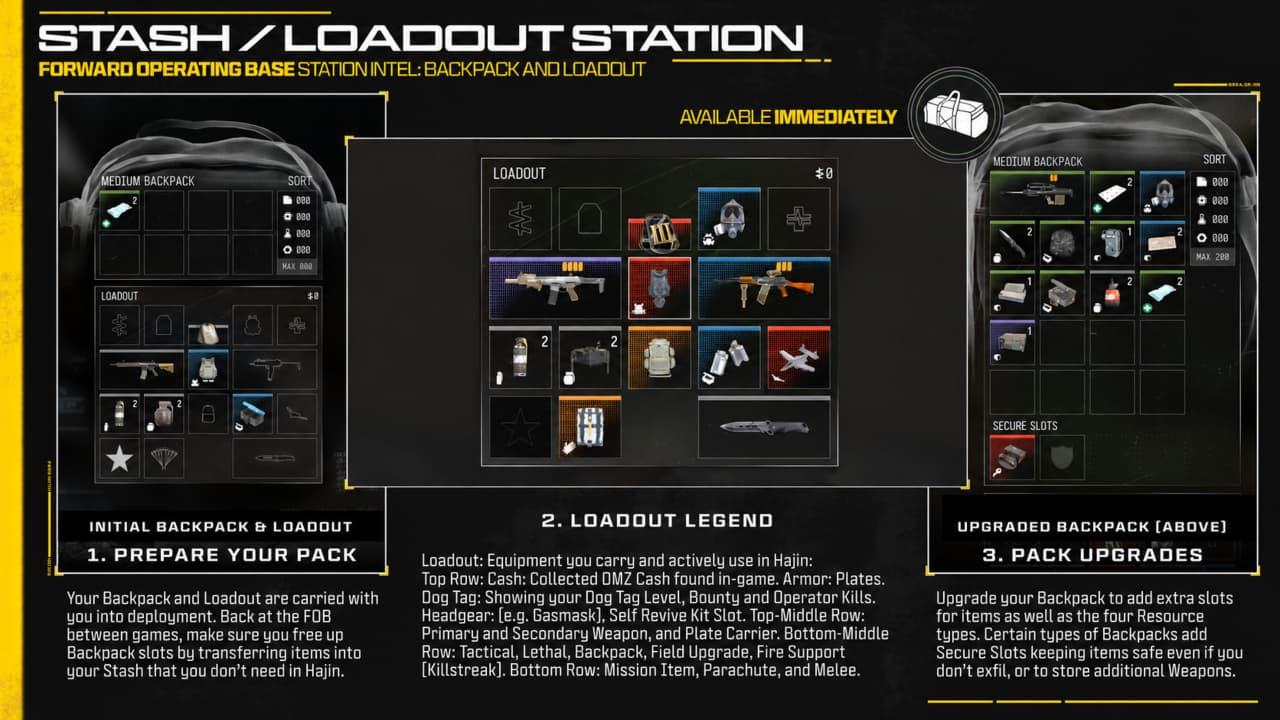
The Basic Pack has eight item slots. At DMZ Player Level 2, the 3D Printer unlocks with initial recipes that include the Medium Backpack. Its announced requirements are:
Material | Amount |
Synthetics | 50 |
Rigid Synthetics | 5 |
At the 3D Printer, highlight Medium Backpack and use Track/Untrack to pin the recipe and Rigid Synthetics. Check the displayed amounts against your existing supply, then consult 3D Printer Ingredient Locations for any recommended search areas.
Tracked ingredients show a pin icon when looted. Use the ingredient's hint to plan your next run; it does not guarantee a drop in a particular container.
Synthetics are a basic resource; Rigid Synthetics are an ingredient you need to carry out. The search-area hints apply to ingredients, rather than the four basic resources.
The Medium Backpack is a useful early target because it adds carrying space and Secure Slots. Put eligible items you most want to retain into those slots. Protection applies to their contents, so check placement before taking another risk; equipping the backpack does not insure everything you carry.
If Rigid Synthetics remain out of reach, a Small Backpack costs 25 Synthetics and 25 Metals and adds item space. Craft it if your current capacity is obstructing progress, accounting for the Synthetics it takes from your Medium Backpack target.
Vault Edition players should first check Survival Kits for their Deployment Kit, which contains two Medium Backpacks. Open it and equip one from the Stash if available, keeping the other as a spare. After crafting any backpack, print it directly to your Operator or equip it from your Stash before deployment.
Decide What Loot to Keep
Separate immediate survival needs from items for later progression. Keep the ammunition and healing supplies you need to reach an exit, then make room for the ingredients your next recipe requires.
Loot Type | What to Do |
Synthetics, Electronics, Chemicals, Metals | These break down into basic crafting resources and use a dedicated resource pouch. |
3D Printer Ingredients | Keep the required ingredients intact in your backpack and extract with them. |
Recipes | Extract with them to unlock crafting options. |
Weapon Manuals | Extract with them to unlock the corresponding weapon for the DMZ Gunsmith. |
When space runs out, compare the next item with your selected goal. A missing backpack ingredient deserves space before an unrelated item you have no immediate use for. Avoid discarding your last useful healing item just to carry another speculative upgrade component.
Back at the FOB, move ingredients and spare equipment into your Stash. Leave with supplies for the next task, and keep the rest available for recovery after a failed deployment.
Approach Exfil as a Combat Area
Standard DMZ exfil sites are marked by green smoke. Call the helicopter, hold the site until it arrives, and board to complete extraction. Reaching the marker or calling transport does not finish the run.
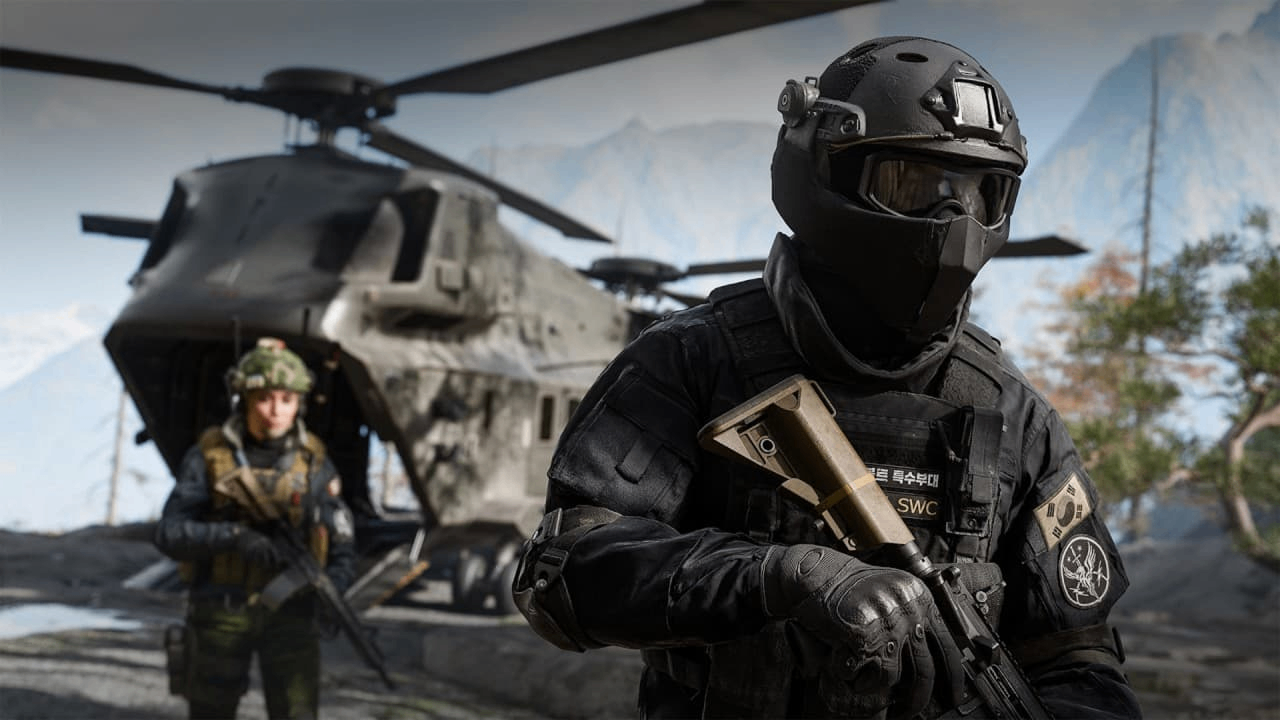
Before the call, check nearby cover and buildings for an ambush. If you see a squad holding the approaches, consider another available site while you still have time and supplies.
Once transport is inbound, stay ready to move and fight; avoid spending the wait sorting loot in the open. Squads can watch different approaches, while solo players should keep an escape path available.
Fulton balloons and flares are alternative methods, but their availability depends on having the necessary items. Plan your opening run around an available standard exfil. A flare is loud and conspicuous, so using one can attract attention.
Recover after a Failed Run
An eliminated Operator goes MIA and cannot deploy again until recovered. At the Operators station, spend DMZ Cash to rescue them with their Traits preserved. They return without equipment, and recovery costs rise with Trait investment.
Rescue an Operator whose build you want to keep when you can afford the fee. If you cannot fund recovery immediately, use another available Active Duty Operator. Dismissing the MIA Operator replaces that character, so consider the lost development before choosing it.
DMZ XP still counts after a failed extraction. Recheck your Player Level and unlocked stations before rebuilding: a death may still leave you closer to the printer or your next facility unlock.
Choose the Next FOB Upgrade
The Vendor opens at DMZ Player Level 5, followed by the Gunsmith at Level 10. Collect Weapon Manuals for weapons you want to build there; multiplayer weapon access does not automatically unlock the same weapon for DMZ.
Keep DMZ progression separate from multiplayer leveling. CoD Modern Warfare 4 Bot Lobbies do not replace the DMZ XP required for FOB station unlocks, so completing Orders and surviving deployments remain your priorities when working toward new facilities.
After securing a usable backpack and replacement equipment, direct resources toward the problem that keeps interrupting your runs. Consider Stash capacity when storage is routinely full, or MIA recovery discounts when rescuing developed Operators strains your cash reserve.
Check each upgrade's requirements before committing ingredients, and keep enough equipment available to make another deployment.