Weekend Drop -
















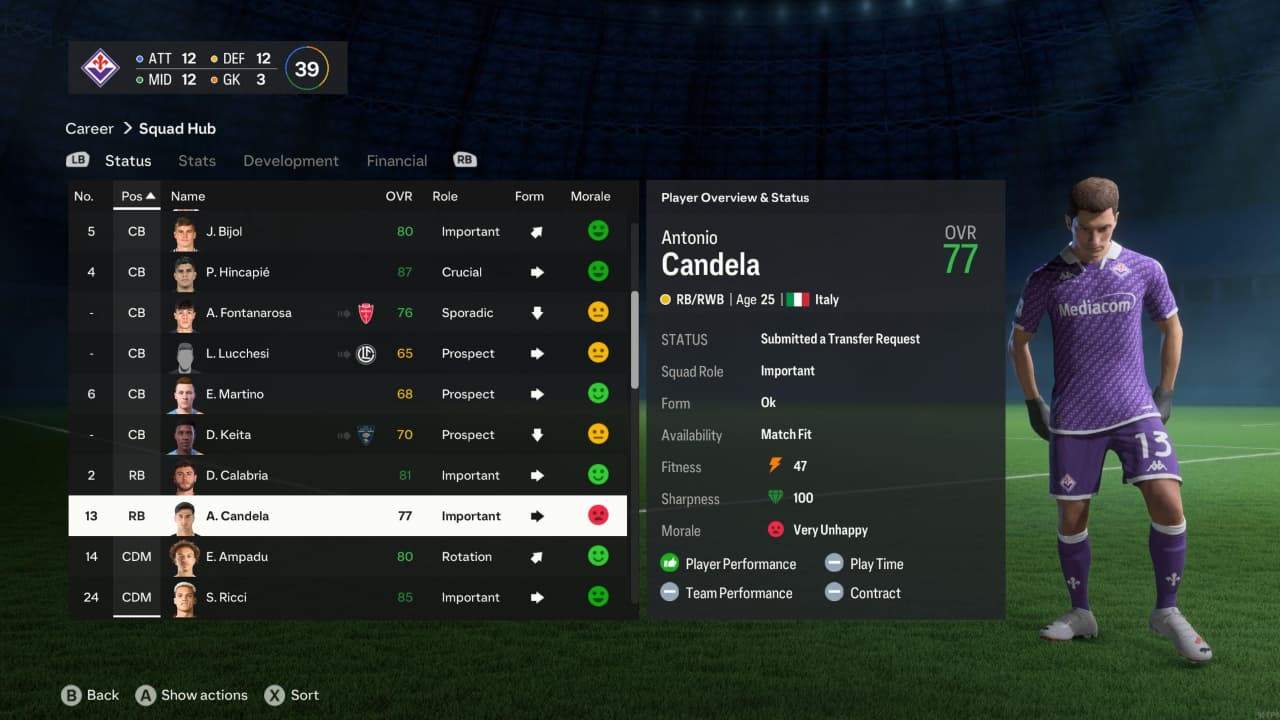
EA has confirmed the playing time transfer request bug in FC 27 Career Mode, but a fix is not yet confirmed for the October 27 v1.1 update. Players with existing requests also have no confirmed method to cancel them. EA's October 26 Pitch Notes say a solution is being tested for an upcoming update, without giving a release date for that fix.
If your starter has asked to leave, first protect your save and check whether they can still play and whether any transfer has progressed. A genuine minutes shortage calls for a rotation change. A request that conflicts with sufficient playing time calls for a status check before you disrupt the squad or accept a sale.
What to Do Right Now
Start by checking your FC 27 player's contract role and minutes across the last eight to ten fixtures. Regular starts can hide a shortage if the player repeatedly comes off early. If their involvement already meets the role's expectation, the complaint may match the anomaly EA has acknowledged. High morale alone cannot settle that diagnosis.
Player Status | First Action | Next Decision |
Complaining, no request submitted | Check role and recent minutes | Plan suitable starts if there is a shortage |
Request already submitted | Make a separate manual save | Check selection eligibility and transfer activity |
Request despite sufficient minutes | Preserve the minutes and message record | Review the player's status before changing the squad or accepting a sale |
Handling an Existing Transfer Request
For an existing FC 27 request, follow this order:
Make a separate manual save so that experiments do not overwrite your only copy of the career.
Check whether the player can still be selected. If they remain eligible, decide their place in the next match on fitness and squad needs.
Inspect current transfer activity. Distinguish the request itself from an offer, an accepted deal or a confirmed departure.
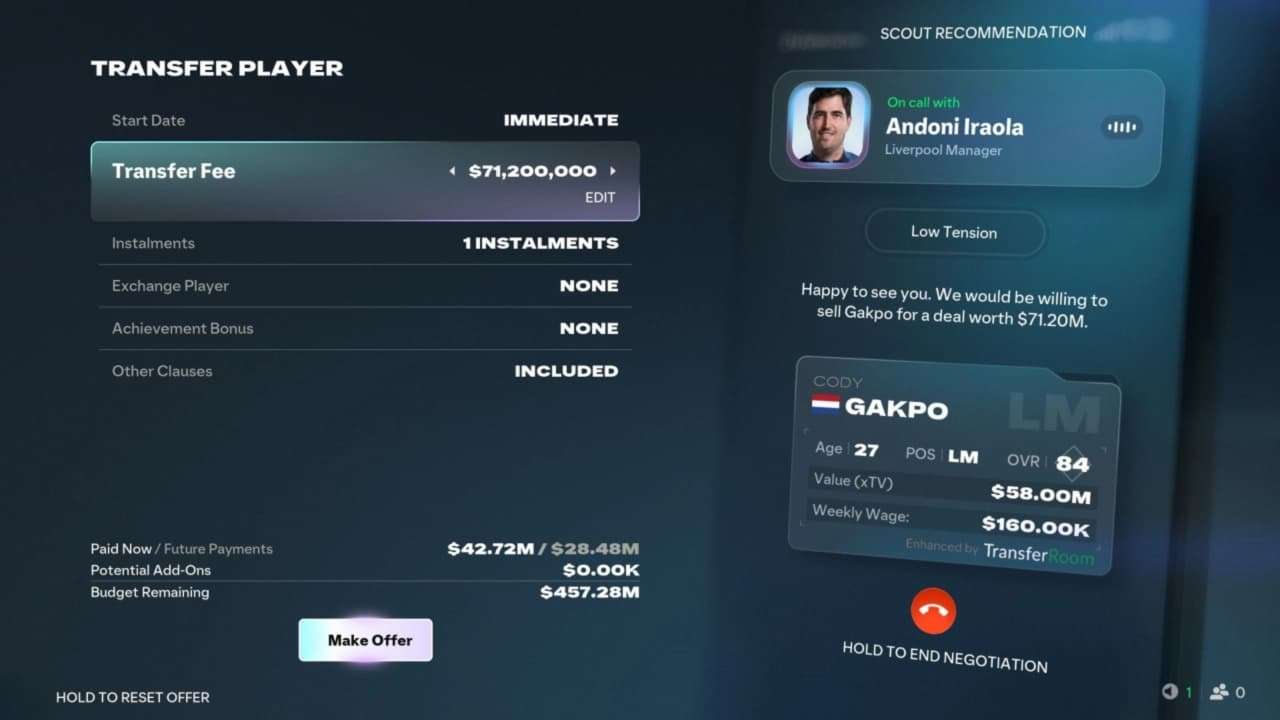
Unlike FC 27 Coins in Ultimate Team, your Career Mode transfer budget is tied to the current save. Check how much money is actually available before deciding whether a transfer fee can cover a suitable replacement.
If no departure is confirmed and the player remains usable, continue managing them while preparing cover. Review each new offer before accepting anything.
If the complaint conflicts with sufficient minutes, preserve screenshots of the role, messages and available match information. Include your platform and installed version in a bug report. Keep your functioning rotation while checking the player's status; an unexplained request alone is no reason to agree to a sale.
Can You Cancel an Existing Transfer Request?
There is currently no confirmed method to cancel a transfer request caused by the FC 27 playing time bug. Giving the player more starts, renewing their contract or improving morale is not a guaranteed fix. If they remain selectable and no departure has been confirmed, you can continue using them while monitoring transfer activity and waiting for further updates.
Preventing Further Playing Time Complaints
For a player who has only complained, check the contracted role and recent minutes before advancing the calendar. Where there is a shortage, plan the next suitable start and useful substitute appearances around fitness.
Look across the coming fixtures so one emergency selection does not shift the same shortage to another player. After each match, check the minutes actually played and subsequent messages.
When recruiting in FC 27, decide whose minutes a new signing will take before agreeing to their role. Three Crucial centre-backs competing for two positions cannot all receive 90% of available minutes if all three remain available throughout.
While FC 27 Coins help shape squad-building decisions in Ultimate Team, Career Mode recruitment depends on transfer fees, wages, and playing time promises. Spending more on a backup will not solve a rotation problem if their contracted role creates another minutes conflict.