Weekend Drop -













Summary
Murder Mystery 2 becomes completely different when you have access to admin commands. Instead of simply playing as the Murderer, Sheriff, or Innocent, you can use special commands to reveal players, spawn weapons, create traps, change the map, and give unusual items to everyone.
If you're new to MM2 admin commands, the easiest way to learn is to start with simple commands and gradually experiment with more powerful ones. This beginner guide explains the most useful and entertaining ways to use admin commands in MM2 based on the different situations you can create during a round. To enhance your gameplay, buy Murder Mystery 2 Items for exclusive content.
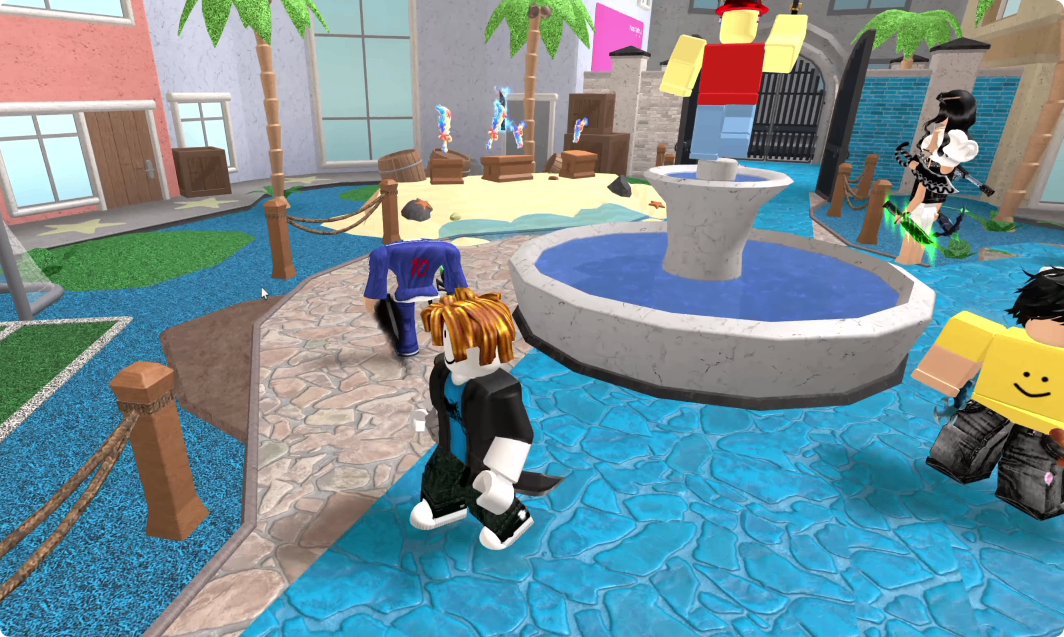
How to Start Using Admin Commands in MM2
Get Admin Access First
Admin commands aren't part of standard MM2 gameplay. You need to be playing in an environment where you have legitimate admin permissions, such as an admin-enabled or private setup.
Once you have access, check which commands your admin system supports. Command names and syntax can vary, so don't assume every command works exactly the same way.
Start by testing commands on yourself before using commands that affect the entire server.
Start With Simple Commands
If you're a complete beginner, don't immediately try to change the entire map or give every player an item.
Begin with commands that let you understand what's happening around you. Commands for checking players, changing your own status, or spawning individual items are much easier to control.
After you understand how those work, you can move on to commands that affect multiple players.
Best MM2 Admin Commands for Beginners
Use ESP to Find the Murderer
One of the most useful commands shown in the gameplay is ESP.
Normally, Innocents have to figure out who the Murderer is by watching player behavior. With an ESP-style admin command, you can identify or track important players and see what they're doing.
For a beginner, this is a good way to learn how the Murderer moves around the map.
You can use it to:
Find the Murderer.
Locate the Sheriff.
Watch players through walls, if supported.
Follow a suspicious player.
Observe how the round develops.
Rather than immediately interfering, try using ESP to understand the round first.
Spawn or Give Yourself a Knife
Weapon commands are another simple way to experiment with admin powers.
If your admin system supports spawning or giving items, you can create a knife for yourself or give one to another player.
Giving a knife to someone can produce unexpected results, especially when you don't know whether that player is already the Murderer.
For example, you might give a player a knife and suddenly discover that you've accidentally equipped the Murderer with another weapon.
This is one reason to test commands carefully before using them on everyone.
Give Players a Gun
Giving players guns can completely change an MM2 round.
You can give a single player a gun or, with a global command, give guns to multiple players. If everyone receives a gun, the Murderer can potentially be eliminated almost immediately.
For a beginner, this is useful as a fun custom mode rather than a normal MM2 strategy.
Try creating a simple challenge where several players receive guns and the Murderer has to survive long enough to eliminate them.
Use Admin Commands to Change the Round
Place Traps Around the Map
Trap commands are especially useful when you understand the layout of an MM2 map.
Instead of randomly placing traps, focus on locations players naturally have to pass through, such as:
Staircases
Narrow hallways
Doorways
Small rooms
Gun locations
Common hiding spots
You can create a temporary trap zone and see whether the Murderer or Sheriff can escape.
Be careful when placing too many traps. Excessive objects can make the round difficult to play and may cause performance problems.
Turn Invisible
An invisibility command lets you disappear from normal player view.
For a beginner, this is a great way to learn how other players behave when they don't know you're nearby. You can secretly watch the Murderer, observe the Sheriff, or simply hide somewhere unexpected.
It can also create a fun hide-and-seek challenge: one player becomes invisible while everyone else tries to find them.
Teleport Around the Map
Teleport commands are useful for learning maps quickly.
Instead of spending an entire round walking around, you can move between important areas and learn where players tend to gather.
You can also use teleport commands to create custom challenges, such as forcing players to move between different locations.
However, avoid constantly teleporting players without their agreement, since it can make a normal round frustrating.
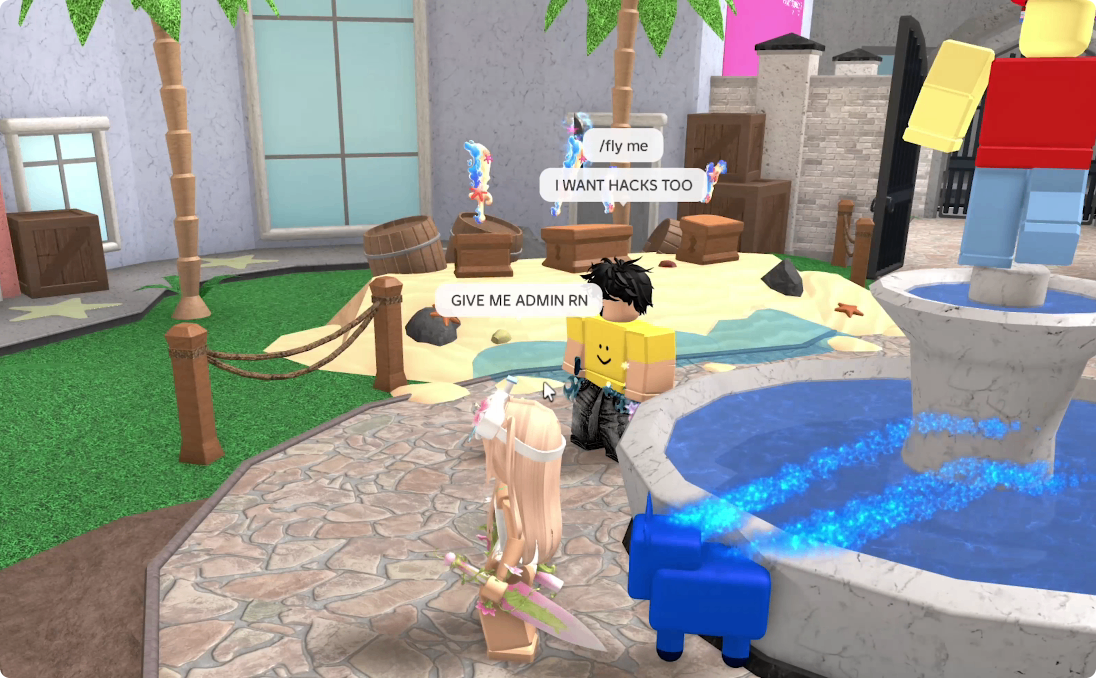
Create Chaos With Everyone Commands
Give Everyone a Knife
Once you've learned individual commands, try a global weapon command.
Giving everyone a knife creates a completely different version of MM2. Instead of one Murderer hunting everyone, almost every player can become a threat.
The result is usually a chaotic free-for-all where players start attacking each other immediately.
Give Everyone a Gun
The same idea works with guns, but the result is even more unpredictable.
If every player has a gun, the Murderer may not survive for more than a few seconds. The fun comes from watching everyone react rather than trying to preserve the normal rules.
For a better experience, use this as a short custom round and then reset the server.
Give Everyone Bombs or Fireworks
Explosive-style items can create some of the funniest admin rounds.
Give everyone a bomb or similar item and watch the map become chaotic as players activate them in different locations.
Fireworks can create a similar effect while adding another visual element to the round.
These commands are best used in controlled sessions because too many effects at once can make the game difficult to follow.
Change the MM2 Map
Use Paint or Environment Commands
Some admin setups allow you to modify the appearance of the map.
A paint bucket-style command can turn a familiar MM2 map into something completely different. Players can repaint floors, walls, objects, or other parts of the environment.
You can even turn this into a competition:
Who can create the best-looking version of the map?
Instead of fighting, everyone gets a limited amount of time to redesign the area.
Add Weather or Visual Effects
Clouds, rain, and other environmental effects can make a normal MM2 map look completely different.
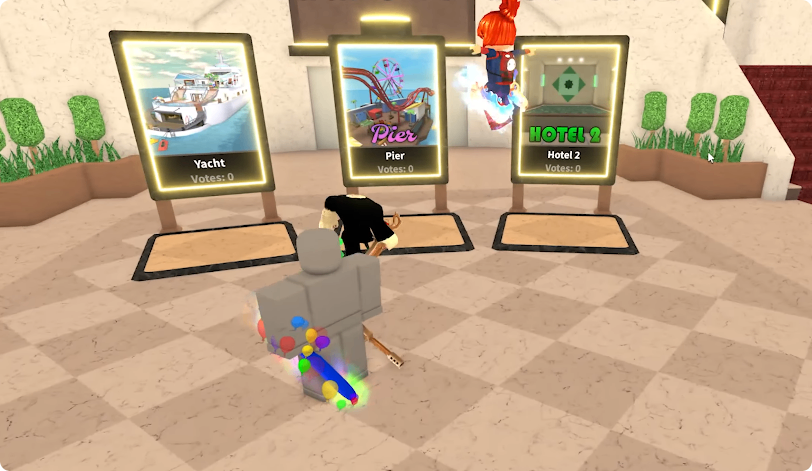
For example, adding a rain effect can make the Hotel map feel like an outdoor garden, while other effects can create unusual visual combinations.
These commands don't necessarily help you win. Their main purpose is to turn the standard map into a sandbox.
Try Unusual Admin Items
Bikes and Movement Items
Giving players bikes or other movement items can create another custom game mode.
Players can race around the map, try to reach unusual locations, or simply see how the item interacts with the map.
Some movement commands can behave unexpectedly, especially on mobile devices or unusual parts of the map, so don't be surprised if a player gets stuck or is moved somewhere strange.
Blow Dryer or Knockback Effects
Knockback-style items can send players flying across the map.
You can turn this into a survival challenge where players try to remain on the map while everyone else attempts to knock them away.
On maps with water or open edges, the effect can become especially chaotic.
How Beginners Should Use Admin Commands
Don't Use Every Command at Once
The biggest mistake a new admin can make is activating everything simultaneously.
Start with one command, observe what happens, and then add another.
For example:
1. Use ESP to identify the Murderer.
2. Spawn a weapon.
3. Add a few traps.
4. Give players a special item.
5. Change the map environment.
6. Reset everything before starting another challenge.
This makes it much easier to understand which command caused a particular effect.
Reset the Server When Things Break
Admin commands can sometimes produce unexpected results. Players may become stuck, maps may become cluttered, or visual effects may remain after the round ends.
If your admin system has reset or cleanup commands, use them after a chaotic round.
The goal is to experiment without permanently disrupting the game.
Final Tips for MM2 Admin Beginners
Admin commands can turn Murder Mystery 2 from a simple Murderer-versus-Sheriff game into a full sandbox.
If you're just starting, learn ESP, weapon commands, invisibility, teleportation, traps, and global item commands first. Once you understand those basics, experiment with bombs, fireworks, paint, bikes, weather effects, and knockback items.
The most entertaining admin sessions aren't necessarily about becoming unbeatable. They're about using your commands to create unusual rounds that everyone can participate in.
Just remember to use admin powers where you have permission to do so. In a private or admin-enabled environment, you can experiment freely, create your own challenges, and discover just how chaotic MM2 can become. To customize your loadout further, Murder Mystery 2 Items can be traded to match the chaos you create.