







Article Summary
Why can others easily pull off a five-kill streak with the same weapon while you seem to be "painting the outline" around the enemy? Why do you lose every gunfight even when you shoot first? Why do streamers seem to have "zero recoil" while you struggle so much with recoil control that you start questioning your sanity?
The answer might not lie in your weapon attachments, but in game settings you've never seriously tweaked. Tests by top-tier players show that simply optimizing sensitivity, field of view (FOV), and aim-assist parameters can boost in-game accuracy by over 20% and visibly improve stability during firefights.
"Want to put these ideas to the test quickly? Buy Black Ops 7 Bot Lobbies at mmoexp to level up and get a head start on the competition."
The gap between you and the pros isn't about finger speed-it's about settings.
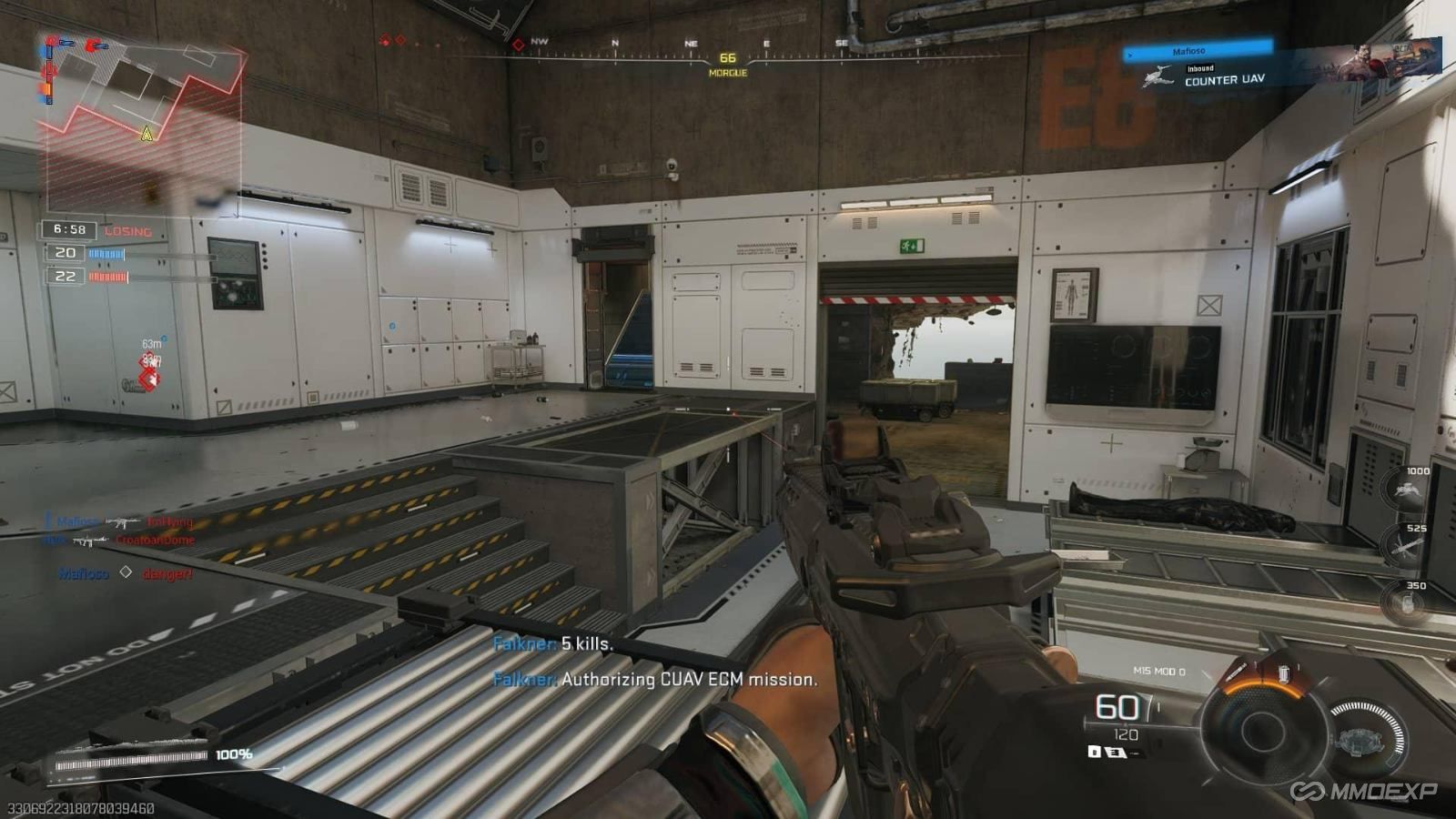
Key Takeaways:
A sensitivity of 1.7 balances flicking and tracking.
Don't change your sensitivity constantly.
Lowering the ADS (Aim Down Sights) multiplier makes locking onto targets easier.
Many players frantically change settings whenever they lose-switching from 1.3 one day to 2.0 the next-only to play worse as a result. In reality, professional players and high-ranking competitors prioritize "muscle memory" above all else.
Many controller players currently recommend a base sensitivity of 1.7 combined with a 0.75 ADS multiplier. This setup allows for quick turns while preventing the view from moving too fast when aiming down sights, which would otherwise make recoil control difficult.
Consider a real-world scenario: during a skirmish in the Nuketown houses, the default 1.0 ADS multiplier often causes you to overshoot when tracking a horizontally moving target. A 0.75 multiplier, however, stabilizes your tracking, making it ideal for sustained fire at medium range.
Best for: Beginners and PvP enthusiasts.
Benefit: Rapidly improves accuracy and reduces instances of missing shots by "painting the outline" around the enemy.
Wake up, vibration fans! 99% of players fail to disable these 3 settings.
Key Takeaways:
Turn off controller vibration.
Set trigger deadzones to 0.
Keep stick deadzones as low as possible.
Many players feel vibration adds to immersion, but in competitive modes, it only interferes with your aim.
Recommended Settings:
Left Stick: Min 2 / Max 60
Right Stick: Min 2 / Max 99
L2/R2 Deadzone: 0/0
Controller Vibration: Off
Setting the trigger deadzone to 0 noticeably speeds up firing response. Testing shows that a 0 deadzone reduces fire reaction time by tens of milliseconds compared to default settings-crucial for close-quarters combat.
Of course, if your controller suffers from stick drift, you may want to increase the minimum deadzone slightly.
Best for: Ranked players and those pushing for higher ranks.
Benefits: Faster reaction times and reduced input lag.
Dynamic Curve is the real deal-stop obsessing over Linear.
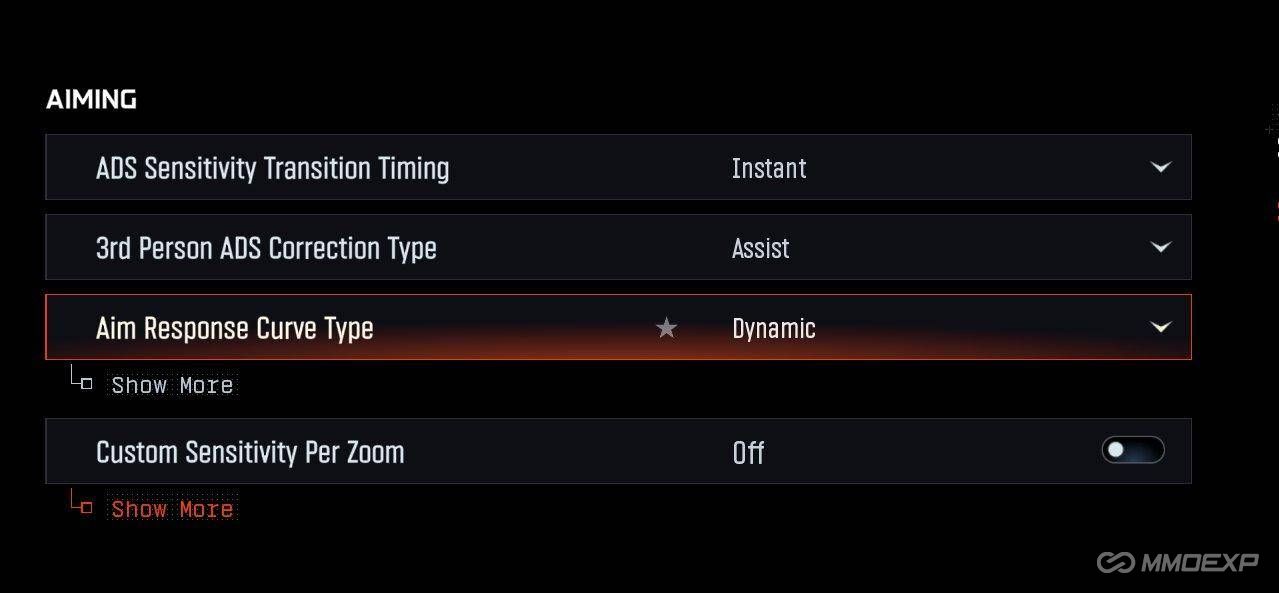
Key Takeaways:
Aim Assist must be enabled.
Select "Dynamic" for the Aim Response Curve.
Recommended Slope Scale: 80.
Many players feel the game "feels off" after an update; often, it's simply because certain settings have been reset.
First, ensure Target Aim Assist is always on. This setting can sometimes change automatically after game updates.
Second, use the "Dynamic" Aim Response Curve. Compared to "Linear," Dynamic offers greater precision for micro-adjustments while maintaining the ability to snap quickly onto targets.
Dynamic offers a noticeably stronger "snap" or "stickiness" to targets, especially when engaging multiple enemies in succession. Many high-K/D players switched from Linear to Dynamic after Season 3 precisely because of this superior stability.
Best for: Mid-to-high-tier players.
Benefits: Better tracking feel and improved multi-kill potential.
Don't make your game look like a movie! A cluttered visual style puts you at a disadvantage in gunfights.
Key Takeaways:
Turn off all Motion Blur.
Turn off Depth of Field.
Enable 120Hz refresh rate.
Many players max out visual effects for better graphics, only to find they can't clearly see their enemies.
True competitive settings follow one principle: clarity first.
Recommendations:
World Motion Blur: Off
Weapon Motion Blur: Off
Depth of Field: Off
Fidelity CAS: On (Strength: 80)
Gamma: 50
120Hz Mode: On
Disabling motion blur keeps enemy outlines sharp during quick turns, while the 120Hz refresh rate ensures the overall gameplay feels incredibly smooth. If console players experience stuttering, it is recommended to set Texture Streaming to "Low" and Cache Size to "Small."
Target Audience: All players
Benefits: Improved visual clarity; reduced stuttering and visual distractions.
The secret used by veterans: Pre-aiming and FOV settings are the real "cheat codes."
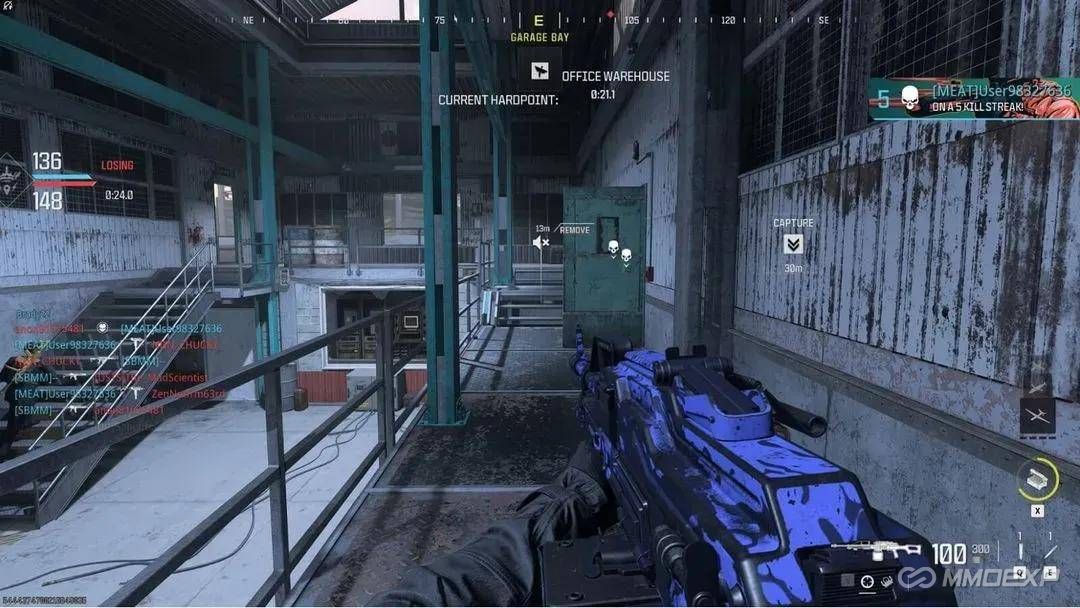
Key Takeaways:
Recommended FOV: 115
ADS FOV: Affected
Cultivate the habit of pre-aiming
Many players blame weapon recoil on attachments, but the real issue often lies in the FOV settings.
Recommendations:
FOV: 115
ADS FOV: Affected
Weapon FOV: Wide
First-person camera movement: Lowest setting
The biggest advantage of this setup is a significant reduction in perceived visual recoil.
For example, in Hardpoint mode, pre-aiming around a corner as you rush out of cover-combined with dynamic aim assist-often allows you to fire a split-second faster than your opponent.
High-level players focus on one thing almost constantly: pre-aiming. Checking the minimap, holding angles in advance, and locking onto potential enemy locations while moving-this is what truly separates the best from the rest.
Target Audience: K/D-focused players, competitive players
Benefits: Higher win rates in gunfights; fewer unnecessary deaths.
Conclusion
Black Ops 7 has entered a highly competitive era. Victory is determined not just by weapon loadouts, but by fundamental settings and gameplay habits. Consistent sensitivity, optimized FOV parameters, and a constant habit of pre-aiming are often more effective than grinding aim mechanics alone.
Instead of constantly tweaking your settings, stick to a configuration that works for you and build muscle memory over time; you'll find your K/D ratio and killstreaks quietly improving.
"Why grind until dawn when you can play smarter? Buy cheap Black Ops 7 Bot Lobbies at mmoexp to boost your level and save your time for the parts of the game you truly enjoy."
Quick Tips
Turn off controller vibration immediately.
Set your ADS sensitivity multiplier to 0.75 and stick with it for a week.
Make pre-aiming a habit before every gunfight.
Summary of Benefits by Player Type
New Players: Quickly establish the right settings and avoid common pitfalls.
Working Professionals/Time-Constrained Players: Boost K/D and win rates faster while minimizing practice time.
Hardcore/Competitive players: Maximize aim assist and tracking efficiency to climb the ranks.
Casual/Social players: Make gunfights easier and enhance the overall gaming experience and the fun of playing with friends.