






Summary
In WARDOGS' three-team, 100-player battles, the helicopter pilot is a unique and highly valuable role. You don't need to be on the front lines trading shots with infantry—your job is to move players, and every successful transport directly shapes how the match unfolds. If you're short on funds for helicopters or gear, you can also buy WARDOGS Cash from trusted sellers to speed up your progression. This guide will take you from basic controls to advanced techniques so you can master this rewarding playstyle quickly.
Why Helicopters Matter
WARDOGS revolves around capturing control zones—the team with the most players inside a zone earns points, and the first team to reach 100 points wins. The helicopter's value is simple: rapidly deliver teammates to control zones so your team has the numbers advantage.
Beyond transport, helicopters can also perform supply drops, rapid repositioning, and air support. A good pilot raises the mobility of the entire team by an entire tier.
Step 1: Understand How to Get Helicopters
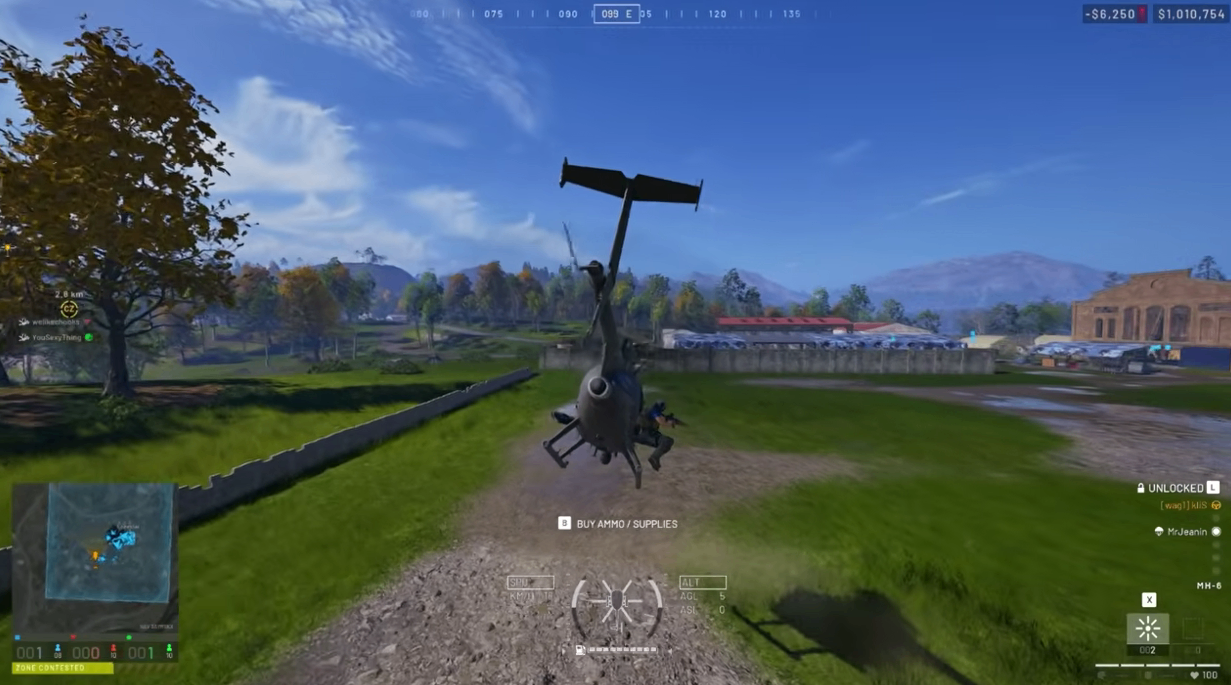
All helicopters are purchased from the Air tab during a match. New players start with the MH-6—a six-seat light transport helicopter with no weapons, but it's cheap, agile, and easy to learn.
Other helicopters unlock through Pilot level:
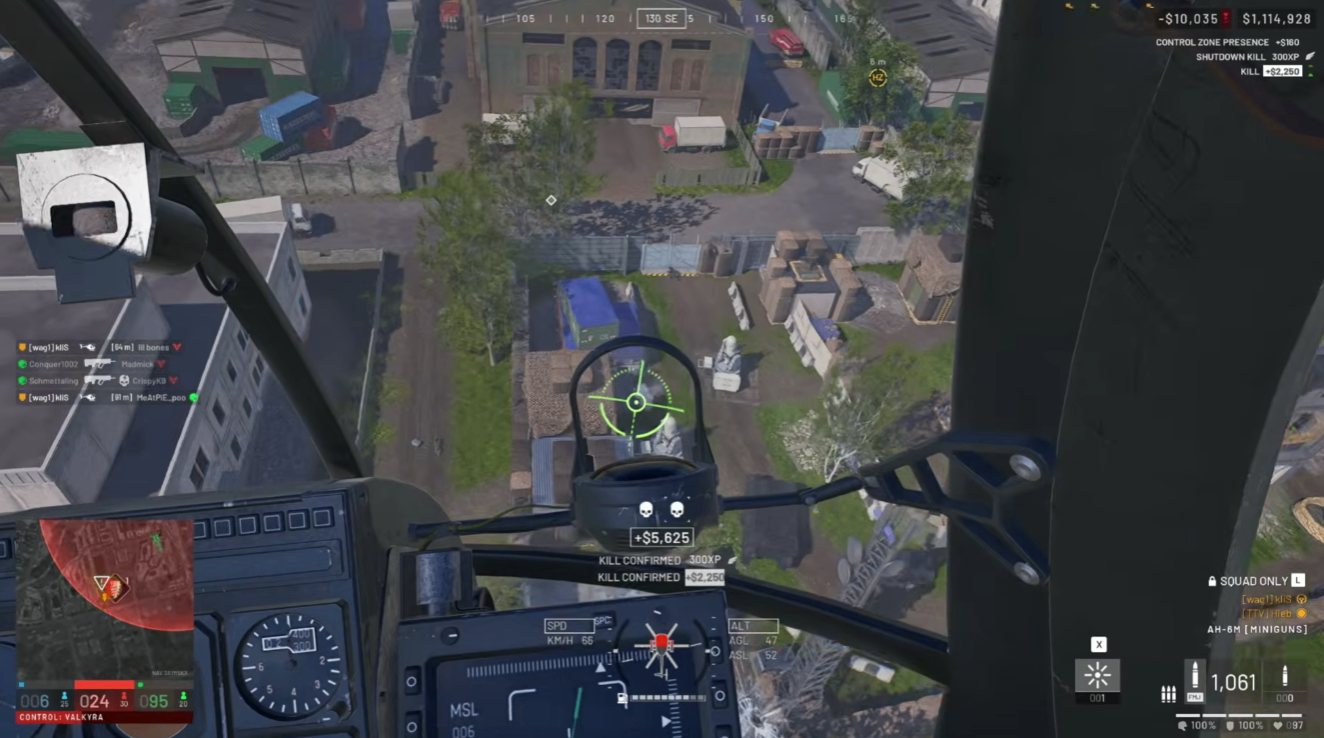
AH-6M [Miniguns] — Little Bird with machine guns
AH-6R [Rockets] — Little Bird with rocket pods
Z20 Lakota — Large transport helicopter
Havoc — Two-seat heavy attack helicopter
Advice: Don't rush to unlock or buy armed helicopters until you've mastered the MH-6. Your first job is "get teammates there alive," not "get kills."
Step 2: Optimize Your Controls
WARDOGS' helicopter controls lean toward realistic simulation rather than arcade style. The default keyboard and mouse setup works, but changes are strongly recommended.
Recommended Keyboard Bindings
Function | Recommended Key |
Collective Raise | Space |
Collective Lower | Left Shift |
Pitch Forward | W |
Pitch Backward | S |
Roll Left | A |
Roll Right | D |
Yaw Left | Q |
Yaw Right | E |
This setup separates "altitude" from "forward/backward tilt," avoiding the key conflicts in the default layout.
Mouse Control Options
If you prefer mouse aiming, enable Rotary Vehicle Mouse Control:
Mouse left/right → Yaw
Mouse forward/back → Pitch
Sensitivity suggestion: Pitch/Yaw around 80%, axis isolation around 70%
Controller players: According to developer advice, controllers are actually easier for helicopters than keyboard and mouse, because yaw maps to shoulder buttons and collective maps to triggers, which feels more natural.
Step 3: Practice in the Firing Range (Don't Jump Straight into Battle)
This is the most important step. Go to the Firing Range, where you can spawn any vehicle for free without losing money.
What to practice:
Takeoff and hover — Hold Space to lift off, release to hover
Gentle landings — Tap Space and Shift repeatedly near the ground to avoid "slamming" down and damaging the helicopter
Landing in tight spots — Bridges, narrow roads, slopes
Fast takeoff/landing cycles — Simulate the rhythm of repeatedly ferrying between base and the front line
Step 4: Core Flight Techniques
Basic Flight
After takeoff, use W/S to control forward/backward tilt, and Q/E or the mouse to control nose direction. The helicopter moves in whichever direction it tilts.
Smooth Turns
When turning, use roll and yaw together for smoother motion. Using yaw alone makes the helicopter sideslip and lose speed.
Safe Landings
Tilt back with S to slow down while gently pressing Shift to descend
Watch the attitude indicator at the bottom of your screen—the closer the horizontal arrow is to center, the more level your aircraft is
Don't rush the landing—slowing down a little is far better than crashing and losing the entire helicopter
Dropping Off Passengers
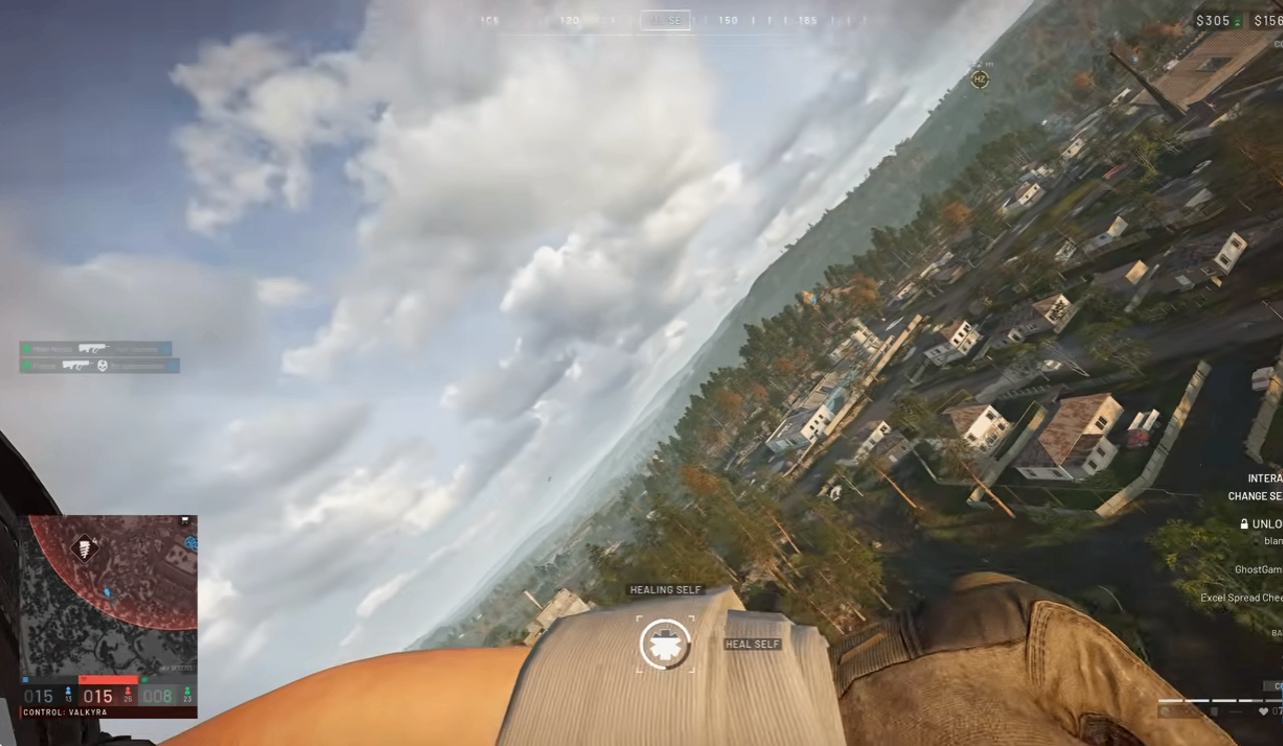
When carrying passengers, many teammates will have their own parachutes and simply jump out. Your job is to fly to the right altitude and position so they can jump. If teammates don't have parachutes, you can carry some in the helicopter's inventory for them to grab.
Step 5: From Transport Pilot to Battlefield Support
Once you've built up enough experience and unlocked armed helicopters, you can take on a more active role:
AH-6M [Miniguns] — Good for clearing groups of enemy infantry
AH-6R [Rockets] — Good for hitting light vehicles and fortifications
Havoc — A late-game heavy firepower platform, but expensive and harder to fly
But even with weapons, transport remains the pilot's most stable income source. Delivering teammates to control zones and dropping supplies both earn steady money and Pilot XP.
Economy and Advanced Tips
Buying a helicopter costs both an unlock fee and a per-deployment fee—if you die, you have to buy it again, so flying safely is saving money
Return to base to resupply and repair—it's easy to ignore helicopter condition during intense fights; build the habit of periodic returns
Don't wait at base for a full load—even one or two passengers is worth delivering before coming back; efficiency beats waiting
Stay away from trees—the rotor hitting anything causes a crash; open ground is the safest takeoff and landing spot
Conclusion
The core of WARDOGS helicopter gameplay is stability, efficiency, and team contribution. Start with the MH-6, practice takeoffs and landings in the Firing Range, learn your keybindings, then enter live matches to handle transport duty. Once you can safely deliver teammates across complex terrain, you've already surpassed most pilots. Armed helicopters are the late-game reward, but a transport pilot's steady income and experience gain are your real foundation. You can also get WARDOGS Cash from MMOEXP.