





Season 6 of Arena Breakout Infinite has brought fresh maps, new weapons, and significant balance changes that demand optimized settings for competitive play. Pro players are already dominating lobbies by fine-tuning everything from graphics to controls. Whether you're grinding ranked matches or pushing for leaderboards, these pro-recommended settings will help you gain an edge. This guide breaks down the best configurations used by top players right now.
Graphics Settings for Maximum Performance and Visibility
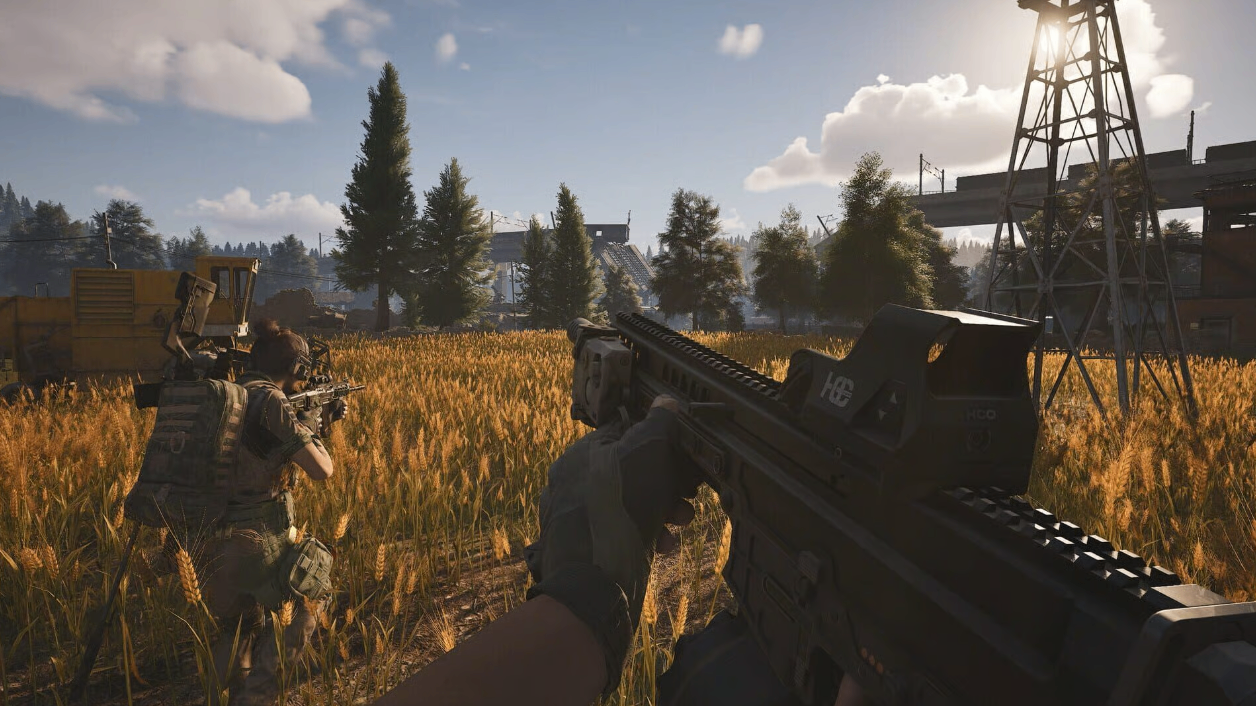
In Season 6, the game's visuals have received major upgrades, but raw frame rates remain critical for tracking enemies during intense firefights. Pros recommend setting your overall graphics quality to Medium or Low depending on your hardware. This ensures smooth gameplay above 144 FPS, which is essential for responsive aiming.
Turn Texture Quality to High for clearer enemy outlines at distance, but drop Shadow Quality to Low. Shadows can obscure movement in dark corners of new maps. Disable Motion Blur entirely-it adds unnecessary visual noise during quick turns. Enable Anti-Aliasing at FXAA or TAA for cleaner edges without heavy performance hits.
For visibility, set Brightness slightly higher than default and adjust Contrast to make dark areas less murky. View Distance should be on High or Epic to spot snipers early, especially on large extraction maps. These tweaks strike the perfect balance between looks and performance, letting you focus on the action rather than lag.
Many players looking to upgrade their gear quickly turn to Arena Breakout: Infinite Koens to unlock premium equipment that complements these settings.
Audio Settings: Hearing Every Footstep
Sound design plays a huge role in Arena Breakout Infinite. Pros prioritize audio clarity over immersion. Set Master Volume to 100%, but lower Music Volume to 20% or less. Keep Effects Volume and Voice Chat Volume at maximum.
Crucially, enable Headphone Mode or 3D Audio if available. This helps pinpoint directional cues like reloading sounds or distant gunfire. Reduce Ambient Noise slightly to make player movements stand out. In Season 6, new environmental audio can mask footsteps, so these adjustments are vital.
Test your setup in the training range. Good audio settings often separate average players from those consistently winning gunfights.
Sensitivity and Control Settings for Precision
Aim is everything in extraction shooters. Pro settings usually feature lower sensitivity for better control during long-range engagements. Start with these values and adjust based on your DPI (most pros use 400-800 DPI):
Horizontal Sensitivity: 0.65-0.75
Vertical Sensitivity: 0.70-0.80
ADS Sensitivity: 0.55-0.65
Scope Sensitivity: 0.40-0.50 for 4x and higher
Enable Raw Input and disable mouse acceleration. For controllers, pros use linear response curves with moderate dead zones. Practice in the shooting range until muscle memory kicks in.
Gyro aiming (if supported) should be enabled with low sensitivity for fine adjustments. Season 6 introduced new recoil patterns, so these tuned sensitivities help manage sprays on weapons like the updated AK series.
Keybinds and HUD Customization
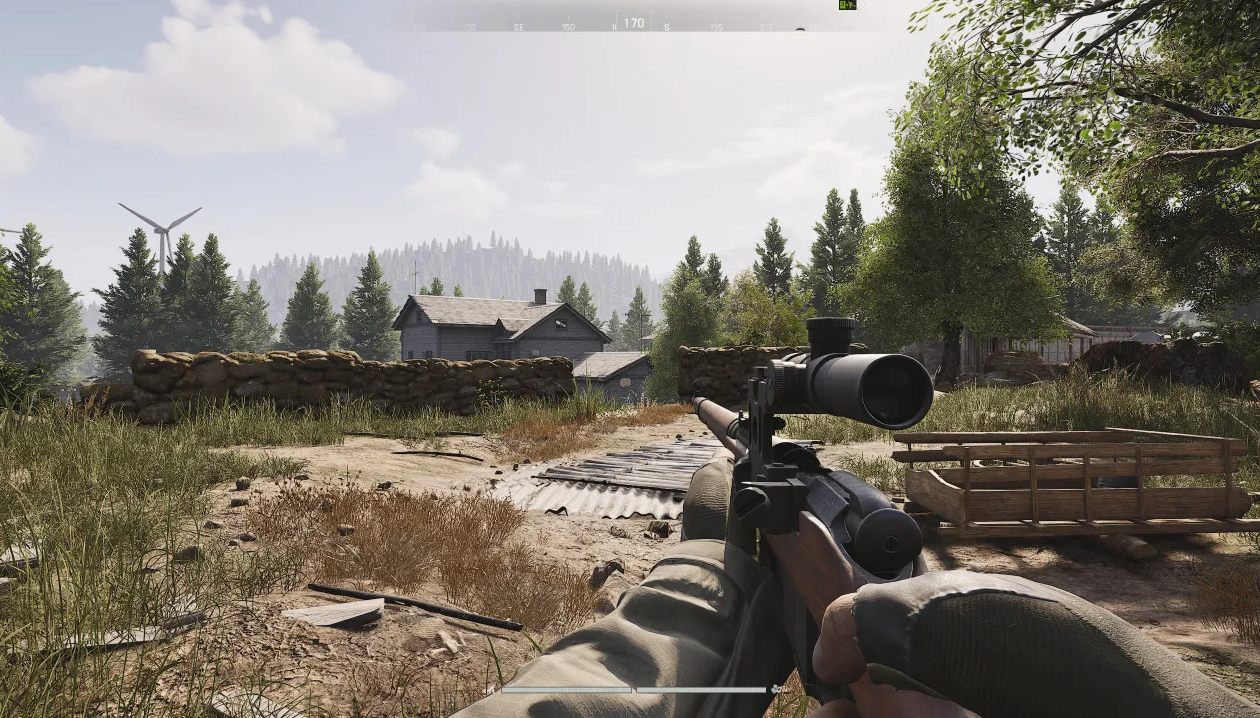
Default keybinds work for beginners, but pros customize heavily. Rebind Lean Left/Right to easy thumb buttons on your mouse. Set Quick Throw grenades to a dedicated key for faster utility usage.
Customize your HUD by enlarging the mini-map and making ammo counters more visible. Turn on Damage Numbers and Hit Markers for immediate feedback. Reduce clutter by hiding unnecessary elements like kill feed during intense raids.
These small changes improve reaction time significantly in Season 6's faster-paced meta.
Advanced Gameplay Tips with Optimized Settings
With graphics, audio, and controls dialed in, focus on playstyle. Use high view distance to pre-aim common angles. Sound cues combined with low graphics allow you to hear enemies before seeing them.
Practice recoil control in offline mode. Season 6 buffs certain attachments, making vertical grips and compensators must-haves. Pair these with your tuned sensitivity for laser-like accuracy.
Positioning remains king. Extract safely by monitoring audio for third parties while maintaining high FPS for quick disengages.
If you're serious about climbing ranks and acquiring top-tier gear without the grind, many players choose to buy Arena Breakout: Infinite Koens for a competitive boost.
Weapon-Specific Settings and Loadouts
Different weapons shine with slight sensitivity tweaks. For close-range SMGs, slightly higher hip-fire sensitivity helps in CQC. Long-range DMRs benefit from even lower ADS values for stable scoping.
Popular pro loadouts in Season 6 include the M4A1 with suppressor and red dot for versatility, or bolt-action snipers for map control. Test attachments in the range while using your optimized settings.
Monitor patch notes closely, as balance changes can shift the meta quickly. Adapt your settings accordingly.
Final Thoughts and Pro Recommendations
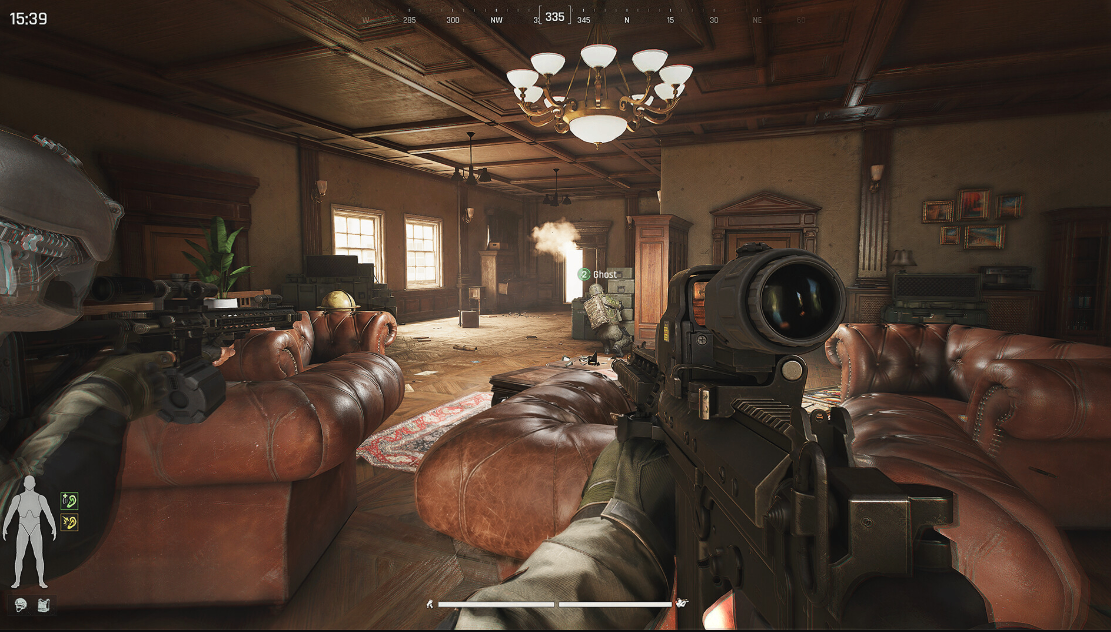
Implementing these best pro settings in Season 6 will noticeably improve your KD ratio and survival rate. Consistency comes from practice-spend time in custom games refining everything. Top players update their configs regularly based on performance data.
Remember, hardware matters too. A high refresh rate monitor and good peripherals amplify these settings. Combine technical optimization with smart game sense for the best results.
Whether you're a veteran operator or new to the extraction scene, these configurations provide a strong foundation. Stay adaptable as the season progresses, and you'll soon find yourself extracting with better loot more often.
For those wanting to skip the slow progression and jump straight into high-end play with rare weapons and armor, Arena Breakout: Infinite Koens offers a practical solution. Many dedicated players buy Arena Breakout: Infinite Koens to access the full potential of Season 6 content right away.