summary:
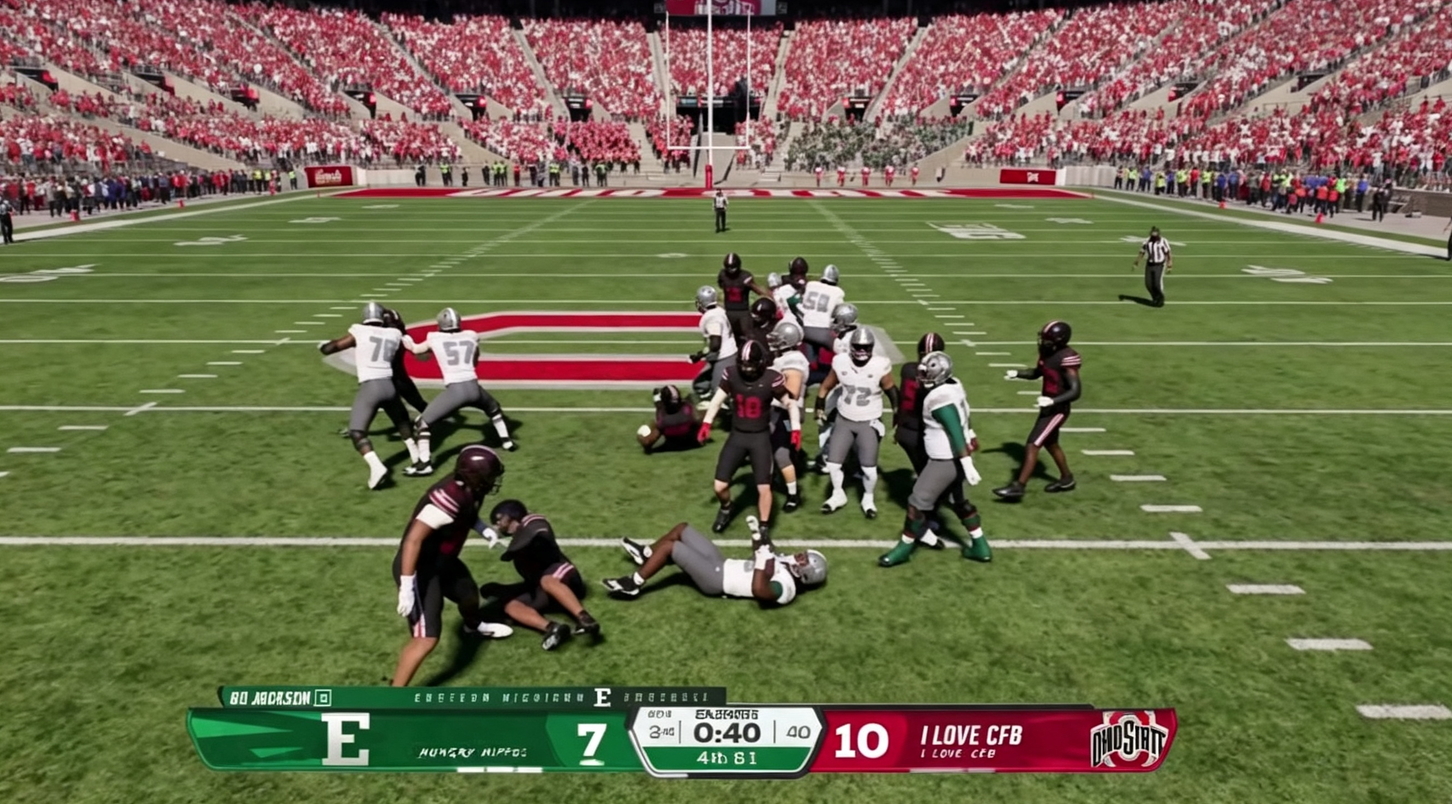
College Football 27 has more hidden features than many players realize, from Coach Chat and chip-and-release routes to modular cameras, playmaker controls, blocking indicators, and favorite plays. These underrated settings and mechanics can improve offensive efficiency, defensive pressure, clock management, College Football 27 Coins, and overall control.
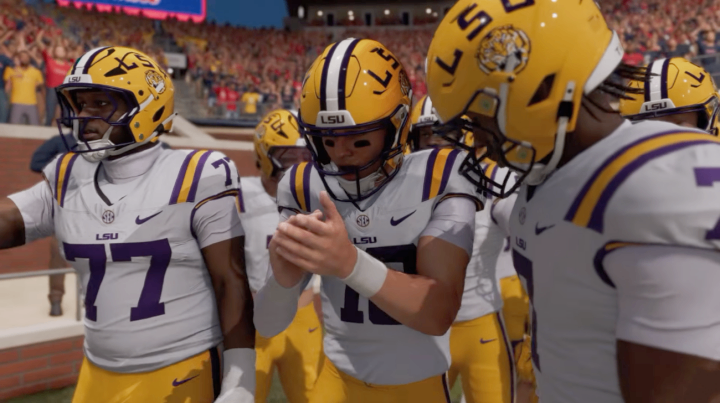
1. Use Coach Chat to Reset Cold Players
One of the most useful new features in College Football 27 is Coach Chat. Players can become cold during games, especially when momentum shifts against them or when playing in difficult road environments. A cold player can become less reliable, potentially affecting throws, catches, routes, and other actions.
Instead of simply accepting the negative momentum, you can use Coach Chat to reset a cold player.
Press Right on the D-pad to open Coach Chat and highlight the player with the cold icon. Then press Y on Xbox or Triangle on PlayStation to clear the cold status. The reset takes effect after the next play.
This feature is limited, so it should be saved for important moments. If your quarterback or another key offensive player becomes cold late in a close game, Coach Chat can help you return that player to a neutral state.
2. Master the Chip-and-Release Route
The chip-and-release option is another underrated offensive tool in College Football 27. It gives running backs and other eligible receivers a short delay before they begin their routes while allowing them to help against an incoming pass rush.
To use it, select your running back's hot-route options and choose Chip and Release.
The advantage is that the running back can stay in to help block if the defense sends pressure. If there is no immediate blitz, the player releases into the route after a short delay.
This works particularly well against zone coverage. The delayed release can cause defenders to focus on deeper routes before the running back enters the underneath area. That can create an easy checkdown opportunity.
The technique also works with different route concepts, including Texas routes, giving players another way to manipulate defensive coverage.
3. Customize Your Camera With Modular Settings
College Football 27's modular camera settings provide much more control than the standard camera options suggest.
Head into the Visual Feedback settings and look for the modular camera options. From there, you can customize the camera depending on what is happening during a play.
For example, you can use a wider camera before the snap so you can see defensive alignments more clearly. A standard camera can remain active during running plays, while a broadcast-style camera can be used for post-play sequences.
You can also customize cameras for passing, running, pre-play, post-play, and other situations.
After configuring the options, make sure your offensive and defensive camera settings are switched to Modular. This allows the game to automatically use your custom camera configuration.
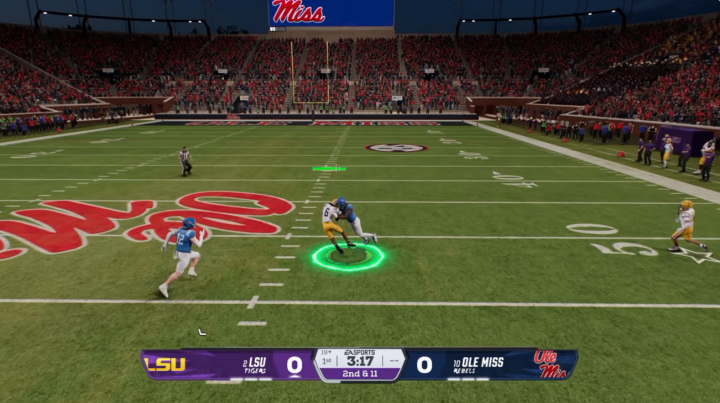
4. Guess Pass to Increase Defensive Pressure
College Football 27 also includes an older mechanic that remains extremely useful: guessing the play.
When you know the opponent is likely to pass, use RB or R1 to open the guess-play menu, then move the right stick upward to select Guess Pass.
This is commonly used to prevent defenders from being fooled by play action. However, it can also influence how aggressively the defensive line attacks the quarterback.
Guess Pass does not guarantee an immediate sack or block shed. However, it can help defensive linemen attack their blocks more aggressively and potentially reach the quarterback faster.
The key is timing. Using it when a pass is highly likely can create additional pressure, but guessing incorrectly can leave your defense vulnerable.
5. Use Playmaker to Turn Short Routes Into Big Gains
The Playmaker mechanic can completely change how you attack certain defensive coverages.
If the defense is aggressively protecting underneath routes, you can use Playmaker to redirect a nearby receiver up the field.
Hold LT or L2, then move the right stick in the direction you want the receiver to go. The game selects the eligible player closest to your quarterback.
This is especially useful with drag routes. A defender may initially be positioned to stop the short route, but sending the receiver vertically can create additional space.
The mechanic requires quick reactions, but mastering it can make underneath routes much more dangerous.
6. Reveal Blocking Assignments
Running the football becomes easier when you understand who your offensive linemen are supposed to block.
College Football 27 allows you to display blocking assignments before the snap. Hold Left on the D-pad and then press Left on the right stick to bring up the blocking indicators.
Lines will appear between offensive players and their assigned defenders.
This information is especially valuable for running plays. You can identify which defenders are accounted for, which blockers are moving toward the second level, and which defenders could potentially come through untouched.
If an outside defender is left unblocked, for example, you can recognize the danger before snapping the ball and adjust your running path accordingly.
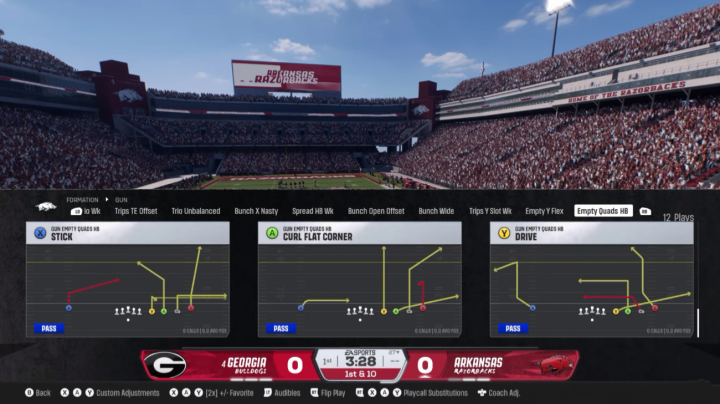
7. Create a Custom Favorite Plays List
If you repeatedly use a handful of plays, there is no reason to search through the entire playbook every time.
College Football 27 lets you favorite plays. Find a play you frequently use and double-tap its corresponding button. A star will appear next to the play.
You can repeat this with formations and different concepts to build a personalized list.
Once you return to the main play-calling screen, move over to the Favorites section to access your selected plays quickly.
This is particularly useful when you have a small group of reliable plays for third downs, red-zone situations, short-yardage scenarios, or two-minute drives.
8. Favorite Your Field Goal Play
The Favorites system becomes even more useful when the clock is running down.
Instead of searching through Special Teams for a field goal formation, add your preferred field goal play to Favorites.
This can save valuable seconds when you need to kick a game-winning or game-tying field goal.
The same idea can be used for other emergency situations. Consider favoriting plays such as QB sneaks, specific goal-line concepts, or reliable fourth-down plays that you may need to find quickly.
9. Build a Situational Playbook
The biggest lesson from these hidden College Football 27 features is that you do not need to use every option constantly.
Instead, build a small collection of tools for specific situations.
Coach Chat can help when an important player becomes cold. Chip-and-release can provide extra protection against pressure. Modular cameras can improve field awareness. Guess Pass can increase defensive aggression, while Playmaker can create opportunities against underneath coverage.
Combining these mechanics gives you more control without requiring an entirely different playbook.
10. Small Settings Can Make a Big Difference
College Football 27 has plenty of obvious features, but some of the most useful mechanics are hidden inside menus or rarely discussed by the community.
Learning these options can improve your decision-making before and after the snap. More importantly, they give you additional answers when the standard playbook isn't working.
Whether you are playing Dynasty, Road to the College Football Playoff, or other competitive modes, cheap College Football 27 Coins, understanding these hidden mechanics can make your games more flexible and rewarding.
The biggest advantage comes from knowing when to use each feature. These tools are not automatic wins, but they can give you more information, better route combinations, faster play selection, and greater control over important moments.