Summary
This guide explains how to enable DLSS 5 in Forza Horizon 6 on PC, requiring an RTX 50-series GPU, updated NVIDIA drivers, and the latest game version. It provides a step-by-step setup process, covering quality modes, Frame Generation, and sharpness adjustment to boost FPS while preserving high visual quality. The article also lists common troubleshooting fixes and optimization tips. Players can buy Forza Horizon 6 Credits to unlock cars and upgrades faster, letting them fully enjoy the smooth, high-fidelity racing experience brought by DLSS 5.
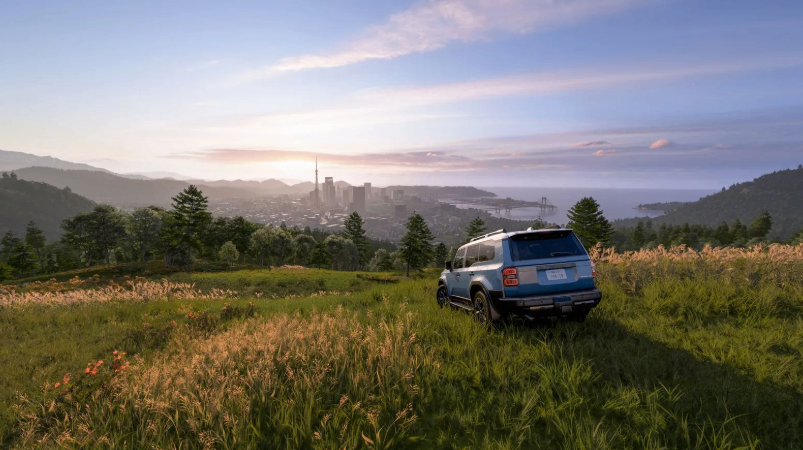
Forza Horizon 6 delivers stunning open-world racing across a vibrant version of Japan. With dense cities, winding mountain roads, and over 550 cars, the game pushes modern hardware. NVIDIA's DLSS 5 brings advanced AI upscaling and neural rendering that can dramatically improve frame rates while preserving sharp image quality.
This guide walks you through enabling DLSS 5 on PC so you can enjoy smoother gameplay at higher resolutions and detail settings.
System Requirements for DLSS 5
DLSS 5 requires an NVIDIA GeForce RTX 50-series graphics card for full official support. RTX 40-series cards may gain support later, but at launch the feature targets the newest architecture.
Ensure your system meets these basics:
Windows 10 or 11 (64-bit)
Latest Game Ready Driver from NVIDIA (released around early September 2026 or newer)
Forza Horizon 6 installed via Steam, Xbox app, or Microsoft Store
Sufficient VRAM (12 GB or more recommended for 4K)
Update your GPU drivers first. Open GeForce Experience or visit the NVIDIA website, download the newest driver, and restart your PC. Outdated drivers are the most common reason DLSS options fail to appear.
Updating Forza Horizon 6 and Preparing Settings
Launch the game and let it fully update. Microsoft and Playground Games frequently release patches that improve graphics features.
Once updated, head into the main menu. Navigate to Settings > Graphics. Here you will find resolution, quality presets, and advanced options.
Set your display resolution to your monitor's native resolution (1440p or 4K works best with DLSS). Choose a high quality preset first, then fine-tune individual settings.
Look for the Upscaling or Anti-Aliasing section. You should see NVIDIA DLSS listed among the available technologies. Select DLSS 5 or the Neural Rendering option if it appears as a separate toggle.
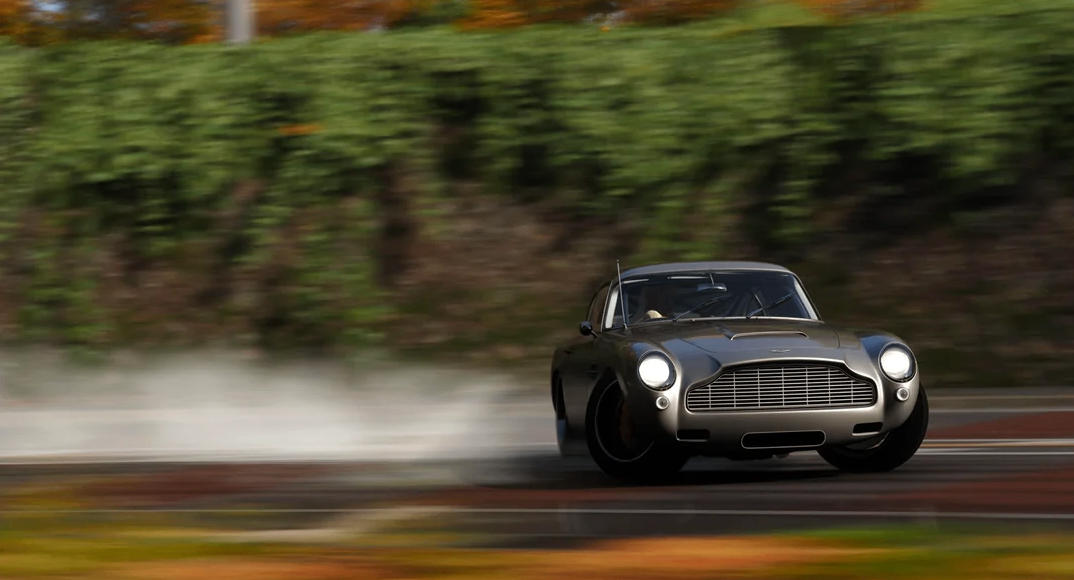
Step-by-Step Guide to Enable DLSS 5
Open the Graphics menu and locate the DLSS or Upscaling Technology dropdown.
Choose DLSS 5 (or "DLSS Neural Rendering" depending on the exact labeling).
Select a quality mode: Quality for best image, Balanced for a mix, or Performance for maximum frames.
Enable Frame Generation if available, as DLSS 5 pairs well with multi-frame generation on RTX 50 cards.
Adjust the sharpness slider to your preference. A moderate value usually looks clean without oversharpening.
Apply the changes and exit the menu.
Test the settings in free roam or a race. Monitor your frame rate using the in-game performance overlay or NVIDIA's tools. You should notice higher average FPS, especially at 4K with ray tracing enabled.
If the option is missing, confirm you are running the latest game version and driver. Restart the game after driver installation. Some players report that a full system reboot helps the feature register correctly.
Benefits of Using DLSS 5
DLSS 5 uses AI to reconstruct higher-resolution frames from lower internal renders. The result is smoother gameplay without the usual drop in visual fidelity.
In Forza Horizon 6, this means you can keep ultra settings for reflections, shadows, and foliage while maintaining high frame rates. Racing through Tokyo streets or mountain passes feels more responsive.
The technology also improves temporal stability, reducing shimmering on fine details such as power lines or distant trees. Combined with the game's advanced lighting, the overall presentation becomes more immersive.
Optimizing Your Experience After Enabling DLSS 5
Once DLSS 5 is active, experiment with other graphics options. Enable ray-traced reflections if your hardware allows it. Pair DLSS with a high refresh-rate monitor for the best results.
Players who want to expand their garage quickly often look at Forza Horizon 6 Credits. These in-game credits help unlock new cars, upgrades, and cosmetics so you can enjoy the improved visuals with a wider variety of vehicles.
If you need extra currency, many players choose to buy Forza Horizon 6 Credits through official channels. This lets you focus on racing and photography rather than grinding every event. With DLSS 5 delivering fluid performance, exploring the map and collecting cars becomes even more enjoyable.
Troubleshooting Common Issues
If frame rates remain low, lower the internal render resolution slightly or switch to a more aggressive DLSS mode.
Black screens or artifacts sometimes appear after driver updates. Revert to a previous stable driver or reinstall the latest one cleanly using DDU (Display Driver Uninstaller) in Safe Mode.
Ensure VSync is set correctly. Adaptive or NVIDIA Reflex options can further reduce latency when Frame Generation is active.
Keep an eye on game patches. Playground Games continues to refine PC performance, and future updates may expand DLSS 5 compatibility or add fine-tuning options.
Final Tips for Smooth Racing
Close background applications before launching the game. Use an SSD for the install to minimize loading times.
Consider enabling NVIDIA Reflex for lower input lag, especially useful during competitive Horizon events.
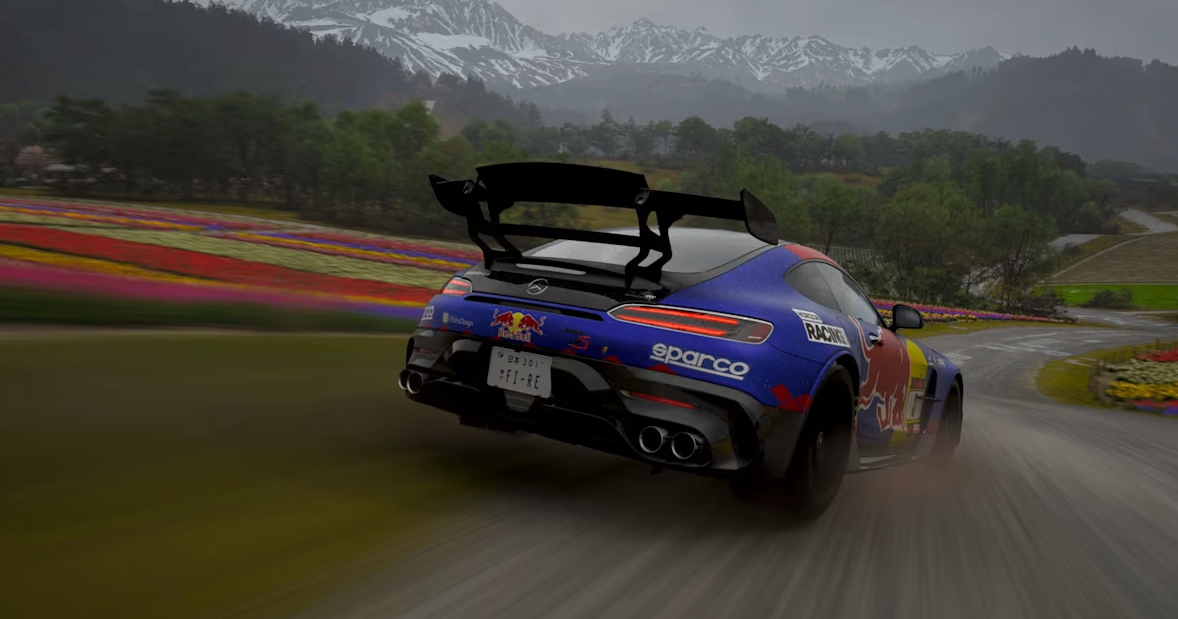
With DLSS 5 properly configured, Forza Horizon 6 runs beautifully on high-end hardware. The combination of AI upscaling and the game's detailed Japan setting creates one of the best-looking racing experiences available.
Take time to tweak settings until the balance of visuals and performance feels right for you. Then hit the open road, collect cars, and enjoy the Festival at its smoothest.