Weekend Drop -













If your Klay keeps missing despite a 99 three-point rating, compare stationary open shots with simple catches before changing settings.
For button shooting, adjust when you release; for Rhythm, separate Timing from Tempo. Use the quick checks below to choose your first test.
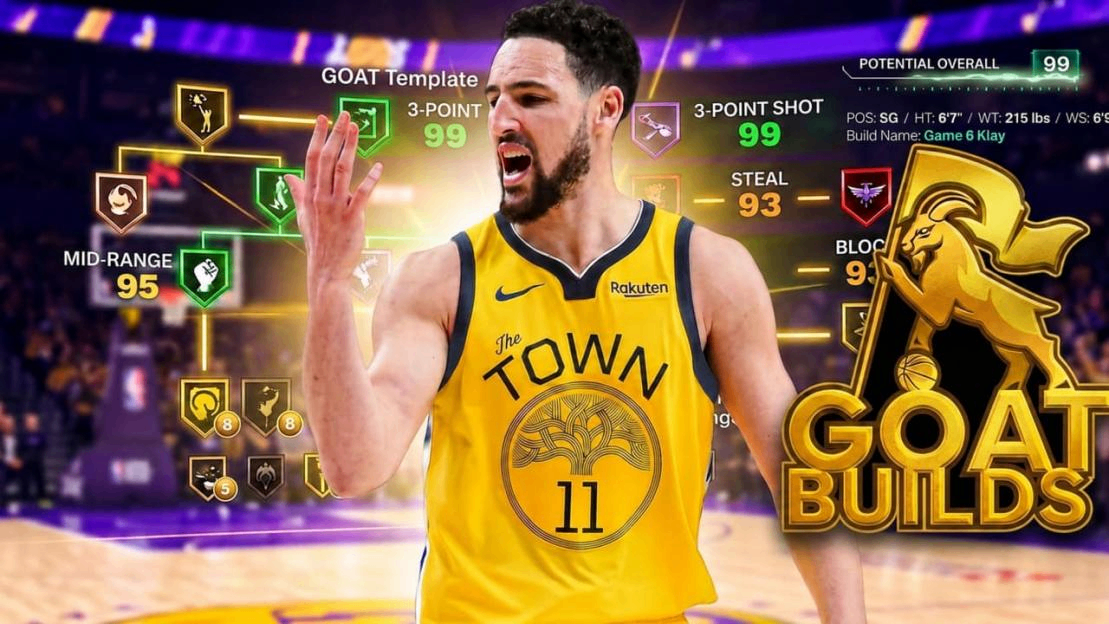
NBA 2K27 GOAT Builds arrived with Season 2 on October 16, 2026. Their signature animations are locked. Klay is an option for off-ball shooting; Arenas, Anthony, and Leonard fit different roles covered later.
Your Situation | First Action |
Open shots keep registering Early | Keep settings fixed; delay the button release or Rhythm upward transition slightly |
Timing is Excellent; Tempo is too fast | Slow the upward stick movement while keeping its start point consistent |
Stationary shots work; catches do not | Test simple stationary catches and follow the gather into your cue |
Practice works; REC does not | Compare coverage, stamina, catches, settings, and connection conditions |
Klay still feels unreadable | Compare with your familiar Custom Build in a fresh session before further investment |
Klay Catch-and-Shoot Troubleshooting
Use this comparison to locate the failure before changing your setup. These are diagnostic scenarios, not reported gameplay-test results.
Compare Stationary Shots with Catches
Start in MyCOURT or an available practice setting with Klay, recovered stamina, one comfortable three-point location, and unchanged camera, input, and cue settings. Take ten stationary open shots and repeat the set.
Record timing and coverage; add Tempo for rhythm input. Ten is a manageable practice block, not a reliable estimate of your true shooting percentage.
Next, ask a partner to pass while you remain in that spot. Begin your input after clearly receiving the ball for this diagnostic set. Keep the catch simple and leave movement into the pass for later.
Alone, complete the stationary comparison first and postpone the passer-dependent step. Keep NBA 2K27 VC reserved while you identify whether the miss starts with the catch or the release.
If stationary shooting is repeatable but catches produce early misses, keep the same cue setting. Compare when you started the input and how the ball entered Klay's gather. Repeat the catches while following the visible motion through your cue. If both shot types miss similarly, return to release recognition before blaming the pass.
Read the Result before Adjusting
Klay Practice Scenario | What to Investigate | Next Test |
Stationary attempts miss early; catches do too | Release recognition under the same settings | Move the button release or rhythm upward transition slightly later |
Stationary attempts work; catches miss early | Input starting before possession or a different gather | Receive a simple pass, then follow the motion into the cue |
Rhythm Timing is Excellent; Tempo is fast | Pace of the upward stick movement | Ease that movement while keeping its start point consistent |
Open catches work; closeouts cause misses | Defender arrival and shot quality | Pass out or relocate, then retest an open catch |
Practice works; REC does not | Different catches, pressure, fatigue, settings, or connection | Compare only similar open shots before changing the cue |
The second row is a hypothesis to test, not a claim that every early catch miss has one cause. If cleaner catches do not help, inspect your input timing again. Avoid changing the cue, input method, and camera together; you would lose the comparison.
Add Movement Only after the Catch
Once simple catches become repeatable, add one action you use in games, such as moving into the pass and stopping to shoot.
If that fails while stationary catches still work, practice the moving catch separately. The useful finding is which possession breaks down, even before your overall percentage improves.
Add a partner's closeout last. If you must rush past the cue you can recognize, practice the pass or relocation that creates the next open attempt. A locked release you can time in space still needs enough separation to get the shot away.
Learn Klay's Locked Jumper
NBA2KLab lists Klay Thompson as the base and both upper releases for this NBA 2K27 GOAT template, with Normal release speed. That identifies the preset to learn; it does not establish a universal release landmark. Badges, Cap Breakers, and Takeovers remain customizable, while signature animations are locked.
Find a Cue You Can See
A verified Klay-specific green-release landmark remains unconfirmed. Use his motion to find a personal reference: watch the shooting hand and ball from the gather into the forward shooting movement, keeping your usual gameplay camera. Record a few attempts with their feedback if your platform supports capture.
For button shooting, compare a successful attempt with an early and a late miss from the same location. Look for where your chosen reference falls relative to the successful input.
Test that reference on the next set. A pose you can identify only in slow motion is a poor live cue; choose something visible at normal speed before changing attributes.
This makes the next attempt specific: watch the same part of Klay's motion and move your input slightly earlier or later according to feedback. Avoid treating the instant the ball leaves his fingers as an automatic button-release instruction.
Button and Rhythm Need Different Corrections
With the shot button, work on when you let go. Keep your cue setting fixed while learning; copying a player's named setting without checking your own motion can change the task halfway through practice.
Mike Wang has explained that button and Rhythm Shooting share the same baseline green window. Accurate Rhythm Tempo can slightly expand it; poor Tempo can shrink it. If your Tempo remains inconsistent, button shooting may be the more reliable starting point for learning Klay.
Rhythm shooting still requires correct Timing. Read both feedback fields. If Timing is early or late, adjust when you begin the upward stick movement. If Timing is Excellent but Tempo is fast or slow, work on the pace of that movement. When both are wrong, isolate the timing problem first, then recheck Tempo.
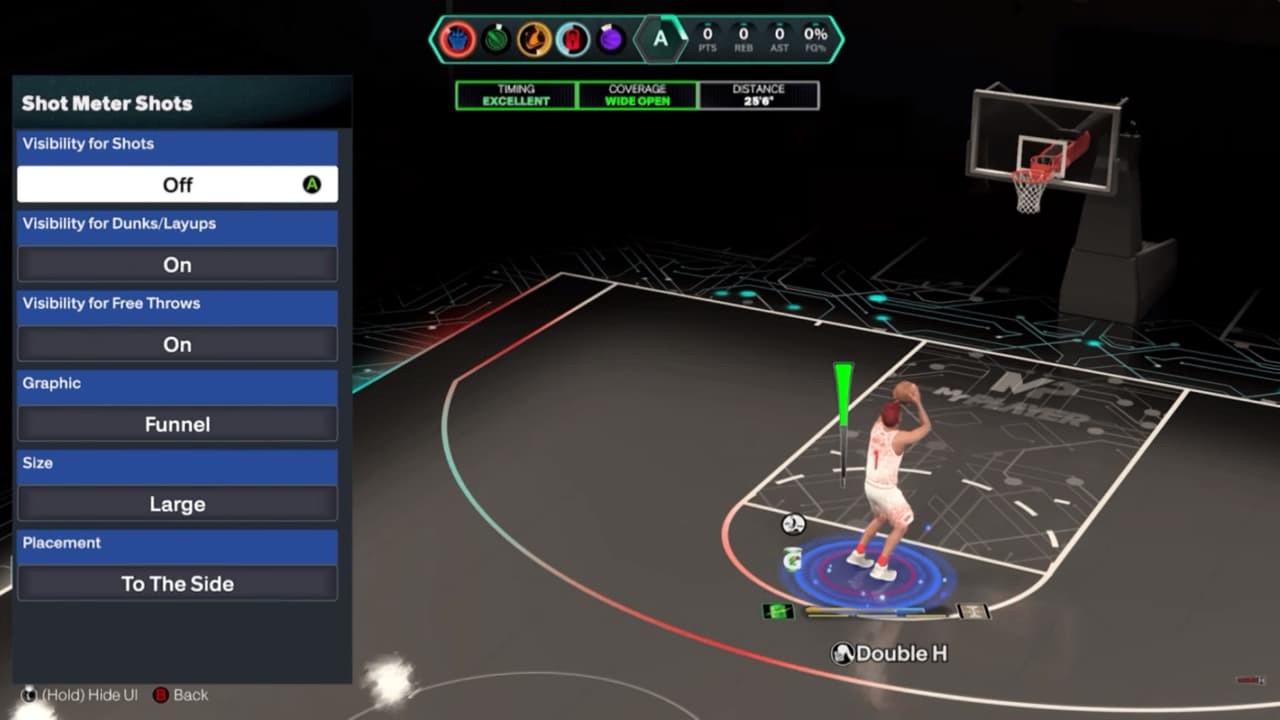
When practicing Rhythm, enable the Shot Meter to see its real-time tick mark move in sync with your Pro Stick. Use it to observe the pace of your upward movement, then check the Timing and Tempo feedback after each attempt. Keep the meter setting unchanged across the sets you compare.
Before allocating more NBA 2K27 VC, identify which correction you are trying. If separating the two rhythm inputs is overwhelming, use a separate button-shooting practice block to assess whether reading Klay's motion is easier with one timing task.
Treat that as an input comparison, not proof that button shooting is universally better.
Choose Your NBA 2K27 GOAT Shooter
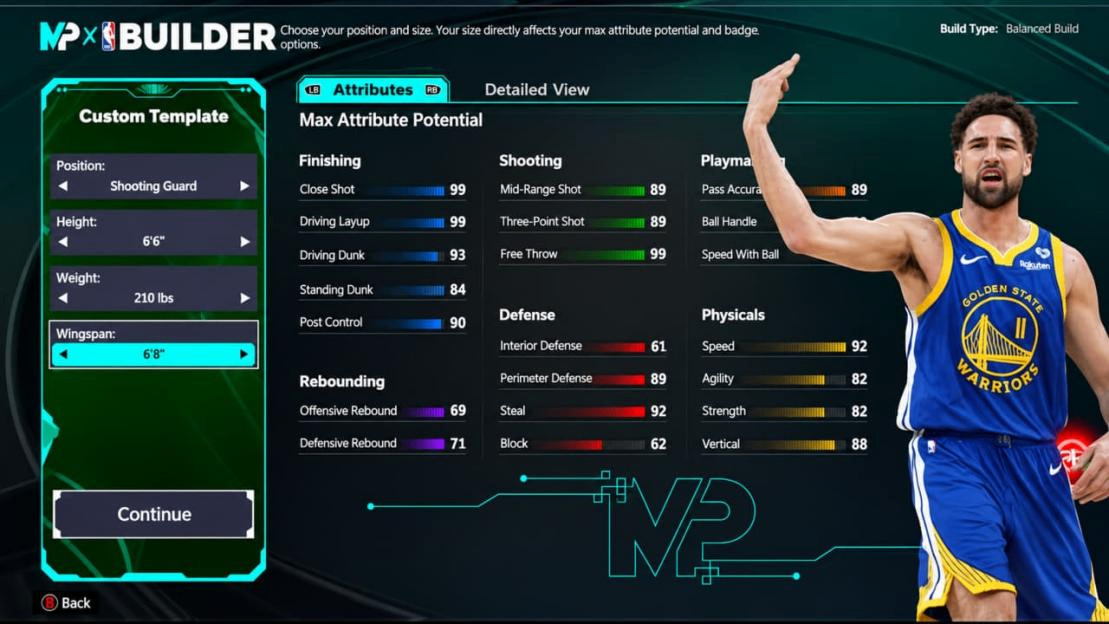
For these four immediately available templates, Klay is the starting recommendation for an off-ball shooter. The other options make sense when shooting shares priority with ball handling, mid-range offense, or defense.
GOAT Build | Listed Three-Point Rating | Recommended Role |
Klay Thompson | 99 | Catch-and-shoot threes and off-ball spacing |
Gilbert Arenas | 89 | Ball handling and perimeter shot creation |
Carmelo Anthony | 85 | Mid-range scoring with three-point support |
Kawhi Leonard | 83 | Wing defense and selective perimeter shooting |
These are NBA2KLab's listed template ratings with no Cap Breakers allocated, not a ranking of measured green windows. Check your actual upgraded attributes in-game before expecting the listed shooting performance.
Klay Thompson for Catch-and-Shoot Players
Choose Klay when your team already has a ball handler and needs someone ready to shoot after the pass. His shooting appeal does not make him a substitute for a primary creator. If your possessions usually begin with breaking down a defender, assess the handling and movement you need before choosing solely for 99 three-point shooting.
Keep a familiar Custom Build if its jumper already produces reliable open looks and your team needs its existing role. Klay is worth evaluating when you actually need an off-ball shooting specialist and can read the locked motion.
Arenas, Anthony and Leonard by Role
Arenas is the relevant alternative for a player who regularly creates separation with the ball. The potential mismatch is choosing him for creation while expecting Klay's shooting motion: each template needs its own release practice.
Anthony fits a player willing to take the available mid-range opportunity. If you refuse those shots and only hunt deep threes, you leave part of the reason to select him unused. Leonard suits a defense-focused wing who takes available perimeter looks; switching to him solely to cure mistimed threes introduces another unfamiliar jumper.
Plan NBA 2K27 VC around the job your team needs. Inspect the character's upgrade costs before developing several candidates. A role mismatch warrants reconsideration even when you like the release; a release problem calls for the controlled comparison above.
Keep Klay or Return to Custom
Continue learning Klay when your feedback responds to a deliberate correction: early misses move toward Excellent, simple catches improve, or only one moving catch remains troublesome. Those are reasons to practice that situation rather than start another template.
Pause further spending when you cannot read the motion at normal speed across separate rested sessions, while your familiar Custom Build remains manageable under comparable open-shot conditions.
Compare the same input and camera where possible, and record different ratings or badges as limitations. This is a personal-fit check, not proof that Klay has a worse window.
There is no verified number of attempts that proves a jumper is unsuitable. For NBA 2K27 GOAT Builds, set a practical checkpoint: return in a fresh session, repeat the baseline, and compare the direction of your feedback with your previous notes.
Continued improvement supports another session; persistent unreadability supports keeping the Custom Build without further investment.
If Klay works in practice and fails only in REC, investigate match conditions before rejecting his animation. If the animation works but your team needs a creator, reconsider the role. Save Cap Breakers for an identified attribute or badge target after those decisions.
Green Windows after Update 2.0
The NBA 2K27 Season 2 announcement confirms that Patch 2.0 addressed ghost contests. Reassess defensive pressure using current shot feedback instead of judging every attempt by how close a defender looks.
Defensive pressure can make the valid timing window harder to hit. NBA2KLab's separate 30,700-shot ratings study found that higher ratings mainly expanded forgiveness around the edges of its fixed-hold make-rate curve.
It tested open shots from one spot without badges, hot zones, or boosts; it was not a comparison of GOAT Builds.
Keep the useful habits: watch the animation, protect stamina, and create space. Relearn your preset motion and judge rhythm Timing and Tempo separately.
Neither a familiar button-hold duration nor a smooth stick flick guarantees the correct release. These findings do not establish a GOAT green-window ranking.
NBA 2K27 GOAT Builds Shooting FAQ
Does a 99 Rating Guarantee Greens?
No. Check the current upgraded rating, then the release and shot conditions. A template's listed potential cannot diagnose a missed attempt.
Can You Replace the Preset Jumper?
Signature animations are locked. Choose a Custom Build if selecting your own base and releases is essential to enjoying the character.
Should You Keep Klay If Your Custom Build Shoots Better?
If you have checked your input under comparable shot conditions and your familiar Custom Build still suits your shooting and team role better, keep using it. A 99 three-point rating alone is not a reason to keep investing in Klay. Revisit him when you have a specific role to fill or want to practice his preset motion.