Summary
Path of Exile 2 contains countless quality-of-life features, shortcuts, and hidden mechanics that are easy to miss. Some can save seconds during every trade or map, while others can help you find better gear, manage your stash, level faster, and navigate the endgame more efficiently. For players who prefer to bypass the grind and get straight to the action, there are also platforms where you can find POE2 Currency for sale—just be sure to choose trusted sellers to protect your account. Here are some of the most useful Path of Exile 2 tips worth learning, based on the game's trade system, passive tree, campaign, stash management, and endgame tools.
1. Search for Similar Items on the Trade Site
One of the most useful trade shortcuts is Alt + Shift + Click.
Hold these keys and click an item to automatically create a trade search based on its stats. You can then remove unnecessary modifiers and adjust the values to find similar items.
The Filter by Item Stats button is also extremely useful, especially when searching for uniques with different roll ranges. Instead of manually entering every modifier, you can copy the item's stats and modify the values you actually care about.
This is a quick way to estimate an item's value or find a potential upgrade.
2. Test Expensive Upgrades in Path of Building
Before buying an expensive weapon, use the trade site's Copy Item function.
After copying the item, open Path of Building and press Ctrl + V in the Items section. You can then compare the potential upgrade with your current equipment and check its actual impact on your build.
This is especially useful for weapons because higher displayed damage doesn't always mean higher overall DPS once your build's mechanics are considered.
3. Make Trading and Currency Exchange Faster
The in-game trade market can be opened with /, allowing you to search for items without leaving the game.
You can also sort trade listings by modifier values, price, or listing age.
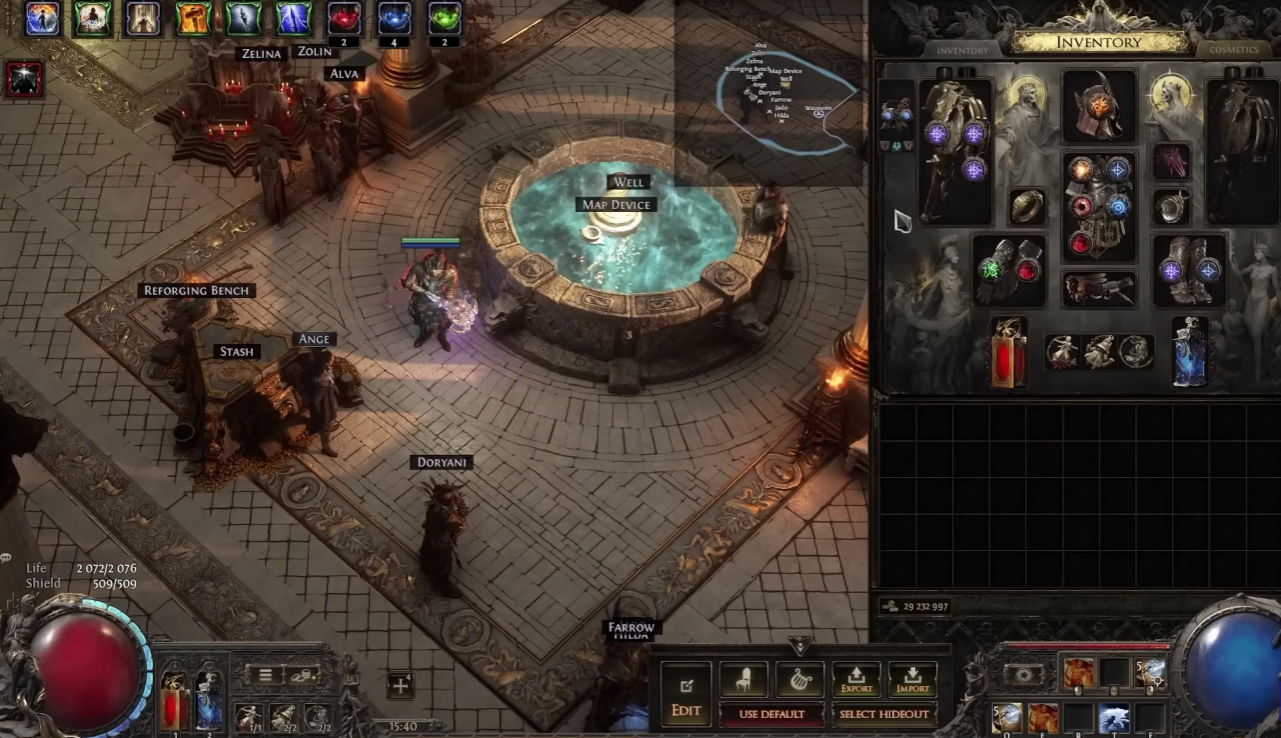
For currency exchange, Ctrl-clicking Ange opens the exchange interface quickly. You can also use Ctrl-click and Ctrl + Shift + Click to move currencies between the "I Have" and "I Want" sections.
These shortcuts are particularly valuable if you trade frequently.
4. Upgrade Items in Groups of Three
The reforging bench allows certain identical items to be upgraded using three copies.
For example:
3 Tier 14 Maps → 1 Tier 15 Map
Similar upgrading can also apply to certain runes and essences.
Specialized stash tabs may provide their own upgrade buttons, but the reforging bench is a useful alternative when those features aren't available.
5. Use Vendor Shortcuts
Different vendors offer different functions, and modifier-key combinations can open their interfaces directly.
Depending on the NPC, Ctrl-click, Alt-click, or Ctrl + Alt-click can open functions such as buying and selling, disenchanting, gambling, currency exchange, or merchant information.
Vendor inventories also partially refresh when your character levels up. During the campaign, check vendors after leveling because you may find a surprisingly strong upgrade.
6. Manage Your Stash Efficiently
Stash management becomes increasingly important as you progress.
Use Ctrl-click to quickly move items between your inventory and stash. Ctrl-right-click can move all items of the same type at once, making it much faster to unload repeated currency or materials.
You should also enable stash tab affinities. These automatically send certain items to the appropriate stash tab.
If you don't want an item to follow its normal affinity, use Ctrl + Shift + Click to place it into the currently selected tab instead.
You can also organize large collections of stash tabs into folders, making frequently used farming and currency tabs easier to access.
7. Search and Reset the Passive Tree
Use Ctrl + F on the passive tree to search for specific nodes.
For example, if a build guide tells you to take Mind Over Matter, search for it instead of manually looking through the tree. Press Enter to jump between matching results.
You can also use Refund All Passives to reset the entire passive tree. Remove your jewels first, and the game will display the required refund cost before you confirm.
For weapon-set passive points, Ctrl + Shift + Left Click can quickly assign Weapon Set 1, while Ctrl + Shift + Right Click assigns Weapon Set 2.
8. Compare Passives and Equipment
Hold Alt while examining a notable passive to view additional information. You can also pin passives for easier comparison.
The same idea works with equipment. Pin an existing weapon and compare it with a potential upgrade rather than relying only on the item's tooltip.
This makes build optimization much easier when you're deciding between several similar pieces of gear.
9. Improve Movement Controls
Path of Exile 2 allows you to customize sprinting and dodging.
The Keep Sprinting While Moving option lets your character continue sprinting after releasing the dodge button. This makes movement smoother, but it can also cause accidental deaths.
Hardcore players may prefer to configure a separate Dodge Only key so they can dodge without accidentally triggering sprint.
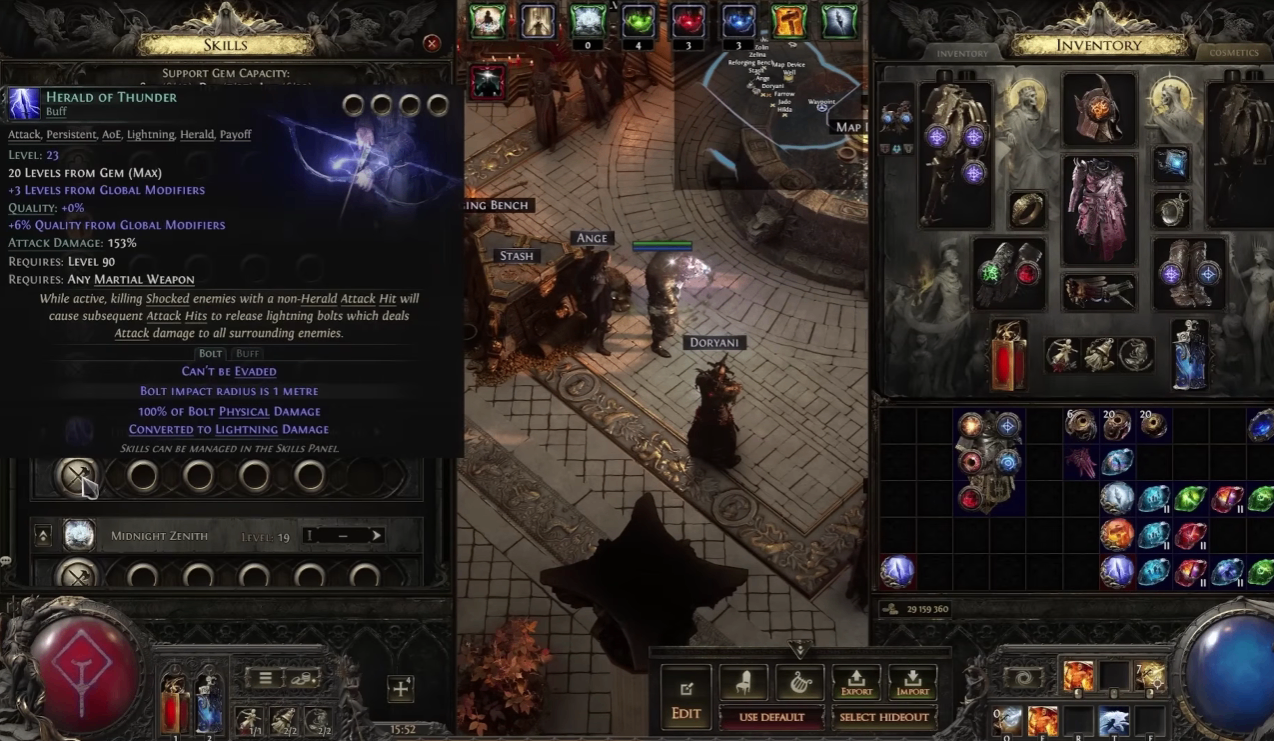
You can also Ctrl-click usable gems directly into your skill page.