• English USD
  • 0
  • Log In Sign Up
    Sign up to get Coupon with a maximum discount of $120
Sign up to get Coupon with a
Shopping Cart
SECURE CHECKOUT orContinue Shopping
List of Contents

Path of Exile 2 Update: Massive Shader Loading and Device Removed Crash Fixes Explained

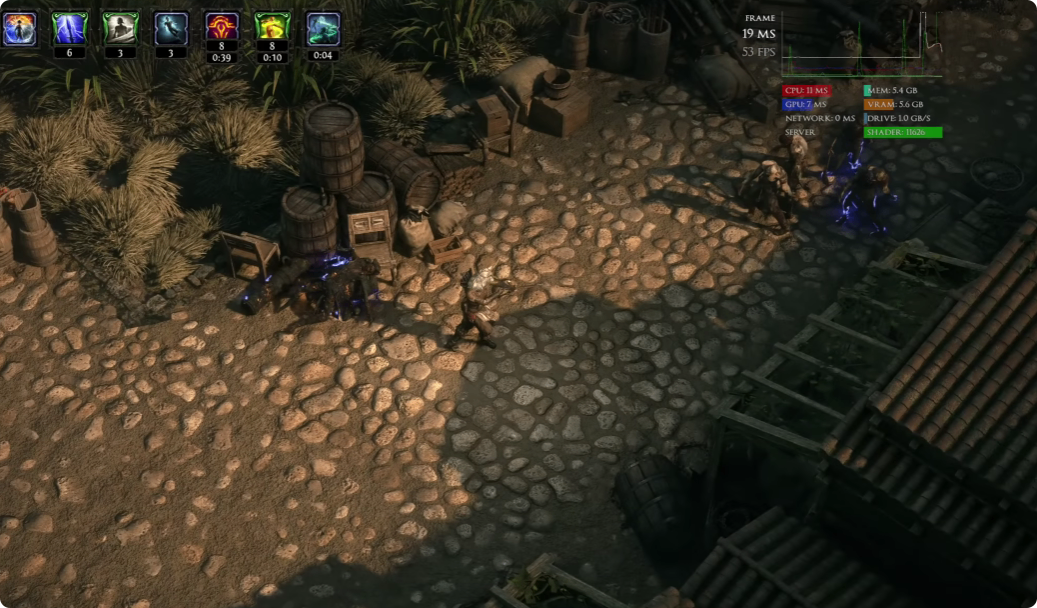
Grinding Gear Games has finally addressed two of the biggest technical issues that have affected Path of Exile 2 since launch: Device Removed crashes and slow shader compilation. According to the developers, both problems have been significantly improved through a combination of the latest game patch and NVIDIA's new graphics driver. While the update doesn't eliminate every performance issue, it should dramatically reduce crashes, shorten shader loading over time, and create a much smoother gameplay experience.

Summary

Grinding Gear Games has finally addressed two of the biggest technical issues that have affected Path of Exile 2 since launch: Device Removed crashes and slow shader compilation. According to the developers, both problems have been significantly improved through a combination of the latest game patch and NVIDIA's new graphics driver.

While the update doesn't eliminate every performance issue, it should dramatically reduce crashes, shorten shader loading over time, and create a much smoother gameplay experience. To jump straight in, buy POE2 Currency and skip the early grind.
 poe2

What Caused the Device Removed Crashes?

Understanding the Problem

The "Device Removed" error is a graphics driver crash rather than a game crash. When it occurs, players typically experience:

The game freezing for several seconds

A temporary loading screen

Gameplay resuming afterward

Reduced performance while shaders reload in the background

This issue became especially common during mapping, where frequent visual effects placed heavy demands on the graphics driver.

Why It Took So Long to Fix

The developers explained that this bug existed since the earliest versions of PoE 2 but became much more common after newer NVIDIA drivers were released.

The biggest challenge was that:

The crash only affected certain NVIDIA drivers.

It could take hours to reproduce.

No useful crash information was generated.

NVIDIA required a reliable reproduction before investigating.

To isolate the problem, GGG created extensive debugging tools, replay systems, and automated test environments before eventually reproducing the crash consistently enough for NVIDIA engineers to investigate.

The Final Solution

After months of testing, NVIDIA identified an internal shader memory issue affecting PoE 2.

The latest NVIDIA driver increases the shader heap allocation specifically for the game, dramatically reducing Device Removed crashes.

For players using NVIDIA GPUs, installing the latest supported driver together with the newest PoE 2 patch provides the largest stability improvement.


How Shader Loading Works in PoE 2

Why Shaders Compile During Gameplay

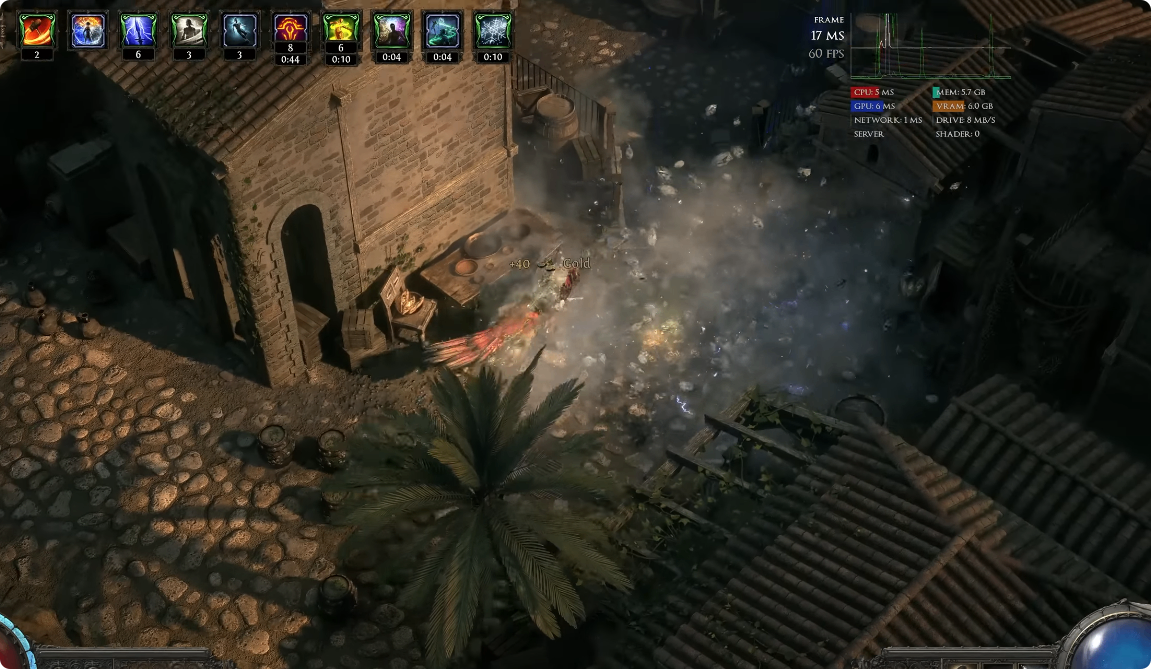
Unlike many games that compile every shader before you begin playing, PoE 2 loads visible shaders first and continues compiling additional shaders in the background.

This allows players to enter zones faster while preparing monster effects, boss abilities, and skill animations as they progress through an area.

Normally, those shaders finish compiling before players encounter them.

Why Problems Occur

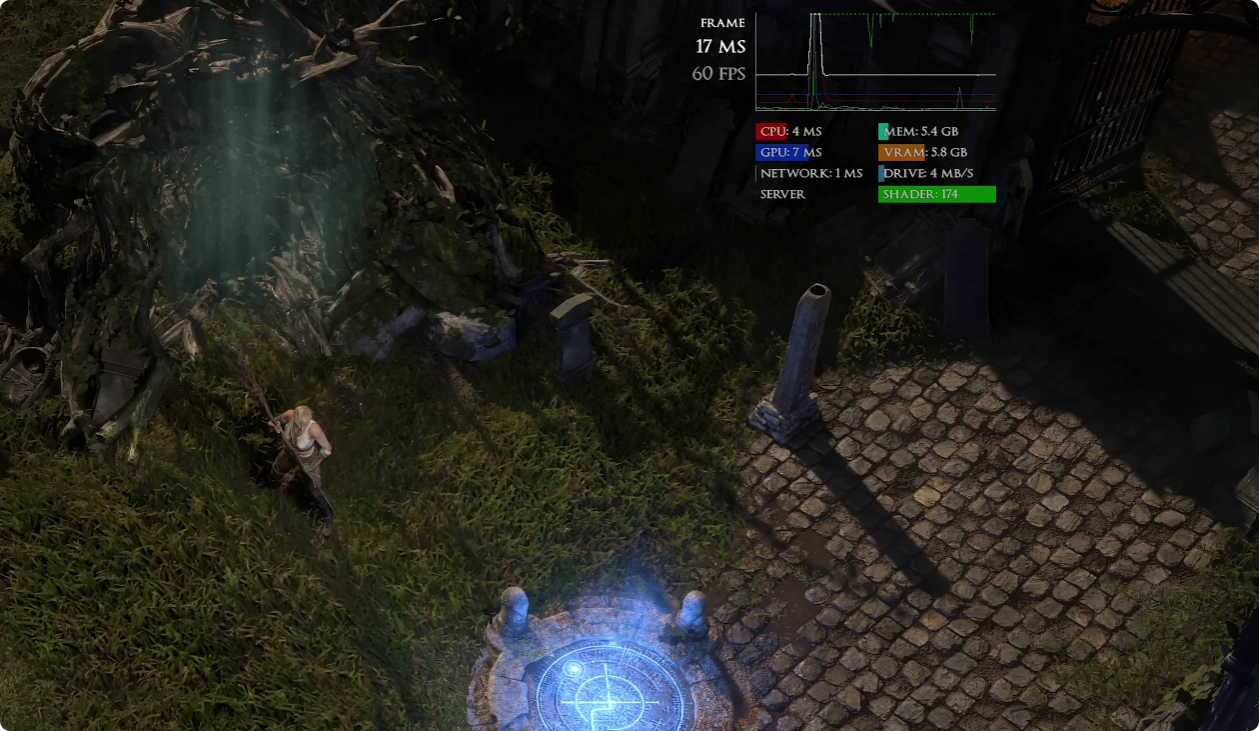
Shader compilation depends heavily on your GPU driver's shader cache.

If the cache becomes full:

New shaders cannot be stored.

Loading times increase.

Visual effects may appear late.

Performance becomes inconsistent.

The developers also noted that certain NVIDIA drivers stopped automatically cleaning old shader cache files, causing many players' caches to remain permanently full without realizing it.

 

Improvements Included in the Update

Smaller Shader Files

Rather than changing how shaders work entirely, GGG optimized shader size.

Smaller shaders mean:

Lower cache usage

Faster compilation

Reduced chance of cache overflow

Better long-term performance

This doesn't completely eliminate shader compilation, but it greatly reduces its overall impact.

Better Stability

The combination of:

Updated NVIDIA driver

Smaller shaders

Engine optimizations

results in far fewer graphics driver crashes while maintaining smoother gameplay during extended mapping sessions.

 poe2

What Players Should Expect After Updating

Longer Loading the First Time

After installing:

The newest PoE 2 patch

The updated NVIDIA driver

your existing shader cache will be rebuilt.

During your first play session, you'll likely notice:

Longer loading screens

More background shader compilation

Slightly lower performance in newly encountered content

This is completely normal.

Once shaders have been compiled again, performance should stabilize and remain significantly better than before.

Performance Improves Over Time

As you revisit maps, monsters, bosses, and league mechanics, previously compiled shaders are reused instead of being rebuilt.

Most players should notice:

Faster area transitions

Less stuttering

Fewer missing visual effects

More consistent FPS during mapping


How to Get the Best Results

Update Everything

For the biggest improvement:

Install the latest PoE 2 game patch.

Update to the newest supported NVIDIA graphics driver.

Restart your PC after installation.

Be Patient During the First Session

The first few hours after updating are effectively rebuilding your shader cache.

Avoid judging performance immediately after the update, as compilation happens naturally while you explore different content.

Continue Playing Normally

Once your shader cache has been rebuilt, future sessions should load much faster and experience fewer interruptions.

 poe2

Final Thoughts

This performance update represents one of the most significant technical improvements since Path of Exile 2 launched. By working directly with NVIDIA to resolve long-standing driver crashes and optimizing shader compilation across the engine, Grinding Gear Games has substantially improved overall stability.

Although players should expect some temporary shader recompilation after updating, the long-term result is smoother gameplay, fewer crashes, shorter loading times, and a much more reliable mapping experience. For anyone who has struggled with Device Removed errors or constant shader loading, installing both the latest NVIDIA driver and the newest PoE 2 patch should be the first step before returning to Wraeclast. With POE2 Currency, you can make up for lost time and gear up quickly.