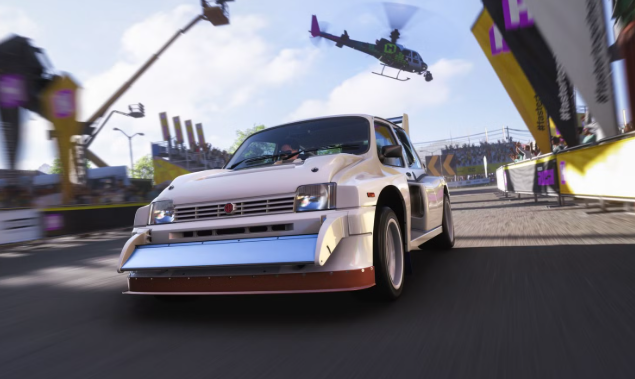







Summary: Forza Horizon 6 players are currently tearing through the streets of Japan to complete the latest seasonal challenges. As part of the highly popular Series 4: Mascot Party update, developers have hidden a vibrant, festive Tokyo City Dango area on the map. If you are struggling to locate this hidden zone to smash the required props and claim your exclusive seasonal rewards, you are not alone.
Finding this specific festive hub can be incredibly frustrating due to Tokyo's massive, neon-lit grid system and dense multi-level highways.
This definitive guide will show you the exact map coordinates, the fastest route to get there, and the best vehicle to use to clear the Series 4 Photo Challenge and Smashable Objectives in record time.
1. Exact Map Location & Street Navigation Blueprint
The Tokyo City Dango area is purposefully not highlighted with a standard flashing icon on your world map. It acts as an interactive environmental overlay that blends directly into the existing urban terrain of metropolitan Tokyo.
To find it instantly, pull up your world map, open the map filters, and deselect everything except Landmarks and Festival Sites.
The Landmark Anchor
The festival zone is structurally built into the open-air pedestrian plaza directly south of the Akihabara Elevated Train Station and north of the Chiyoda Historic Park.
GPS Navigation Coordinates
If you trace the coordinates on your map grid, it sits squarely in the Northeast quadrant of the central Tokyo inner-ring road system.
Visual Confirmation Cues
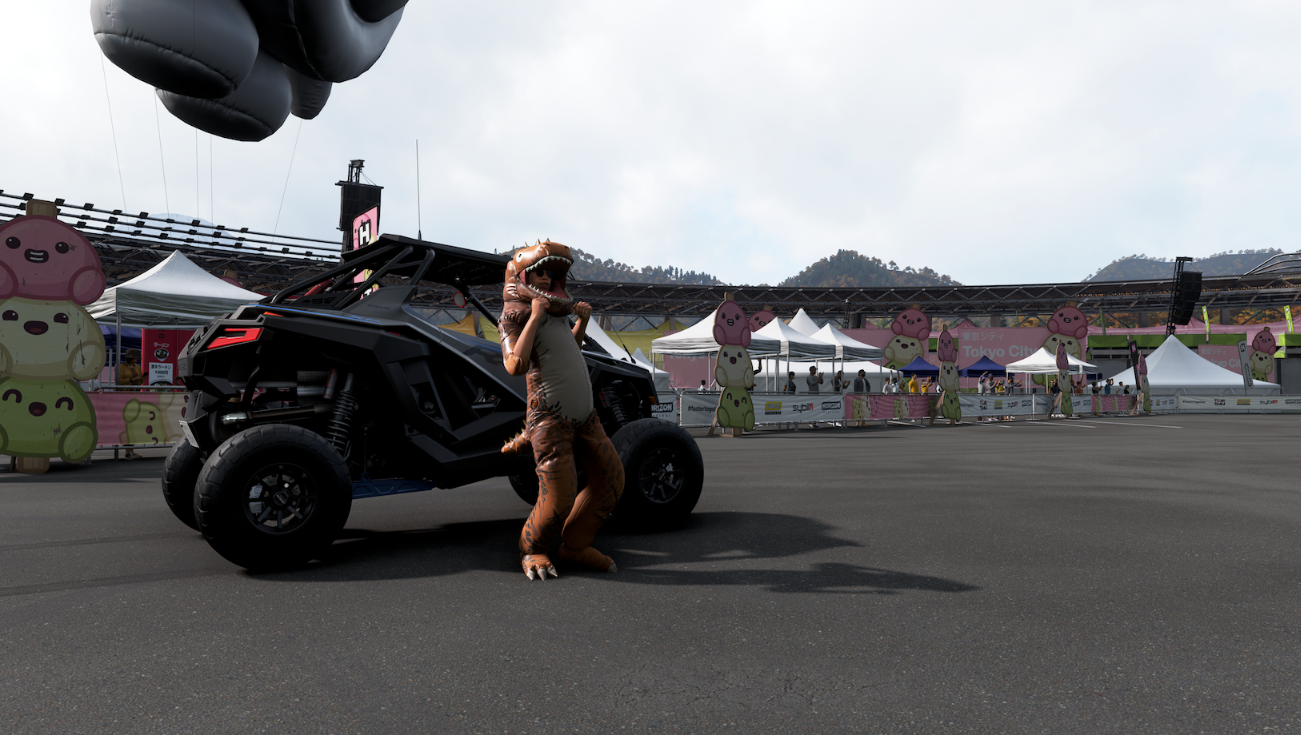
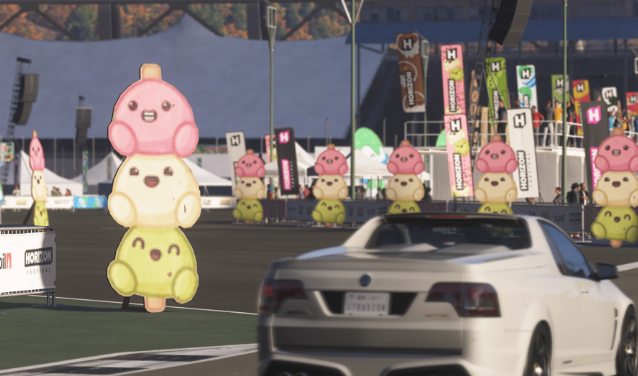
You will know you have entered the correct zone when the standard blue-and-white city streetlights abruptly transition into brilliant, glowing strings of pink, white, and green paper lanterns. The central plaza is completely taken over by giant, bouncing inflatable Japanese mascot characters holding massive wooden skewers of tri-color Dango (traditional sweet rice dumplings).
2. Step-by-Step Challenge Guide: Photo & Prop Smash
Once you cross the threshold into the lantern-lit plaza, your UI will track two major Series 4 seasonal milestone objectives. To complete them both in under five minutes, execute them in this exact order:
Challenge 1: The "Sweet Tooth" Photo Milestone
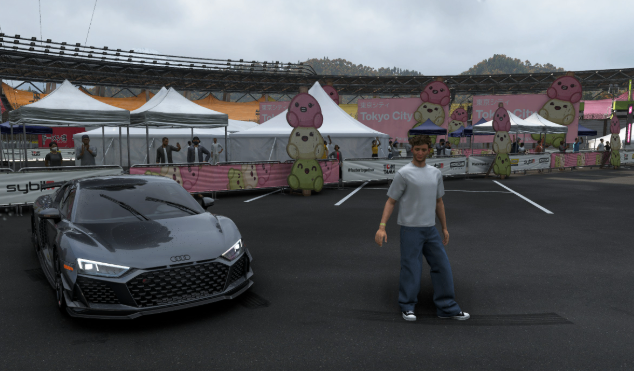
The Requirement: Frame and photograph any Modern Supercar directly alongside the giant central Dango inflatable monument.
The Flawless Execution: Drive your eligible vehicle right up onto the pedestrian pavement, placing your front bumper within touching distance of the primary mascot statue. Press Up on your controller's D-pad to open Photo Mode. Ensure your camera angle is low to frame both the car's sleek lines and the massive, glowing Dango stick in the background. Tap the shutter button to automatically redeem your 2 Playlist Points and the limited-edition Mascot Party Trax car horn.
Challenge 2: The Dango Prop Smash Blitz
The Requirement: Locate and smash 10 miniature decorative Dango prop baskets scattered across the complex.
The Hidden Locations: Playground Games has cleverly hidden several of these small wicker baskets behind concrete support pillars, under staircases leading to the subway, and tucked tightly between rows of glowing vending machines.
The Optimal Farming Route: Do not drive in straight lines. Start at the southern edge of the plaza near the park entrance, and drive in an aggressive, wide S-shaped drift pattern heading north toward the train tracks. This allows you to sweep the alleyways while maintaining a continuous drift skill chain.
3. The Ultimate Dango Smash Vehicle Builds (With Share Codes)
Tokyo's tight pedestrian architecture, sharp concrete barriers, and narrow stairwells make driving heavy hypercars or long muscle cars a nightmare. To clear the props without getting wedged against a wall and breaking your skill combo, you need a compact, agile car with a short wheelbase and instant low-end acceleration.
Here are the two absolute best community-tested vehicle setups optimized specifically for the Tokyo plaza layout:
Option A: The Drift & Smash King - 2021 Toyota GR Yaris (AWD Dirt/Gymkhana Build)
Performance Class: A 800
Why it works: The GR Yaris features a microscopic wheelbase and unparalleled all-wheel-drive launch capability, making it the supreme choice for navigating tight corners between concrete pillars.
Tuning Share Code: 482 911 305 (Optimized for low-speed slide control and structural impact resilience)
Option B: The Budget Build - 2004 Subaru Impreza WRX STI (Street Gymkhana Setup)
Performance Class: S1 900
Why it works: Excellent for players who want to clear the zone with raw speed while effortlessly drifting from one prop basket to the next.
Tuning Share Code: 716 334 082 (Features a widened track width to prevent rollovers when clipping curbs)
Players who do not already have the recommended vehicles can also check Forza Horizon 6 Cars for additional options when building their setup.
4. Critical Bug Fixes: What to Do if the Dango Area is Empty
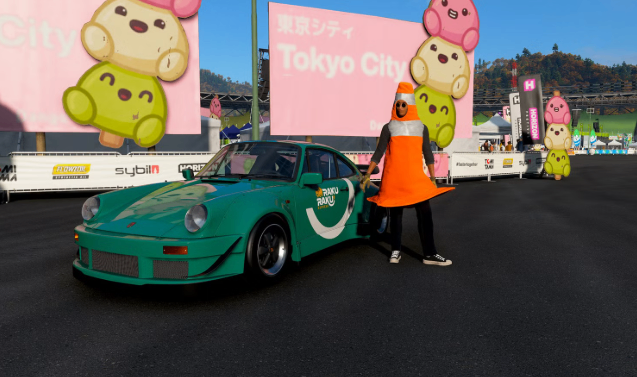
A common issue reported in the Forza community during major seasonal updates is the "ghost town" glitch, where the map coordinates are correct but the seasonal props, lanterns, and inflatable mascots fail to render. If your Akihabara station plaza looks completely normal with no festival assets, follow these emergency hotfixes:
Force an Online Server Sync (Horizon Life): Open the pause menu and look at the bottom right corner. If it says "Horizon Solo," your game is completely cut off from live seasonal asset deployments. Click the tile to manually force a connection back into a live Horizon Life public session.
The Fast-Travel Flush Trick: If the server is laggy, fast-travel completely out of the Tokyo region. Teleport over to the main Horizon Festival Stage at the base of Mt. Fuji, wait inside the garage menu for 10 seconds to clear the local instance cache, and then fast-travel right back to the Akihabara station node. This forces the engine to cleanly pull the latest Series 4 map configuration file.
Clear the Console/PC System Cache: Fully shut down your Xbox Series X/S or PC. Unplug the power cable for 30 seconds, then reboot. This clears out corrupted temporary game data packets that frequently block weekly playlist assets from rendering on the live map.