Weekend Drop -














World of Warcraft: Forever Early Name Reservation opens on October 27, 2026, in North America and Europe, followed by Korea and Taiwan on October 28. Eligible upgrade owners can create up to three characters before launch.
Names go to the first players who claim them, and the full two-name combination must be unique within your region.
If you want to keep a first name you have used for years, prepare several secondary names that suit it. Someone else claiming Asha Brightvale still leaves room for Asha Dawnshield, if that full combination is available.
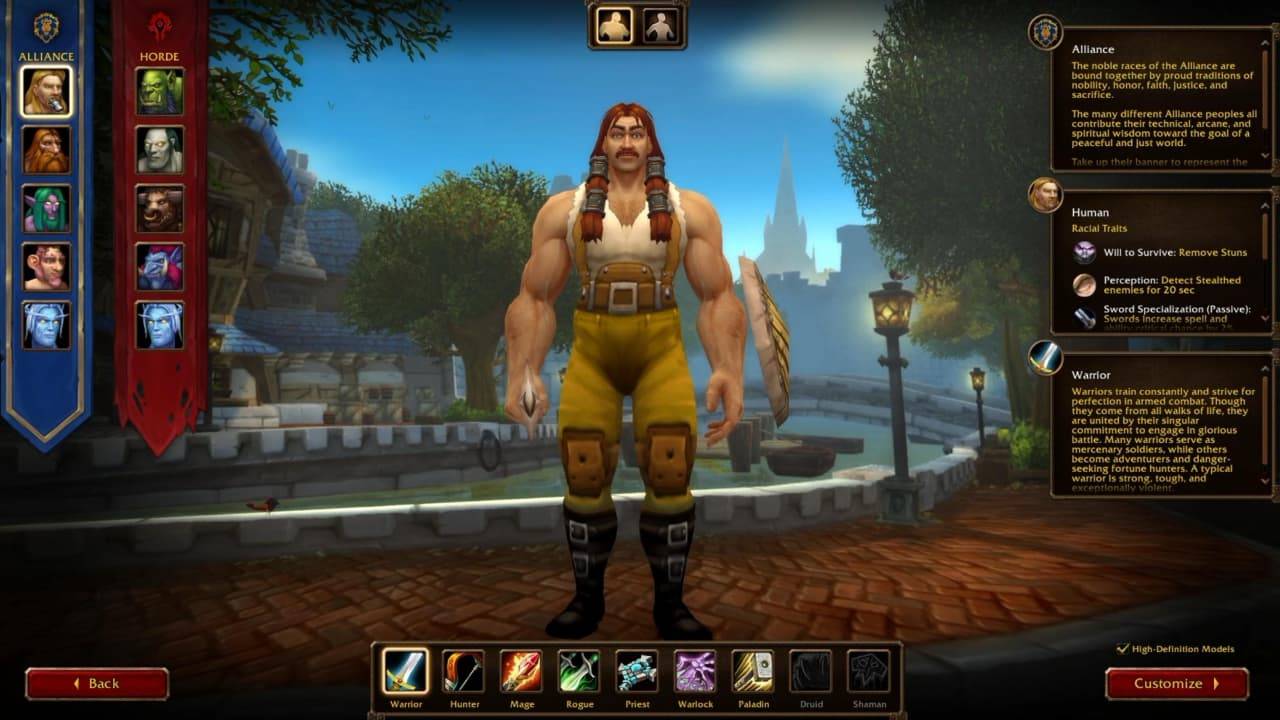
Your Reservation-Day Action Plan
For WoW Forever name reservation, follow this order:
1. Before opening day, confirm the eligible WoW account, install the Forever client, and decide your Ruleset, faction and character settings.
2. Before your region's opening time, have Battle.net ready with the correct WoW account selected.
3. Once reservation opens, create your most important character first using your preferred full name.
4. If that combination is taken, try your second choice, then your third. Keep your first name if the secondary name is the part you can change.
5. Complete creation and confirm the character appears in the list with the intended name and Ruleset before handling your alts.
Preparation reduces avoidable mistakes. It cannot guarantee successful character creation at the opening moment or secure a particular name: another player may claim a rare full combination first. Keep alternatives ready even when your setup is complete.
Name Reservation Start Times
WoW Forever name reservation has separate regional opening times. Use the row for the region where you plan to create your characters; the dates and hours below reproduce Blizzard's announced schedule.
Region | Opening Date | Local Start Time |
North America | October 27, 2026 | 1:00 PM PDT |
Europe | October 27, 2026 | 6:00 PM CET |
Korea | October 28, 2026 | 7:00 AM KST |
Taiwan | October 28, 2026 | 7:00 AM CST |
These openings happen at different moments. For example, the European opening is earlier than the North American opening. If you normally play with friends in another region, settle which region you will use before setting your reminder. Logging in for another region's opening will not bring your own opening forward.
Reservation Window and Deadlines
Blizzard's English announcement lists October 27 through November 3 for Early Name Reservation but gives no exact closing hour. Reserve before the final day. World of Warcraft: Forever launches globally on November 4 at 3:00 PM PST (11:00 PM UTC): November 5 at midnight CET, 8:00 AM KST and 7:00 AM in Taiwan. These launch times are separate from reservation openings.
Eligibility and Account Requirements
Eligible Editions
The following upgrades include WoW Forever Early Name Reservation. Having a subscription or access to a test does not, by itself, provide that benefit.
Edition or Access | Early Name Reservation |
Skyborne Heroic Pack | Included |
Skyborne Epic Pack | Included |
Warcraft Forever Collection | Included |
Subscription Only | Not Included |
Stress Test Access Only | Not Included |
An invitation to the beta is also insufficient on its own. Check the edition attached to your account, especially if you received testing access without obtaining one of the listed upgrades. The reservation announcement also identifies an eligible Collector's Edition as qualifying; check that its entitlement is attached to the account you intend to use.
Stress Test Names Do Not Carry Over
Blizzard's Stress Test announcement specifies that test characters, names and guilds are wiped afterward. Creating a name during that test did not reserve it for launch. Test participants still need to claim their desired full names during reservation or at launch.
Account Checks before October 27
The reservation benefit belongs to the specific WoW account associated with the upgrade. If your Battle.net account contains multiple WoW accounts, confirm which one holds it and select that account for Forever. Being signed into the right Battle.net login does not establish that you have selected the right WoW account.
Check your account details and confirm that you can sign into Battle.net before opening day. Keep your entitlement information available if you need to resolve an account-access problem.
Two-Name Rules and Availability
First and Secondary Names
Every WoW Forever character has a first name and a secondary name. The complete combination must be unique within the region. Another player using your preferred first name does not automatically prevent you from using it.
The examples below illustrate the rule. They do not report live name availability.
First Name | Secondary Name | Example Outcome |
Asha | Brightvale | Valid if the full combination is available and meets naming rules |
Asha | Dawnshield | Can coexist with Asha Brightvale |
Asha | Brightvale | A second character cannot duplicate the regional combination |
Build your backup list around the part you most want to keep, whether the character will be your main or an alt for earning WoW Forever Gold. If you have used Asha for years, prepare several secondary names that suit it.
For a family-themed group, friends can share a secondary name while choosing different first names, provided each full combination is available.
The uniqueness requirement covers the region. Selecting another Ruleset does not create a separate pool where you can duplicate an occupied full name. Agreeing on a group naming theme also cannot guarantee that every desired combination will remain free.
Secondary Name Display Settings
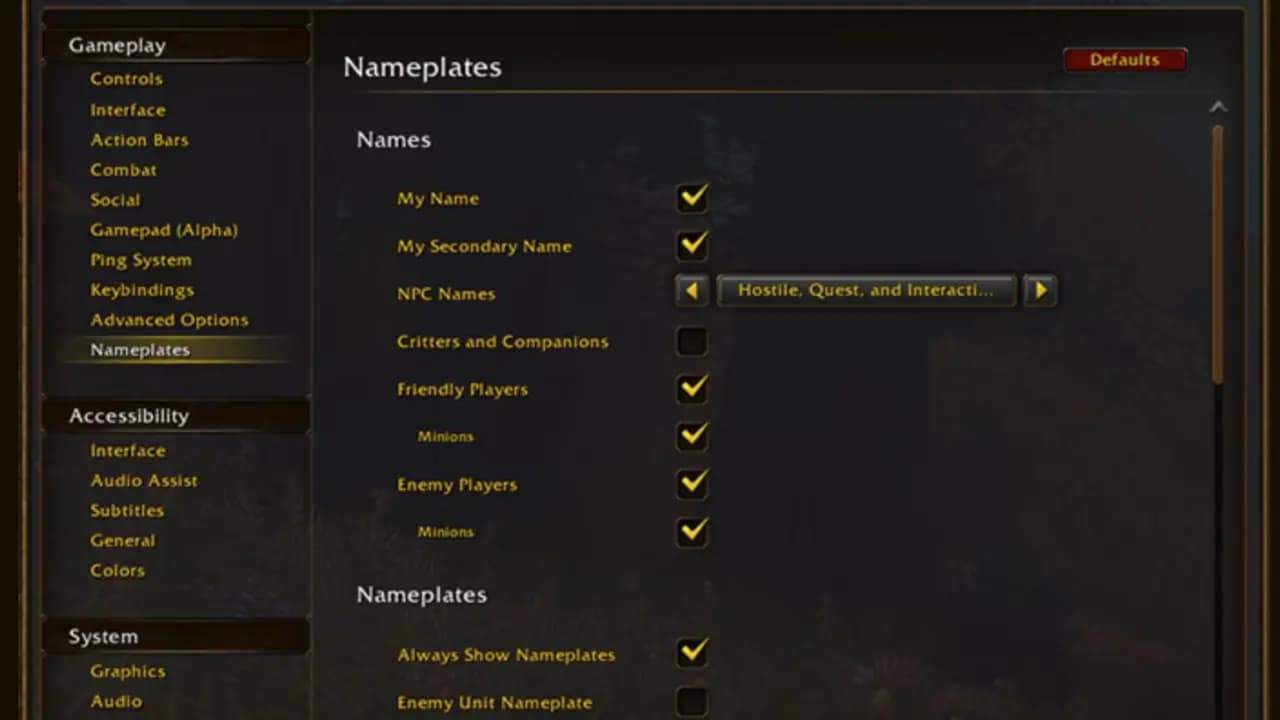
To hide your secondary name in the game world, open Esc > Options > Nameplates and change the My Secondary Name checkbox. The secondary name still appears in chat.
Choose a second name you are comfortable using publicly even if you plan to hide it above your character. The display setting changes visibility in the world; your character still has the same full name and remains subject to regional uniqueness.
Reserve Your Character Name
Character Reservation Steps
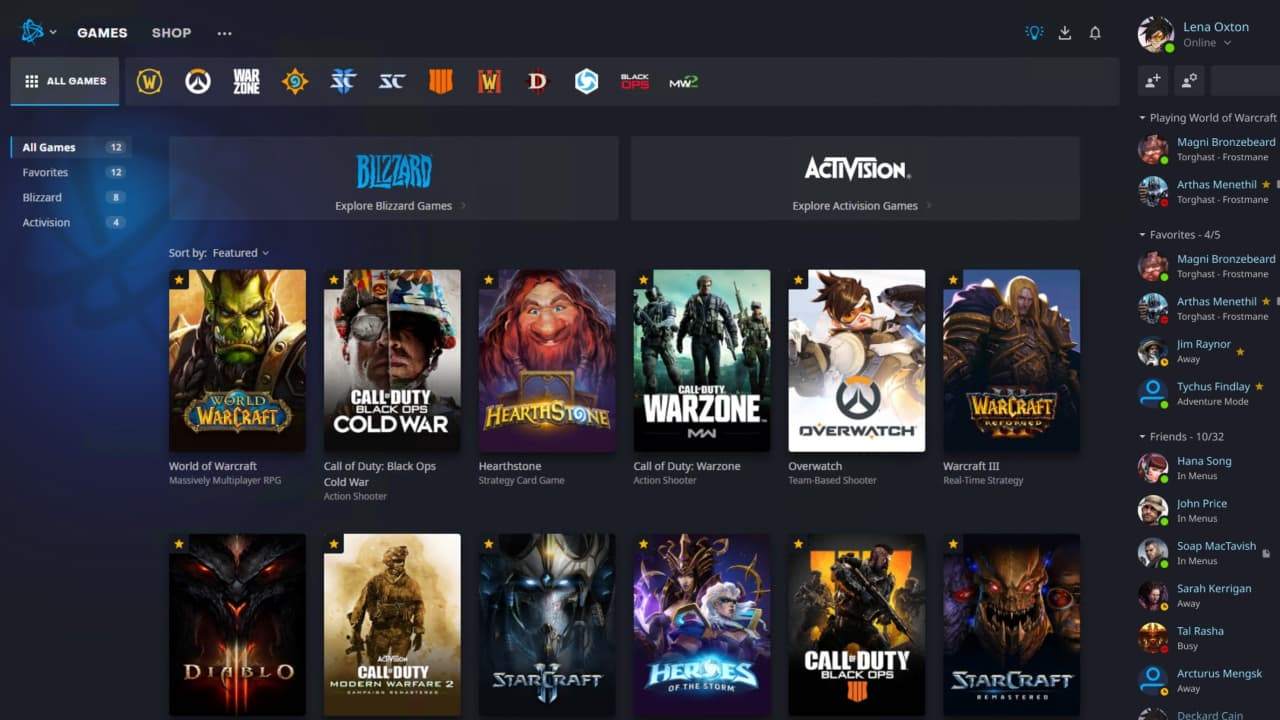
Use Blizzard's published installation and character-creation route for World of Warcraft: Forever:
1. Update your graphics drivers.
2. Install the Battle.net desktop app if needed, then open it and let it update.
3. Select World of Warcraft from the game list.
4. Find the Game Version menu above the Play button.
5. Select World of Warcraft: Forever, choose Install, and finish downloading the client.
6. When reservation opens in your region, select Play and choose your intended Ruleset.
7. Create your character, enter both names, and complete character creation. Repeat for any remaining characters within the three-character limit.
Check that the completed character appears in your character list with the intended name and Ruleset. Typing a name into a field is only part of character creation; finish the process before moving to your next character.
Prepare before Logging In
Write down the race, class and appearance preferences for each planned character, along with whether you plan to focus on group play, professions, or earning WoW Forever Gold after launch.
Prepare your preferred full name plus two or three alternative combinations, ordered by preference. Decide which character matters most so you know which one to create first.
Preparing these choices in advance is an editorial recommendation to reduce decisions during the opening rush.
Three Characters Across All Rulesets
Plan Your Three Slots
The WoW Forever reservation limit is three characters total across all Rulesets. Creating two characters on PvP leaves room for one more during the reservation period, whether you put that character on Normal, Roleplaying or another available option.
Allocate those slots before opening day. If your plans include a main, a WoW Forever Gold farming alt, and another character, reserve them in priority order. The announced three-character restriction applies specifically to Early Name Reservation.
Choose with Your Friends
Normal suits players who want exploration, quests and cooperative content with optional PvP. PvP adds open-world faction conflict in contested territory. Roleplaying suits players seeking a roleplaying community; RP-PvP combines that interest with open-world PvP.
Characters on different Rulesets cannot group together for dungeons and raids. Horde and Alliance grouping is also restricted, so agree on your faction as well as your Ruleset. Blizzard's Ruleset guidance does not allow characters to move freely between them. Choose where you intend to play before creating a character solely to hold a name.
RP-PvP Reservation Status
On October 22, developer Aggrend confirmed that RP-PvP would be available for the November 4 launch of WoW Forever (PST). The same post said the team was working to make RP-PvP selectable for the October 27 name reservation opening.
The October 22 statement does not guarantee that RP-PvP will be ready for reservation. Players planning to use it should check the latest announcement and the available Ruleset list when their regional window opens.
If RP-PvP is missing, do not create a character elsewhere on the assumption that you can transfer it later. The published guidance provides no such reservation workaround. Keep your RP-PvP plans separate from any characters you actually intend to play on another Ruleset.
Naming Problems and Final Checks
Taken or Rejected Names
If your full name is occupied, keep your preferred first name and try another secondary name. If WoW Forever rejects a combination, review both parts for restricted wording, impersonation or repeated-character patterns. Splitting a restricted word between the two fields may still fail the naming checks.
Move to your next prepared combination if needed. Do not rely on deleting a character to release its name immediately, or assume you can freely rename it afterward; those recovery options are not established by the reservation instructions.
Final Checklist before October 27
Confirm an eligible upgrade is attached to your intended WoW account.
Select the correct account in Battle.net.
Install and update the Forever client.
Check your region's opening date and time.
Agree on a Ruleset and faction with your friends.
Allocate your three characters in priority order.
Prepare full names and backup combinations.