Weekend Drop -












Summary
If you've been frustrated by the limitations of Dynasty mode, the modding community is already building tools that put the power back in your hands. While some players choose to buy College Football 27 Coins to accelerate their team building, modding offers a completely different kind of freedom—giving you control over recruiting, progression, and gameplay mechanics that no amount of spending can unlock. This guide will walk you through everything you need to know to get started with modding on PC.
Why Mod College Football 27?
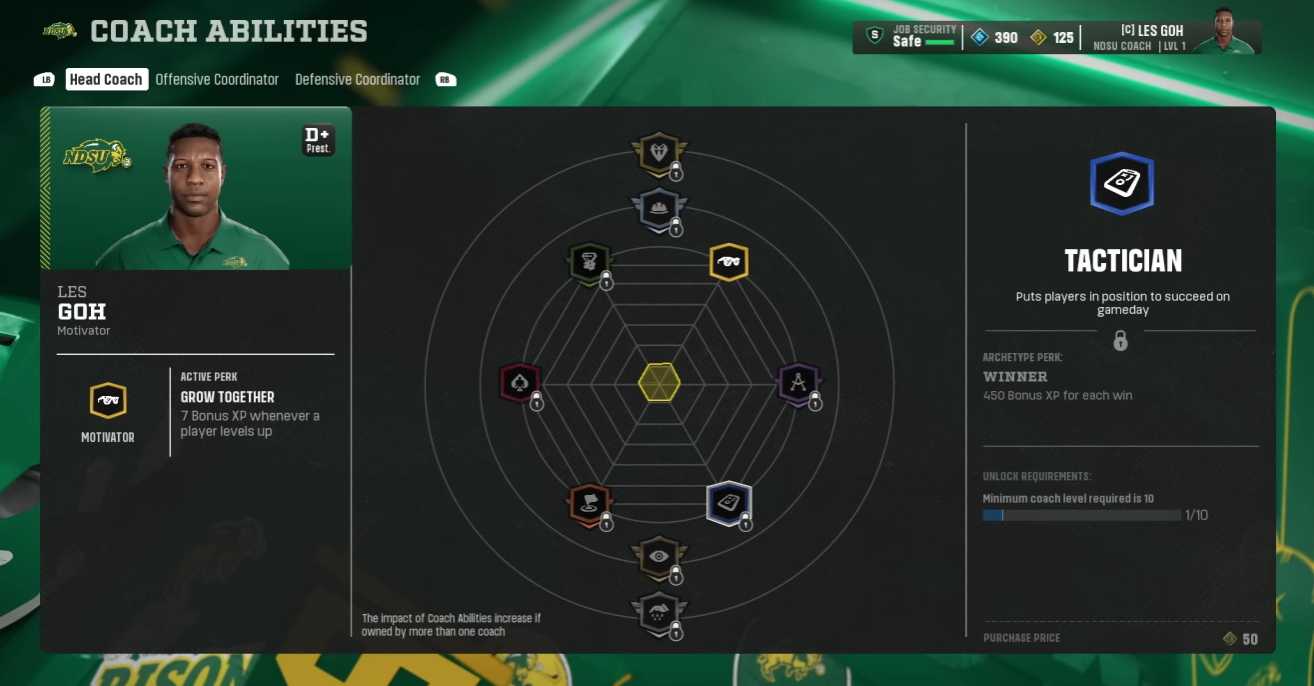
The PC release of College Football 27 is a game-changer for the franchise. It opens the door to the same kind of mod and community support that made NCAA Football 14 such a lasting hit . With community support, this game could create the ultimate Dynasty experience for passionate college football fans .
Modders are already delivering features that transform the game :
Real recruiting classes with actual high school prospects
Complete recruiting overhauls that fix the default system
Dynasty editors for full control over your save
Uniform and presentation enhancements
Custom gameplay tweaks for more realistic football
What You Should Know Before Modding
There are a few important limitations to understand before you start :
You can only mod the PC version. Console versions do not support mods.
You CANNOT play online with mods enabled. Mods are for offline Dynasty mode only.
Modding requires basic PC file management. If you can create folders and copy files, you can do this.
Step 1: Prepare Your PC for Modding
Find Your Game Folder
Once the game is installed, open the EA app, click MANAGE on the game tile, then click View Properties. This will show you the install location. Click Open Folder to access your "Root" folder—pin it to Quick Access for easy future access .
Create a Mod Folder
Inside your Root Folder, create a new folder where you'll install all your mods. You can name it anything—"Mods" works fine .
Disable Antivirus Interference
Windows Defender may flag modding tools as harmful even when they're completely safe. To prevent this, add both your Root Folder and your Mod Folder as exclusions in Windows Security :
Open Windows Security
Go to Virus & Threat Protection
Open Virus & Threat Protection Settings
Scroll to "Exclusions" and add both folders
Step 2: Install the Modding Tools
Join the Modding Community
The central hub for College Football 27 mods is the modding Discord server . This is where mod developers release their work and where you'll find installation guides.
Install MMC Modding Tools
Head to the "Install Download Guide Tutorials" channel and install the MMC Modding Tools package. Place the tools in your Mod folder and extract the contents .
Set Up the Anti-Cheat Bypass
This step is crucial for running mods :
Go to your Root Folder
Rename the EA Anti-Cheat file so the game doesn't read it
From your Mod Folder, copy the AC Tool file to your Root Folder
Run the Mod Manager
Open the Mod Manager.exe from your Mod folder and select "College Football 27" as your game .
Step 3: Install Mods
Download a Mod
Browse the community mods channel in the Discord. Download the mod you want and install it into your Mod Folder .
Activate the Mod
Open the Mod Manager
Drag the mod folder into the Mod Manager window
Click Apply Mod and check the box to activate it
Launch the Game
IMPORTANT: Do NOT launch through the EA App. Launch the game through the Mod Manager instead .
If a mod causes crashes, simply uncheck it in the Mod Manager to disable it .
Essential Early Mods
The modding community has focused heavily on Dynasty mode improvements :
Pocket Scout Utilities Tool
This comprehensive tool gives you control over virtually every aspect of Dynasty mode:
NIL Budget Control – Give yourself more recruiting points or nerf powerhouse schools like Ohio State
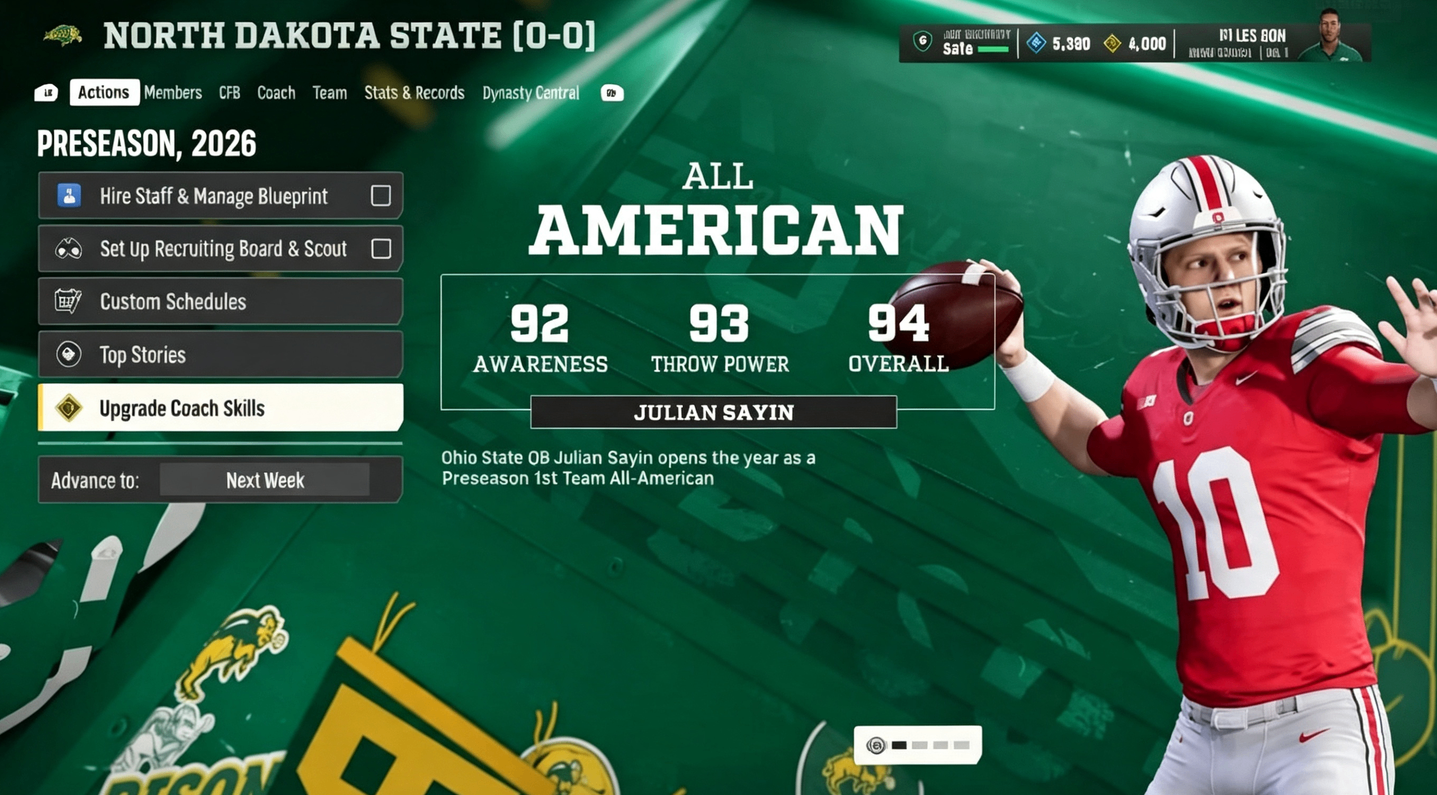
Coach Points – Skip the grind and allocate coach points however you want
Recruiting Hours – Adjust your weekly recruiting hours
Team Prestige & Facility Levels – Modify these values for any team
School Pipelines – Edit your recruiting pipelines
Bowl Game Names & Conference Tie-Ins – Customize the postseason structure
Commit Scores – Adjust how fast players commit
Real Recruiting Class Mods
Complete 2027 and 2028 recruiting classes based on real prospects from 247Sports are already available. The 2027 class alone includes roughly 2,000 real players with accurate ratings and positions .
Fang's Recruiting Overhaul
This mod completely revamps the recruiting system, making it more dynamic and realistic. Players perform more authentically, and there's better differentiation between talent levels within each star rating .
Critical Dynasty Settings Fix
Even without mods, you can improve Dynasty mode significantly through settings adjustments.
Fix Player Progression
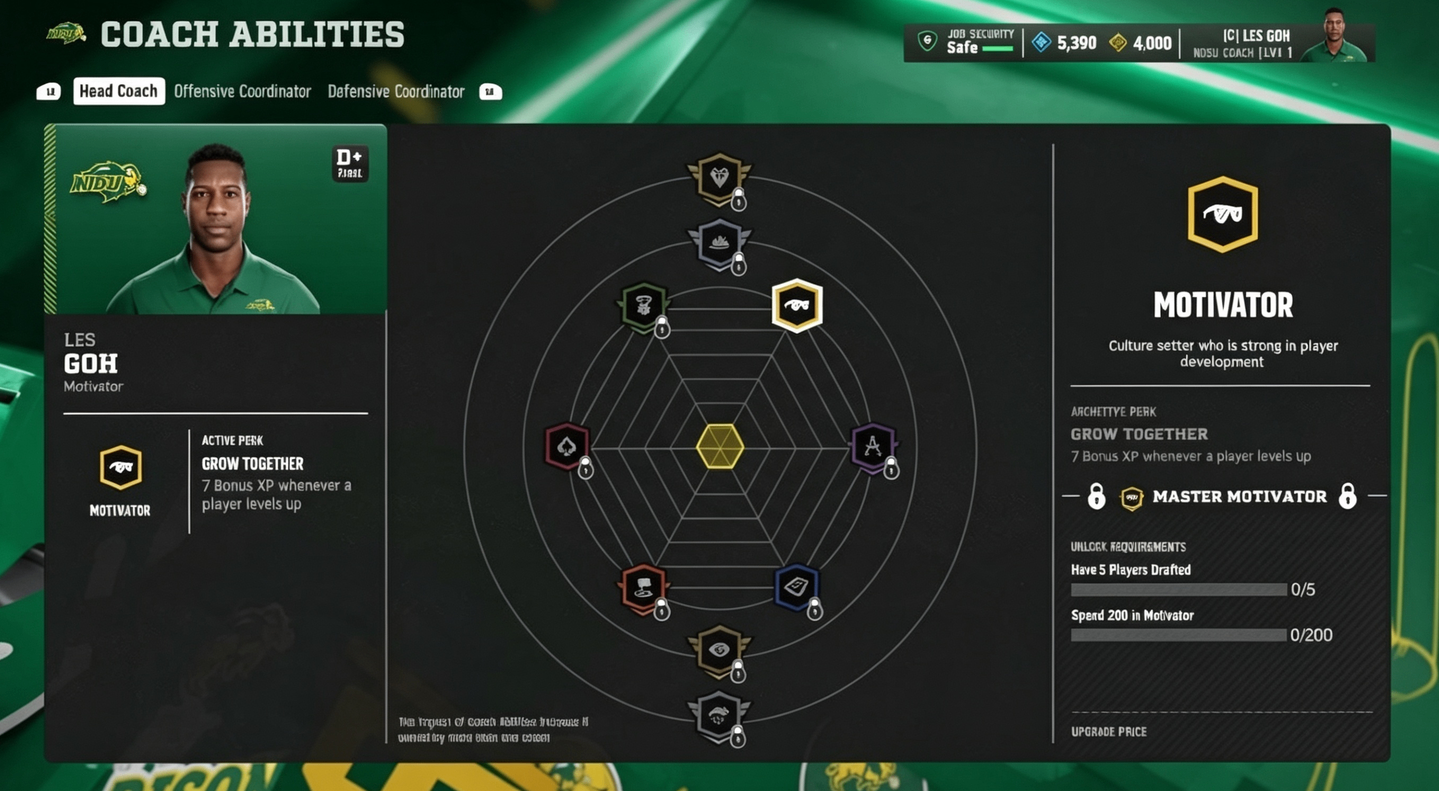
In current dynasty saves, the number of high-overall players drops significantly over time. After ten years, only about 11 players reach 90+ overall compared to over 100 at the start .
The Fix: Increase the Player XP slider to 300 for all positions except kickers and punters (keep them at 100 or reduce to 70-50) . This applies to the entire league and allows players to reach ability thresholds that default settings prevent.
Fix Recruiting Disappearances
Between 150 and 200 four-star recruits disappear every season without signing anywhere .
The Fix: Turn the Transfer Portal completely OFF. This forces CPU teams to focus on high school recruiting instead of portal transfers, dramatically reducing player disappearance .
Do NOT reduce the portal to 8-10 players—testing shows this makes the issue worse .
What's Coming Next
The modding community is only getting started. With the track record of Madden PC mods over the last four years, the future looks incredibly bright :
Custom uniforms and stadiums
Expanded teams including FCS, Division II, and Division III
New scorebugs for different broadcast networks
Enhanced player portraits using AI generation
Complete presentation overhauls
Gameplay tweaks for more realistic football
Final Tips
Back up your save files before installing major mods
Check mod compatibility when updates are released
Outdated mods can cause crashes—uncheck them in Mod Manager if issues arise
Join the Discord for the latest releases and troubleshooting help
The PC version of College Football 27 isn't just the same game with better graphics—it's the foundation for a community-driven, customizable college football experience that can rival and surpass anything EA could build alone.