






Summary
College Football 27 has fundamentally changed how you play offense. The new tools give you more control than ever before, but they also require you to rethink your approach. And if you want to build your ultimate team without the grind, you can always buy College Football 27 Coins to grab top-tier players and upgrades right away. This guide breaks down the biggest offensive changes and shows you exactly how to use them to score more touchdowns.
Untarget the User Defender
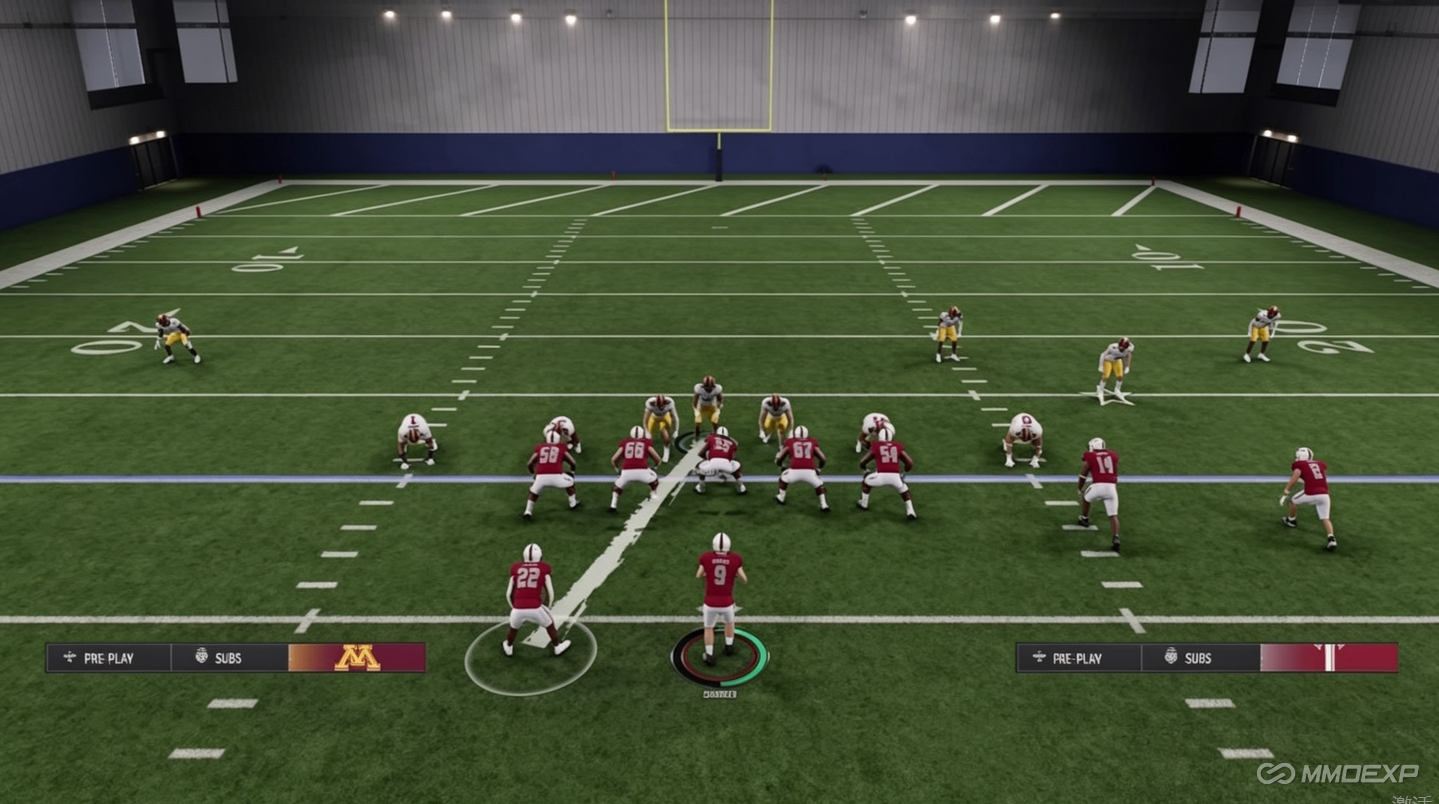
The "Untarget User Defender" coaching adjustment shuts down a popular defensive tactic. Some players take their user-controlled defender and stand at the offensive line to manipulate your blockers and get a free rusher to the quarterback.
With this adjustment enabled, that defender gets a flame icon over them. Your offensive line completely ignores them and blocks the blitz instead, letting you throw whatever pass you want. Set this in your coaching adjustments before the game or at the play call screen.
Timing-Based Catching
Every pass attempt now gives you a green, yellow, or red timing window. A green catch means you'll catch the ball every time—unless the defense gets a perfect hit stick or swats the ball first. A red catch means you're dropping it every time. Yellow puts it into the same algorithm we've used for years.
You can turn this off or limit it in settings. Set it to only activate on passes beyond 5, 10, or 20 yards, so you don't have to time your drag routes. Green catching won't let you just moss defenders every play—if a defender gets their hands on the ball first or delivers a perfect hit stick, the green catch is negated.
Custom Adjustments
Custom Adjustments let you save combinations of hot routes and blocking assignments, then call them instantly at the play call screen. If you have a play where you always make the same four hot routes, set it up once and call it instantly instead of spending 10 seconds at the line of scrimmage.
These are mapped to position depth chart slots. If you set WR1 to run a certain route, that adjustment follows whoever is in that spot—even if you flip your formation. You need to learn where each player is and put them on the right route.
Formation Shifts
At the play call screen, you can choose one formation to break the huddle in, then shift to a different formation before snapping—as long as both formations use the same personnel. Come out in a formation that looks strong to one side, then shift to something completely different. Your opponent has to communicate and adjust, often revealing whether they're in man or zone coverage. You've already won half the rep before the snap.
ID the Mike (Run Game Version)
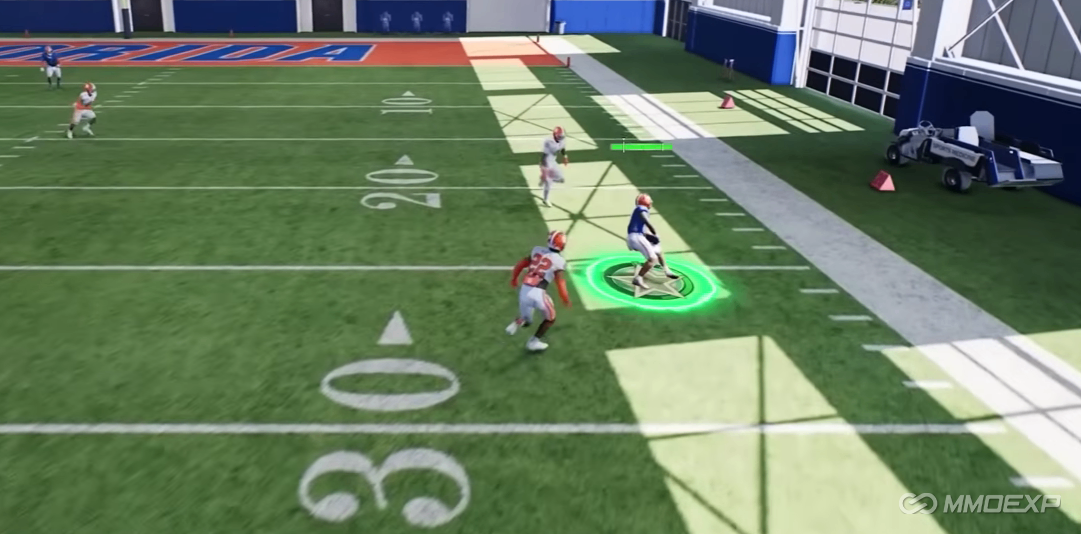
Before the snap, hold Left Trigger to see your run blocking assignments. If a defender isn't being accounted for correctly—often the user defender—select him as the Mike. This reassigns your blocking to account for that threat. A bad ID assignment can actually hurt your run blocking, so choose wisely.
New Protection Menu Controls
The protection menu for pass protection adjustments is now mapped to Left Trigger. In previous years, it was LB/L1. LB/L1 now opens your custom adjustments menu. Tap Left Trigger to make pass protection adjustments.
QB Sneak Meter
The QB sneak now requires actual skill. You must time a meter perfectly in the middle. Miss it, and your QB falls down without gaining the needed yardage. Every millimeter matters on QB sneaks—how this meter plays out is critical.
Community Plays in Stock Playbooks
EA took plays that top players were running—plays that required 2-5 hot routes per snap—and put them in the game stock. Some of the best plays you can call no longer require pre-snap adjustments. Just call them and snap the ball.
Directional Stiff Arms
Stiff arms are now directional. With the left stick, you can choose between different types—de-cleaters, jabs, and throw-bys. Use the right stiff arm for the right situation.
Coach DNA 2.0
The CPU offense evolves throughout the game. If a running back has a hot hand, they'll feed him more. If your edge rusher is dominating, they'll start double-teaming him. They'll adjust run and pass tendencies based on matchups. You can't run the same defensive calls all game—they'll adapt
Zone Window Awareness for Receivers
When enabled, receivers identify open windows in zone coverage and slow down when they enter those areas. In previous years, receivers would run right into a defender waiting for them, even if they were wide open. Now they'll sit in that soft spot.
Coach Mode and Coach Chat
Coach Mode lets you watch the game from the sideline. You can have as much or as little control as you want. If your players get cold and lose confidence, you have up to three times per game to chat with them. This brings them back to neutral—meaning their ratings return to normal.
Putting It All Together
These changes reward players who understand real football concepts. The old shortcuts won't work the same way. The meta is shifting toward balanced offense, smart pre-snap adjustments, timing-based execution, and adaptability. And if you want to stay competitive without spending hours grinding, you can buy College Football 27 Coins from MMOEXP—a trusted platform I highly recommend for fast and reliable service to help you build your ultimate team and dominate the competition.