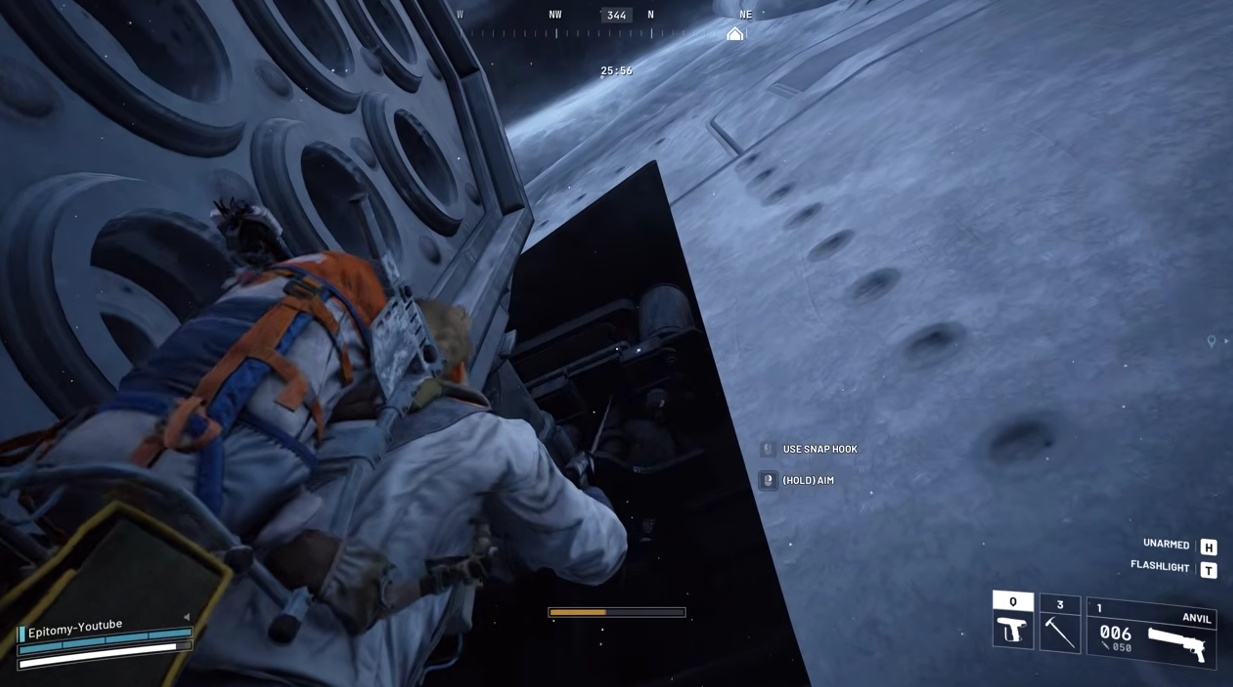







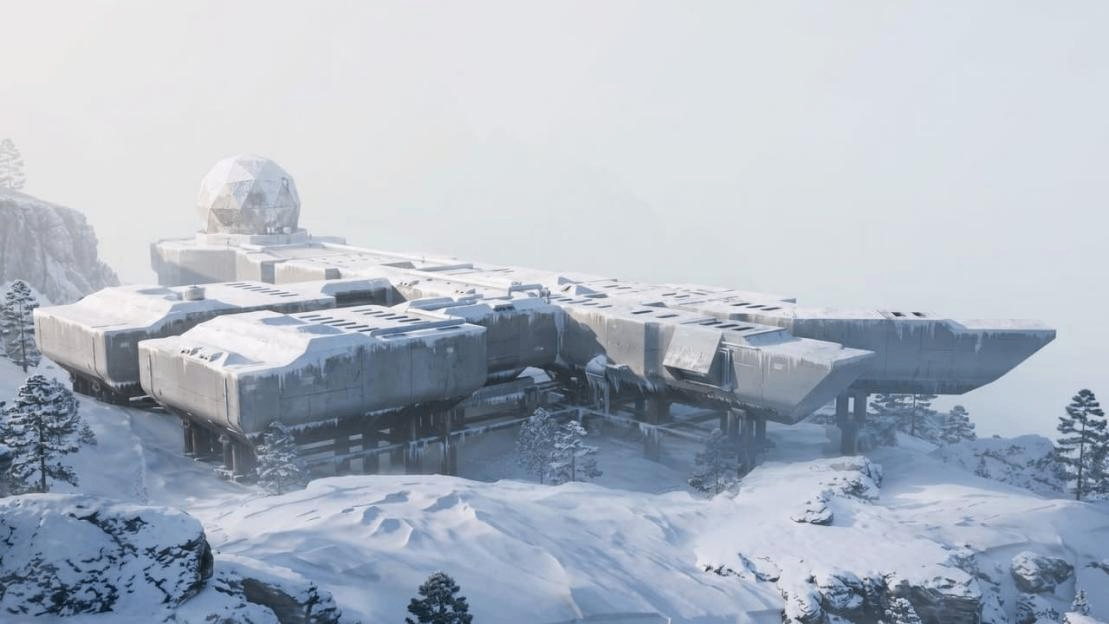
Storm Huts on Pendola Pass offer shelter from Flash Freeze and chances at rare upgrade materials, including Insulation Rolls.
Access changes with local weather and other Raiders can close the entrance.
This ARC Raiders guide covers the opening cues, an interior search sequence and the roof exit, with ordinary loot areas to try when a hut is inaccessible.
How to Find and Enter Storm Huts
In ARC Raiders, Storm Huts on Pendola Pass normally open without a key when Flash Freeze reaches their area. Watch for the emergency broadcast, red alarm light and active shelter icon, then check the doorway.
A door still closed during the storm may have been shut by a Raider inside. Search an accessible hut for upgrade materials, including possible Insulation Rolls, and use the interior roof hatch if you cannot leave through the front. No shelter guarantees your target item.
Why Is the Door Still Closed?
If the hut is dark and its warning siren is inactive, a storm elsewhere on the map does not establish that this entrance has opened. Check for an active marker in the affected area. The nine structures are permanent locations, but they are not nine available doors in every storm.
If the local warning is active but the doorway is shut, check for signs of occupants. Players can close the entrance from inside. An icon identifies the building, so it cannot tell you whether a squad has already secured it.
Do not spend healing waiting for an inaccessible door to reopen. Check another nearby marker while you still have enough health to move, or shelter in an ordinary enclosed building.
Night Raid openings without a storm have been observed, but their conditions remain uncertain. Treat an open entrance as an opportunity rather than relying on Night Raid to unlock every hut. A fixed countdown or repeatable shelter refresh interval has not been established well enough to plan around.
Nine Shelter Areas
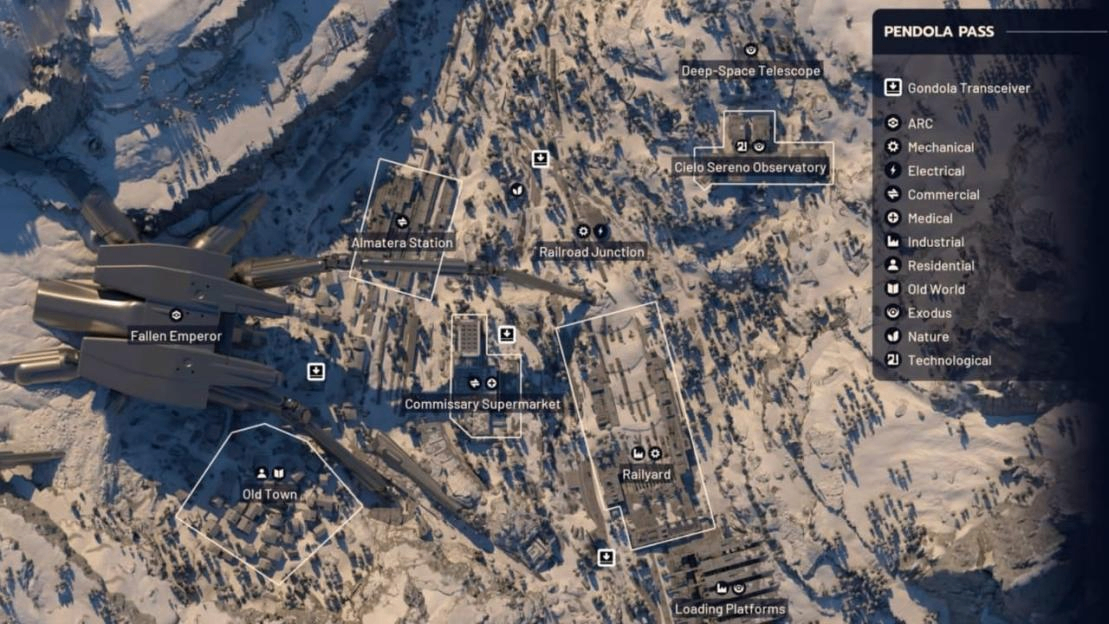
Nine Emergency Shelter markers are mapped on Pendola Pass. This table identifies search areas, with no claim that the doorway is inside the named landmark.
In ARC Raiders, use it to choose the part of the map to watch, then follow the active shelter icon to the building.
No. | Nearby Landmark | Map Area |
1 | Controlled Receiving Facility | East |
2 | Railyard | East |
3 | Freight Terminal | Southeast |
4 | Frozen River | North |
5 | Researcher Lodgings | North |
6 | Dispatch Tower | North |
7 | Cielo Sereno Observatory | Northeast |
8 | Commissary Supermarket | Middle |
9 | Old Town | West |
Choosing Your First Hut
If you are already in the east and looking for ARC Raiders items, compare the Railyard, Controlled Receiving Facility and Freight Terminal markers. In the north, consider Frozen River, Researcher Lodgings and Dispatch Tower.
Near Old Town, Commissary Supermarket or the Observatory, check that area's shelter before committing to a long crossing.
Your position and active icons decide the order in an ARC Raiders raid. These are regional choices, without a timed fastest route. Compare access to cover as well as distance, especially once cold damage starts.
How to Loot and Leave
Prepare before the Storm
Before deploying, check your upgrade screen against existing stash totals. List the missing materials, leave backpack space and bring healing supplies for cold exposure.
Choose a starting search area and locate a Gondola Transceiver before the warning arrives. Search ordinary buildings while waiting for an active shelter icon. You can make progress on ARC Raiders upgrades without spending the raid beside a locked door.
Enter and Search
When the broadcast sounds, open the map, select a reachable shelter and approach its doorway. Confirm that you can enter before spending more healing trying to reach it. Inside, search the lower-room containers first, then take the interior stairs to the upper crates and weapon cases.
Sweep the remaining shelves and loose loot before leaving. Check for any additional wall interaction labelled "Breach & Search" and use it if available; do not stop after opening the most visible weapon case.
Shelter finds have included Epoxy Buckets, Insulation Rolls and Radial Presses, alongside ammunition, healing supplies and weapons. Take missing upgrade items first. No specific container has a confirmed guaranteed supply of any one material.
If you close the entrance behind you, locate the interior exit before settling into a long search. The roof hatch gives you a way out while leaving the front door shut.
Open the Roof Hatch
Find the yellow ladder leading to the roof hatch and locate its manual release control, using the interaction prompt to identify it. Operate the release, confirm the hatch is open, then climb out through it. This is the roof exit; do not rely on its control to reopen the front door.
Before climbing out, check which ARC Raiders items are worth keeping, sort your backpack, and make sure you have enough health to reach cover.
From the roof, reassess nearby threats and active icons. Continue only if another hut is reachable; otherwise, seek ordinary cover or head toward a Gondola Transceiver.
Where to Search for Insulation Rolls
Storm Huts are one search option in ARC Raiders, with no fixed Insulation Roll container or proven steady yield. Ordinary buildings and ice-sealed rooms let you continue looking when the weather does not open a hut or another squad reaches it first.
Search Area | What to Check | Access |
Storm Hut | Lower containers, upper crates, shelves and loose loot | Normally weather-dependent; random loot |
Ice-sealed rooms | Interior containers and loose loot | Break the ice first; random loot |
Cielo Sereno Observatory | Office Desks, Filing Cabinets and eligible industrial storage | Ordinary search; eligible containers |
Almatera Station and nearby trains | Office Desks and Filing Cabinets where present, accessible train interiors and loose loot | Ordinary search; containers and possible loose pickups |
Railyard | Lockers, Industrial Crates and other eligible storage | Ordinary search; eligible containers |
Controlled Receiving Facility | Tables, chairs and loose items | Ordinary search; possible loose pickups |
The ordinary-area entries identify places and container types eligible for this item, not a dedicated Insulation Roll chest.
An Industrial Crate may require breaching before you can search it. Finding an eligible container gives you another chance; finding a weapon case does not establish the material is inside.
Choose a Backup within Your Route
If the eastern hut is closed, continue through nearby Controlled Receiving or Railyard storage before crossing the map. If you are near Almatera Station, check accessible trains and station storage.
Near the Observatory, search desks and filing cabinets while watching for a local shelter opening. These are choices based on proximity and available containers, with no established fastest route or material drop-rate ranking.
Move on when the nearby searchable containers are exhausted. A later raid offers another opportunity, but no known number of attempts guarantees three rolls.
Open Ice-Sealed Rooms
Use repeated melee attacks or fire damage, including Blaze Grenades, to clear an ice-blocked entrance. Melee preserves your fire consumables when you can afford the time.
Once the opening is clear, check both containers and exposed loot for ARC Raiders items that match your upgrade list. Stop working on optional rooms if nearby threats, cold damage or the remaining raid time make extraction more urgent.
Upgrade Materials Worth Keeping
Use this list to decide what deserves backpack space during ARC Raiders shelter runs. The quantities are upgrade requirements, not a promised haul from one hut, and these items are only part of each upgrade's full cost. Check your current in-game screen before handing anything in.
Material | Upgrade Use | Required Quantity |
Epoxy Bucket | Outpost Room 3 | 3 |
Hand Drill | Outpost Room 3 | 3 |
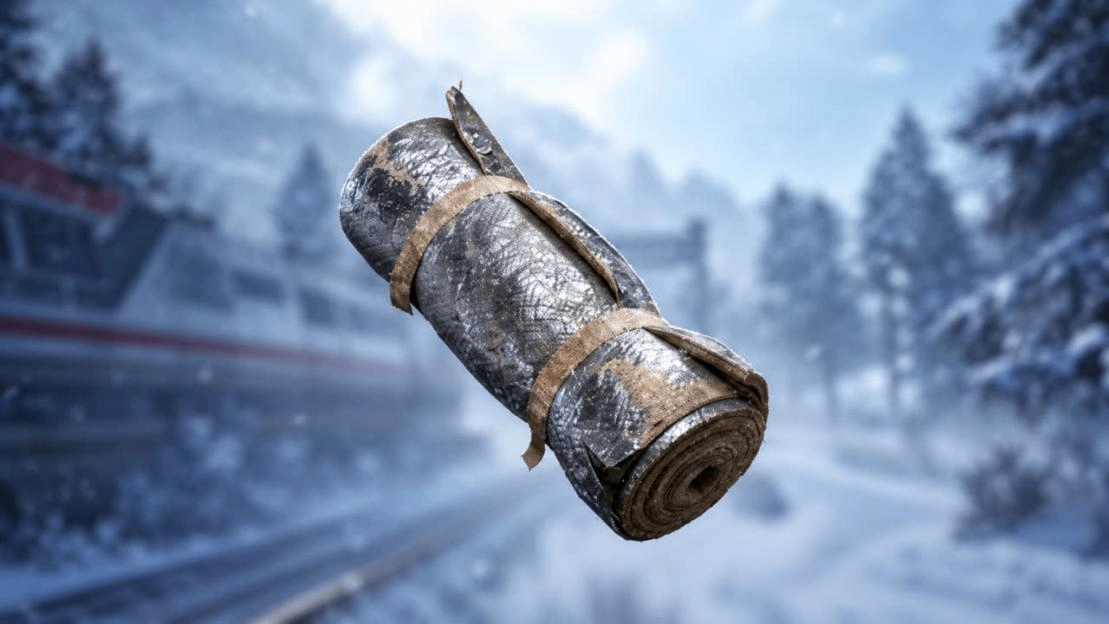
Insulation Roll | Outpost Room 4 | 3 |
Laser Level | Outpost Room 4 | 3 |
Differential Microphone | Research Station 3 | 3 |
Thermal Shaker | Research Station 4 | 3 |
Radial Press | Gunsmith 4 | 3 |
Insulation Rolls and Laser Levels
Room 4 needs three Insulation Rolls and three Laser Levels, alongside its Sheet Metal requirement. Compare both totals before deciding what to keep. If you already have three rolls but only one level, another Laser Level moves that upgrade forward while another roll can wait.
Apply the same check inside the shelter. With limited space, replace low-priority loot with the item you are missing. Finding a rare component does not make it your most useful find if its immediate requirement is already covered.
Before recycling extras, check your next workstation's requirements as well as the current room expansion. Radial Presses belong to Gunsmith 4, so collecting them does not fill a Research Station shortage.
Extracting with Your Materials
Once your next upgrade's missing item is in your backpack, leave time to extract from ARC Raiders' Pendola Pass. Choose a Gondola Transceiver on your map and interact with "Request Ballistic Gondola." After calling, hover over the transceiver marker on your map to check for a line pointing toward the landing spot.
Follow the "Ballistic Gondola (Incoming)" marker, HUD compass icon or transceiver spotlight, then use the green smoke to locate the landed capsule. If the map marker is missing, use the light and direction announcement instead of waiting beside the call button.
At the landed gondola, check for threats before holding the interaction to pry open a pod and board using the return prompt. There are three pods, each seating one Raider. Opening one leaves you exposed.
Get your squad to the landing area before anyone begins boarding, because boarding starts the departure countdown. Stay inside until launch and confirm the return to Speranza before treating your materials as recovered.