Summary
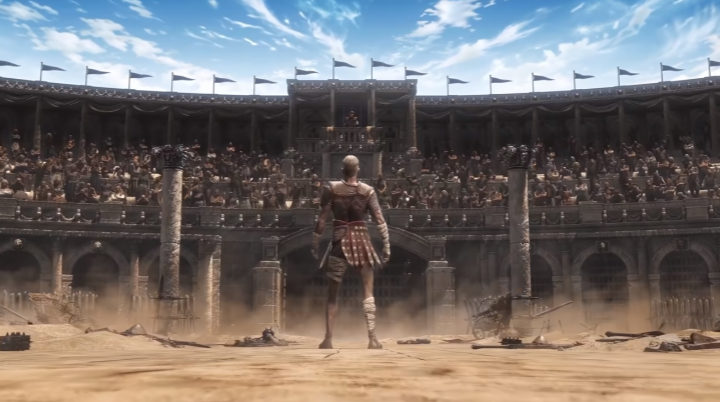
College Football 27 introduces significant Team Builder upgrades that allow players to create deeply customized teams. New features include stadium builder with four base stadium types, a comprehensive soundscape system with over 150 commentary nicknames and 66 band rousers, crowd customization with stripe-out and checkerboard patterns, and the ability to evolve your team through Dynasty mode. Team Builder teams can now be imported into Road to Glory, replacing high school and college teams for a fully immersive experience. To unlock more customization, buy CUT 27 Coins and access premium team upgrades.
Soundscape System
What Is Soundscape?
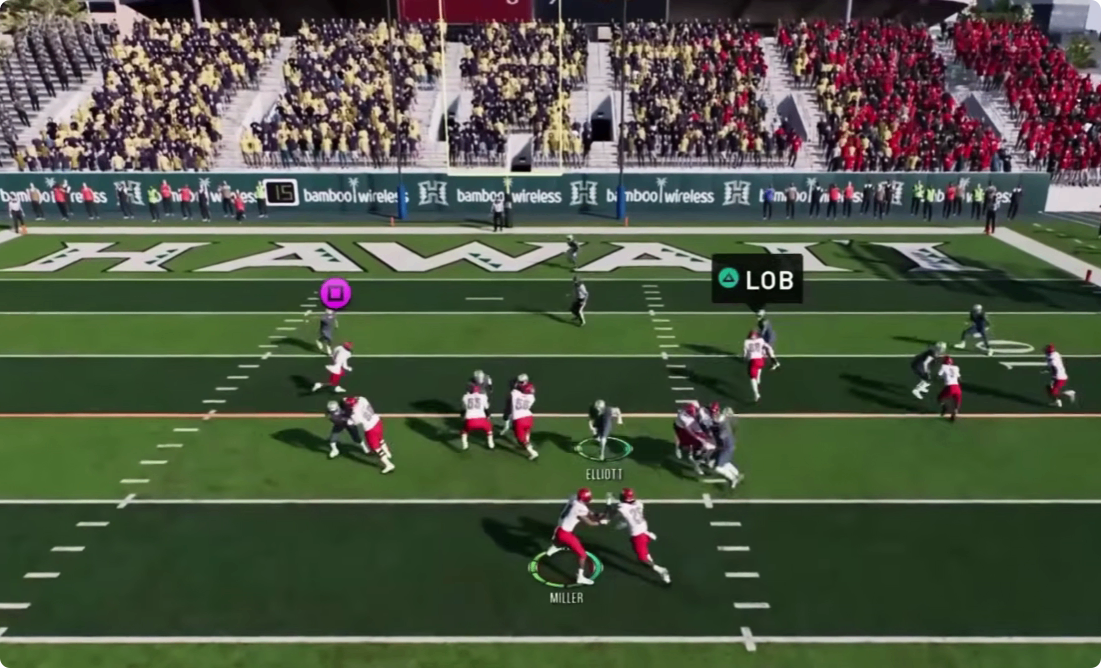
The Soundscape system allows you to create a unique stadium atmosphere by layering different audio elements. You start by selecting a trigger—a specific moment or event in the game, such as a first down or third down situation. From there, you can build the soundscape on a timeline using multiple tracks, similar to music editing software.
Available Audio Options
Players can choose from:
Over 150 recorded commentary nicknames – specific callouts for your team during gameplay
100+ sound effects – triggered by specific game events
66 band rousers – custom band chants and cadences (similar to how LSU or Georgia have special third-down traditions)
54 chants – crowd responses and organized chants
11 licensed PA tracks – potentially including popular songs like Mo Bamba or Enter Sandman
7 generic fight songs – base fight song options
You can layer crowd chants, band rousers, sound effects, fight songs, and PA tracks together while customizing when each sound starts. This gives you the ability to create a stadium environment that feels truly unique to your school.
Rivalry Commentary
When you choose your rival school for your Team Builder program, rivalry-focused commentary will speak to that matchup during the game. This makes rivalries feel real rather than generic, as the commentary team will acknowledge the history and significance of the matchup.
Stadium Builder
Base Stadium Selection
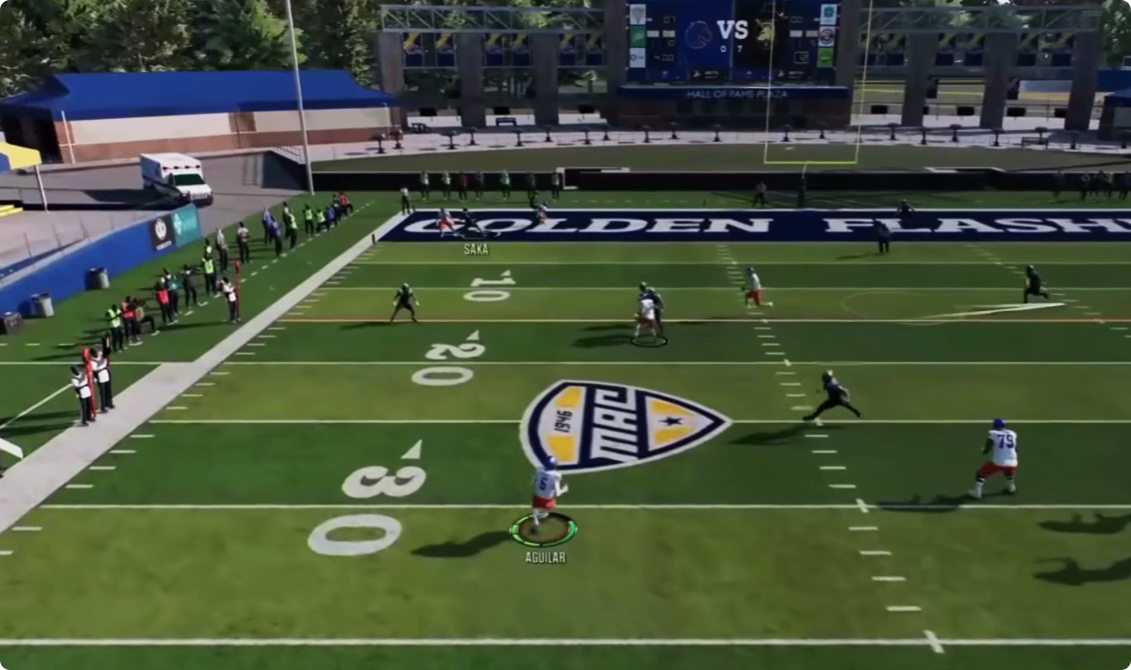
You have two options for your stadium: select an existing stadium from the game's library or build a custom one. When choosing custom, you build off one of four base stadiums, ranging from a higher-end high school-style stadium to small mid-size stadiums.
Customization Options
After selecting your base stadium, you can edit multiple elements:
Stadium backdrop – the environment surrounding the stadium (hopefully including options like palm trees)
Jumbotron – size and placement
End zone building – structures behind the end zones
Edge walls – control over wall type, color, logos, textures, and recoloring (including potential for hedges like Georgia's)
Goal posts – choose between "H" or "Y" shapes, and customize goal post pad colors
Evolution Through Dynasty
Your created school can now evolve through your Dynasty. At the end of each season during the off-season, there will be a button where you can update your Team Builder team. You can add new uniforms, improve your stadium, update your field, adjust your logo, and make any other changes you want. This means your program can grow from a small stadium into a massive venue over 5-6 years.
Crowd Customization
Color Selection
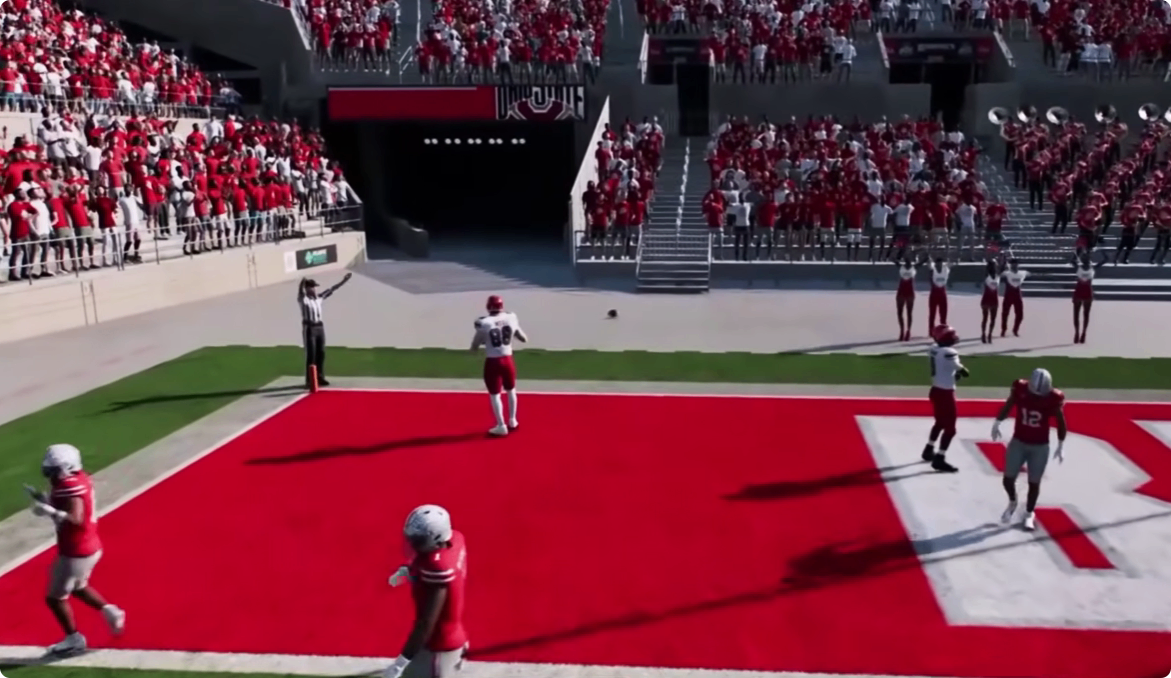
Start by selecting the base color of what your crowd wears, and set the percentage split between two colors. This allows you to create specific crowd looks for different game situations.
Stripe-Out Options
You can create stripe-out events with patterns including:
Checkerboard
Vertical stripes
Horizontal stripes
Activation Conditions
These crowd themes activate when specific conditions are triggered in Road to Glory and Dynasty. Conditions can include:
Night games
Top 25 matchups
Rivalry games
First conference game of the season
You can combine multiple conditions into a single trigger, but every condition in that trigger must be true for the crowd theme to activate. For example, if you set it to require both a rivalry game and a top 25 matchup, the stripe-out will only happen when both conditions are met.
Team Builder and Dynasty Integration
Historical Team Records
You can create a backstory for your school by setting historical team records, including when the school was founded, when the football program started, and adding stats and history. This makes your created program feel like it has real tradition.
Weather and Dynamic Day
Weather and dynamic day effects now reflect your Team Builder school's selected city. If your team is based in the Pacific Northwest, the weather and lighting will match that region's climate and conditions.
Off-Season Updates
At the end of each season during the off-season, you can update your Team Builder team. You can import new teams, add uniforms, improve stadiums, update fields, adjust logos, and make other customizations. This allows your program to evolve and grow over time.
Road to Glory Integration
High School Replacement
You can now replace all six high school teams in Road to Glory with Team Builder teams. If you want to build out your own local high school scene, recreate a fictional region, or start your player's journey against custom opponents, you now have that flexibility.
College Team Replacement
You can also replace college teams in Road to Glory, allowing your player to sign with and play for one of your Team Builder programs once they reach college. You can import up to 16 total Team Builder teams into Road to Glory.
Immersion Potential
This integration allows for an incredibly immersive experience: create your own high school team, sign to your own college team, and then go win a national championship. The entire journey can be customized from start to finish.
Final Thoughts
College Football 27's Team Builder represents a significant step forward for customization fans. The combination of stadium builder, soundscape customization, and crowd options allows for truly unique program creation. While there are limitations—you cannot yet take an existing stadium like Alabama's and add to it—the foundation is solid and will likely expand over time.
The ability to evolve your team through Dynasty and import them into Road to Glory creates a connected experience where your custom program can grow and develop over multiple seasons. Whether you are recreating a real school, building a fictional program, or setting up a local high school scene, Team Builder offers the tools to make it happen. For even more options, CUT 27 Coins unlocks premium assets and customization slots.